

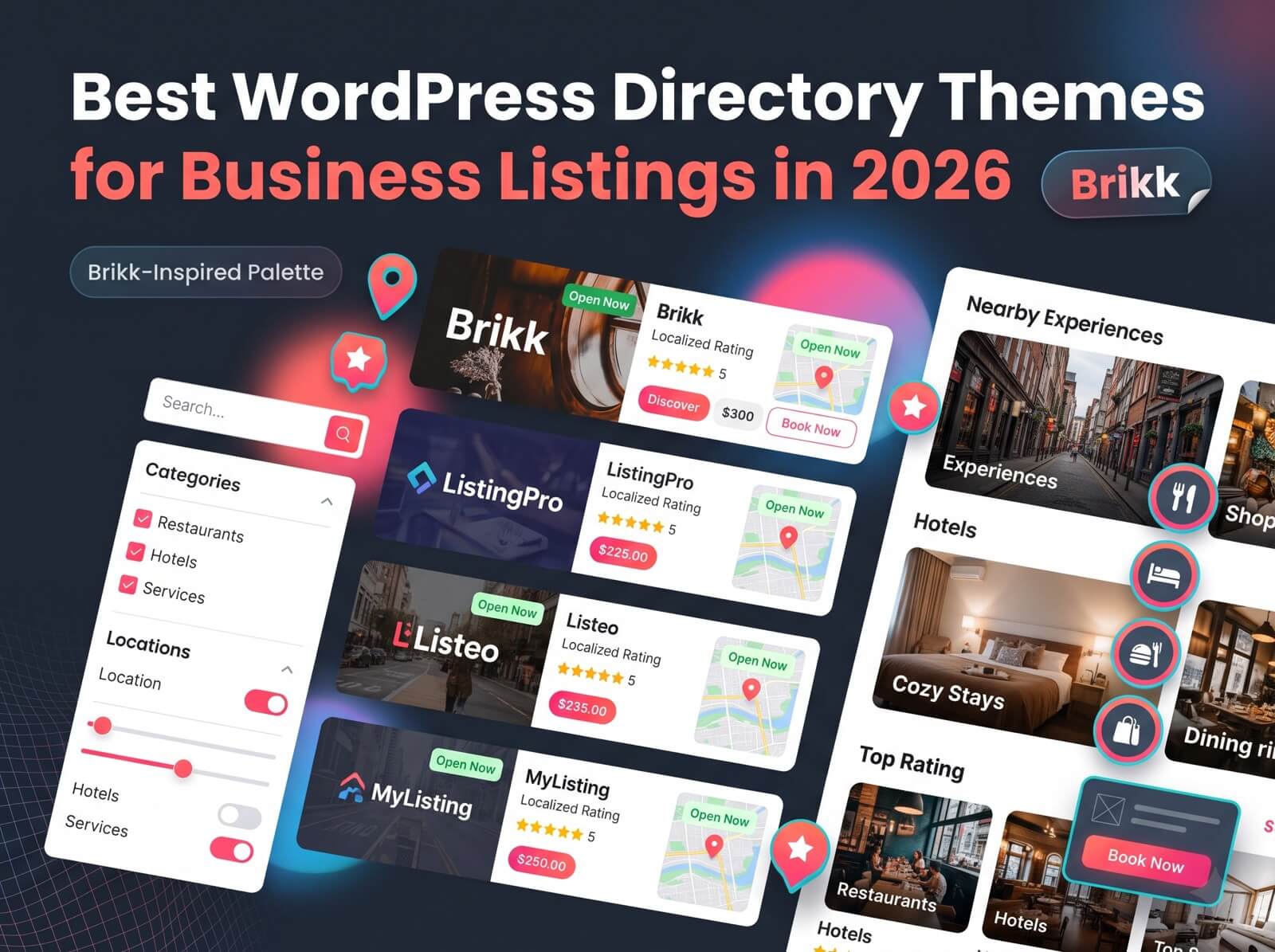
Someone searching a business directory makes up their mind fast. They scan, filter, open two or three listings and either find what they need or leave. Meanwhile, the owners behind those listings expect to log in fix their opening hours and get back to work.
Table of Contents
ToggleYour theme decides how smoothly both of those things go. That is why choosing among the WordPress directory themes comes down to a handful of practical features, not a pretty demo. This guide covers those features, how to test them and how our own directory theme handles each one. We built it so read this as a checklist and a product tour second.
What Makes a WordPress Directory Theme Worth Using?
Listings, Not Just Pages
A regular business theme offers you pages like home, about, and contact. A WordPress directory theme offers you a setup that focuses on listings. Each business has its page and people can look through search for and sort through all of them.
That is the difference between a company website and a directory even if both use the same page builder. Within WordPress directory themes the helpful ones provide the things that are missing: listing pages, search filters, submission forms and user accounts.
Built for Two Audiences: Visitors Who Search, Owners Who List
Every directory serves two groups. Visitors want to find the right business quickly. Owners want to manage their own listing without emailing you. A theme that favors one side leaves the other frustrated so test both before you commit.
Features That Separate the Best Directory Themes From the Rest
Whichever theme you’re weighing, hold it up against the five features below. They decide whether a directory feels professional or half-finished, and they’re what set the best directory WordPress themes apart from the rest.
Listing Types and Custom Fields That Fit Any Niche
Restaurant listing requires a menu and opening hours. Plumber listing requires service areas. Classified ad listing requires photos and price.
A good business directory WordPress theme allows you to create listing types each with its own custom fields and taxonomies. Our theme works in that way. You define the listing types, the fields and the categories and each listing type keeps its structure.
Search Forms Visitors Will Actually Use
Search is where a directory wins or loses. Look for a theme that lets you build search forms around how people really look for things: by category, location, price, or any custom field you’ve created.
In our theme, a drag-and-drop builder designs both the search forms and the results, and you can create more than one form. Several layouts for explore and archive pages control how those results appear. Keep it lean, though. Add only the filters that help someone decide.
Listing Pages You Build Like Blocks
The single listing page is the moment when a visitor decides whether to reach out so you must manage what is shown on it. On this page you build the layout using modules and order them to fit each listing type. Each listing type can then display the information that matters most for that kind of business.
Front-End Submission Owners Won’t Dread
If owners have to email you every change your directory will not grow. Front‑end submission allows owners to add and edit listings directly on your site without going into the WordPress admin area.
Here is how it works in our theme:
- You build the submission form by yourself. Put its fields into steps. Each listing type must have its flow. If you have types the first step asks the owner to choose one.
- Approval stays in your hands. A setting on each listing type decides whether new listings must wait for an admin before they appear live and you can send listings back for re‑approval.
- Statuses are clear: Pending Approval, Pending Payment or Expired.
- You can turn off submission, for any listing type that should remain admin‑only.
Owners then manage everything from an account dashboard, where they see their listings, entries, messages, payouts and notifications.
Reviews That Build Trust
Visitors trust customers more than a listings own description. Look for reviews you can tailor. Our theme supports custom review criteria and media uploads so you can rate a restaurant on food and service and a rental, on cleanliness and location.
Meet Our Directory Theme
Everything above comes from one product: Brikk, a WordPress listing theme from Utillz. As a WordPress business listing theme, it handles the obvious cases. It also stretches well past them, which is worth checking whenever you compare WordPress listing themes.
One Theme, Any Listing Type
We built the theme to suit any listing type: businesses, restaurants, events, classified ads, jobs, rentals and bookings. It also takes reservations; the directory supports bookings, hourly bookings and appointments with two‑way calendar sync.
Every user also gets a profile that shows user listings. That is a way to give each business its own home base for a directory listing WordPress theme.
Try Before You Buy: Demos and One-Click Import
You should not buy a directory theme just based on pictures. Brikk comes with a demo, including a booking demo, an apartments demo and an import tool that sets up the designs and information in a few clicks.
Try the demo as a base. Do a search open a profile and test the submission process before you make any changes.
Elementor and WooCommerce Under the Hood
The theme is built with Elementor, so you can lay out advanced page content in a front-end drag-and-drop editor. Payments and orders run through WooCommerce, which brings 100+ payment gateways, reports, and invoicing.
From Listings to Revenue: How a Directory Earns Its Keep
A directory that can’t earn is a hobby. The best listing WordPress theme for you is the one whose earning options match your plan, so check what it lets you charge for.
Listing Plans, Promotions, and Fees
Our theme supports several earning methods:
- Listing plans: sell packages that unlock listing submission, with features. Free plans are also available.
- Promotions: let owners pay for visibility with listings set as Normal, Featured or Promoted.
- Banner ads: sell ad space on your directory.
- Fees: add service and host fees to bookings.
The Costs Nobody Mentions
Be honest with yourself about the extras. Recurring listing plans need a separate paid plugin: WooCommerce Subscriptions. Payouts aren’t automatic. Owners request their payouts through PayPal or direct bank transfer. You have to process each request by hand.
That is manageable; a busy directory needs a payout routine. The theme itself is a one-time $79 license, with no fee. Add hosting, a domain and your own time to see the cost.
How to Choose: A Quick Buyer’s Checklist
Before you buy any theme, ours included, run through these four steps.
- Match the theme with your directory. A local business directory, a services directory, a restaurant guide and a classifieds site each need fields and filters. Write your directory notes down first.
- Test the demo like a visitor and an owner. Search, filter open a profile. Submit a listing. Then test the demo again on a phone.
- Add up the cost. Count the theme, domain, extra plugins, payment fees and the time you will spend handling submissions and payouts.
- Read the documentation. Check update history, plugin requirements and support options. If you can try the theme on a staging site before you touch your site.
Conclusion:
The Best Directory Theme Is the One That Fits Your Plan
The best WordPress directory themes all share these traits. They have listing types, a search that works well a simple front‑end submission process, reviews that people trust and a clear way to earn money. If you compare any WordPress directory theme against that list you will spot the ones quickly.
If you also want your directory to take bookings, Brikk from Utillz is worth trying out. Import a demo, run a search, submit a listing and see how the experience feels. Then choose the WordPress directory theme because the WordPress directory theme fits your plan not just because the demo looks good.