Every time a guest checks out, a small difficulty awaits you in your inbox: a booking confirmation showing that the platform fee has already been deducted. You might not even notice it for a single booking. But after a year’s worth of bookings, you suddenly realize you’ve spent thousands of dollars to reach guests who, in reality, never truly belonged to you.
Table of Contents
ToggleThis is the hidden cost that many vacation rental hosts fail to account for until they actually sit down and crunch the numbers.
The good news is that you don’t have to choose between staying on Airbnb and Booking.com or losing a share of every booking forever. With a well-designed WordPress theme for vacation rentals and the right booking tools, you can run your own site alongside the platforms you already use and keep a larger share of your earnings.
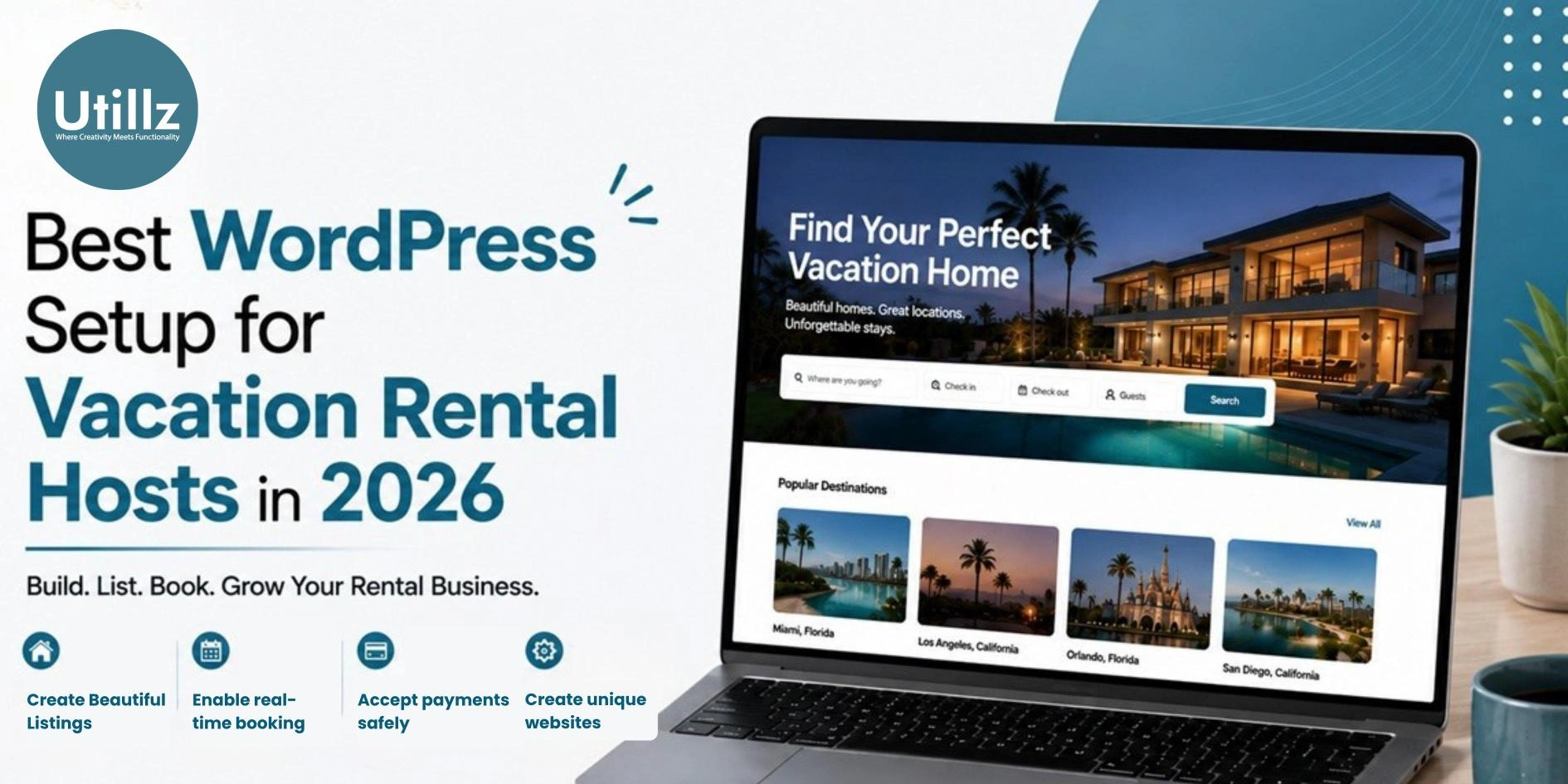
This guide outlines what a complete WordPress setup looks like for vacation rental hosts in 2026, the common mistakes most people make, and an easy, step-by-step method to get your site live.
What Makes a Vacation Rental Website Actually Work in 2026
Why a Generic WordPress Theme Isn’t Enough
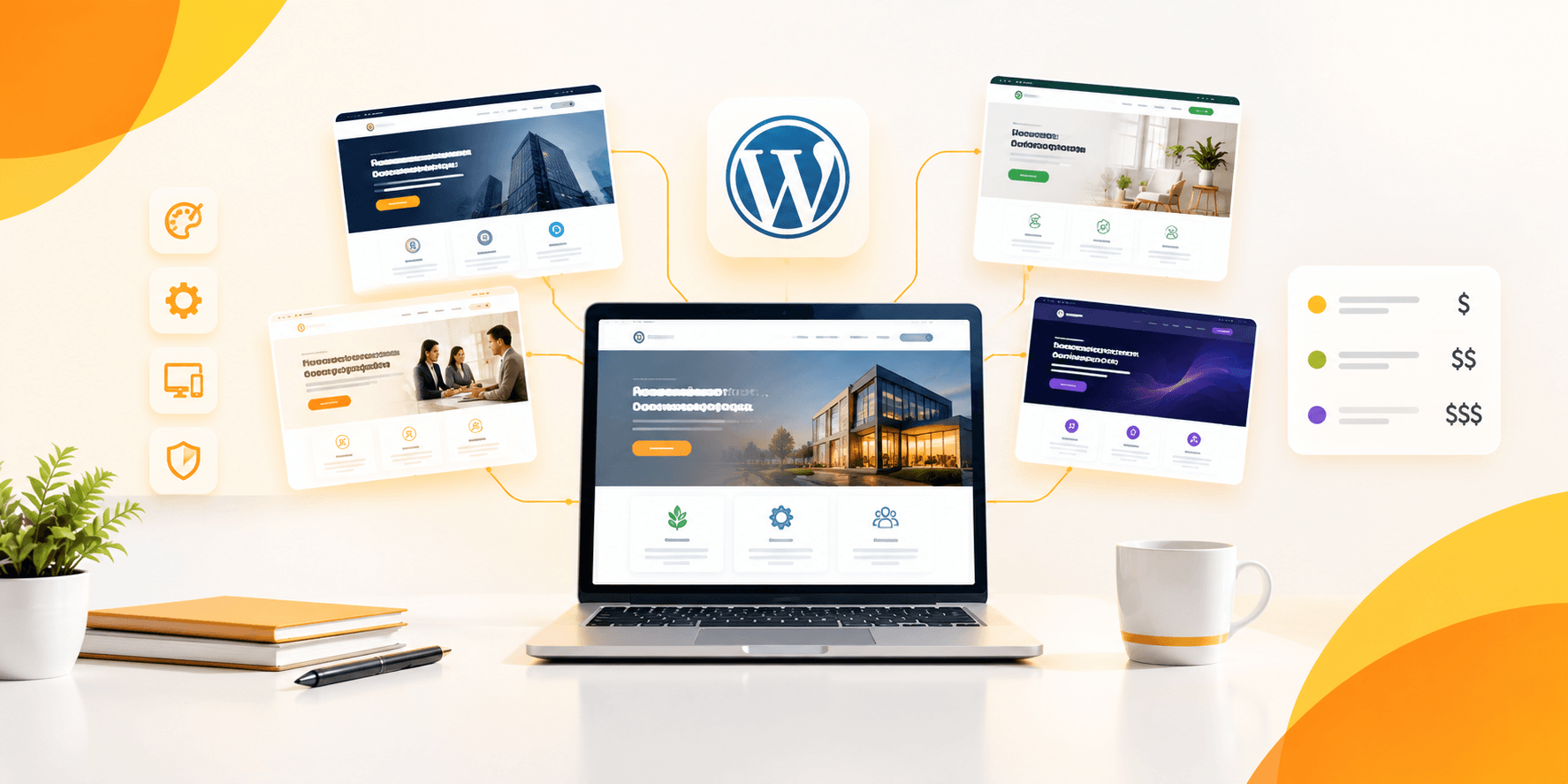
Not every WordPress theme is designed to handle bookings. Many hosts start with a standard business or portfolio theme, only to realize later that it lacks a way to manage availability, accept reservations, or process deposits. From there, they keep adding plugins one after another just to implement basic functionality: one for a calendar, another for payments, and a third for reviews.
Working in such a piecemeal fashion creates more problems than solutions. Plugins conflict with each other, updates break things, and fixing glitches turns into part-time work.
What “Complete Setup” Means for Hosts
Setting up a vacation rental website properly is not about choosing a theme. It involves parts, like a booking system, secure payments and calendar syncing. These parts need to work smoothly. When these parts are made to connect from the beginning you spend less time taking care of your website. You can then spend time taking care of your real properties.
Core Pieces of a Vacation Rental WordPress Setup
A Purpose-Built Vacation Rental WordPress Theme
Your theme serves as the foundation; therefore, rather than modifying a generic template, choose a theme specifically designed for rentals. Keep the following points in mind:
- Not just a standard contact form, but built-in support for hourly and nightly bookings
- Clean, mobile-first design since most guests browse and book using their phones
- Photo-rich listing layouts that showcase your property at its best
- Compatibility with drag-and-drop builders like Elementor, allowing you to customize without touching any code
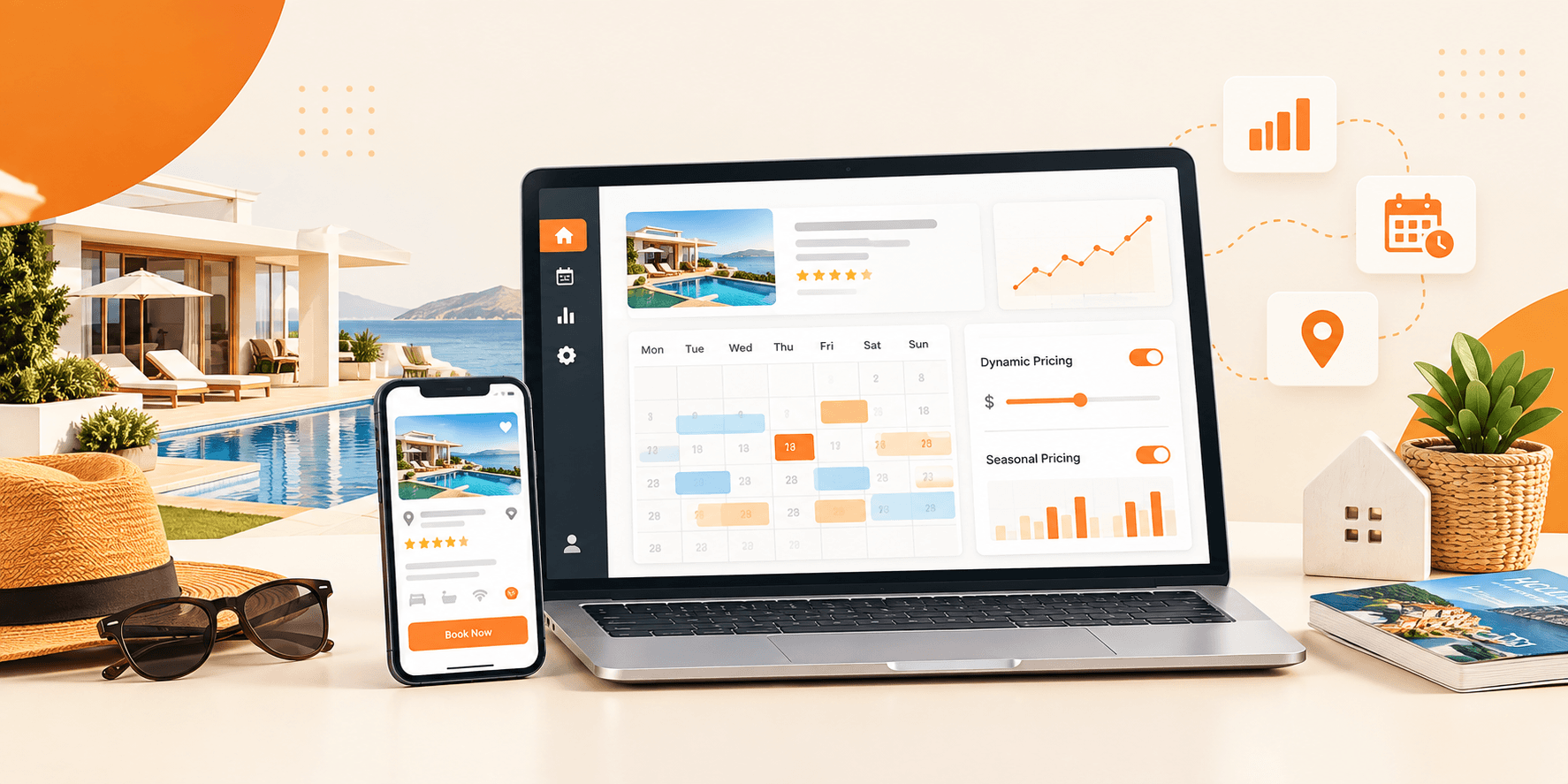
A Vacation Rental Booking System
This is where many hosts get stuck, because standard themes often lack booking functionality. A good booking system should include the following features:
- A live availability calendar that guests can view in real-time
- The option for instant or request-based booking, according to your preference
- Automated confirmation emails, so you don’t have to respond to every inquiry manually
- A built-in guest messaging feature to keep all conversations in one place
Vacation Rental Management Tools
If you manage more than one property or handle bookings on behalf of other owners your setup needs to manage this complexity seamlessly. Operational management features include:
- Manage multiple listings simultaneously from a single dashboard
- Track commissions if you run a small property management business
- Reporting on occupancy and revenue across all properties
Two-Way Calendar Sync with Airbnb and Booking.com
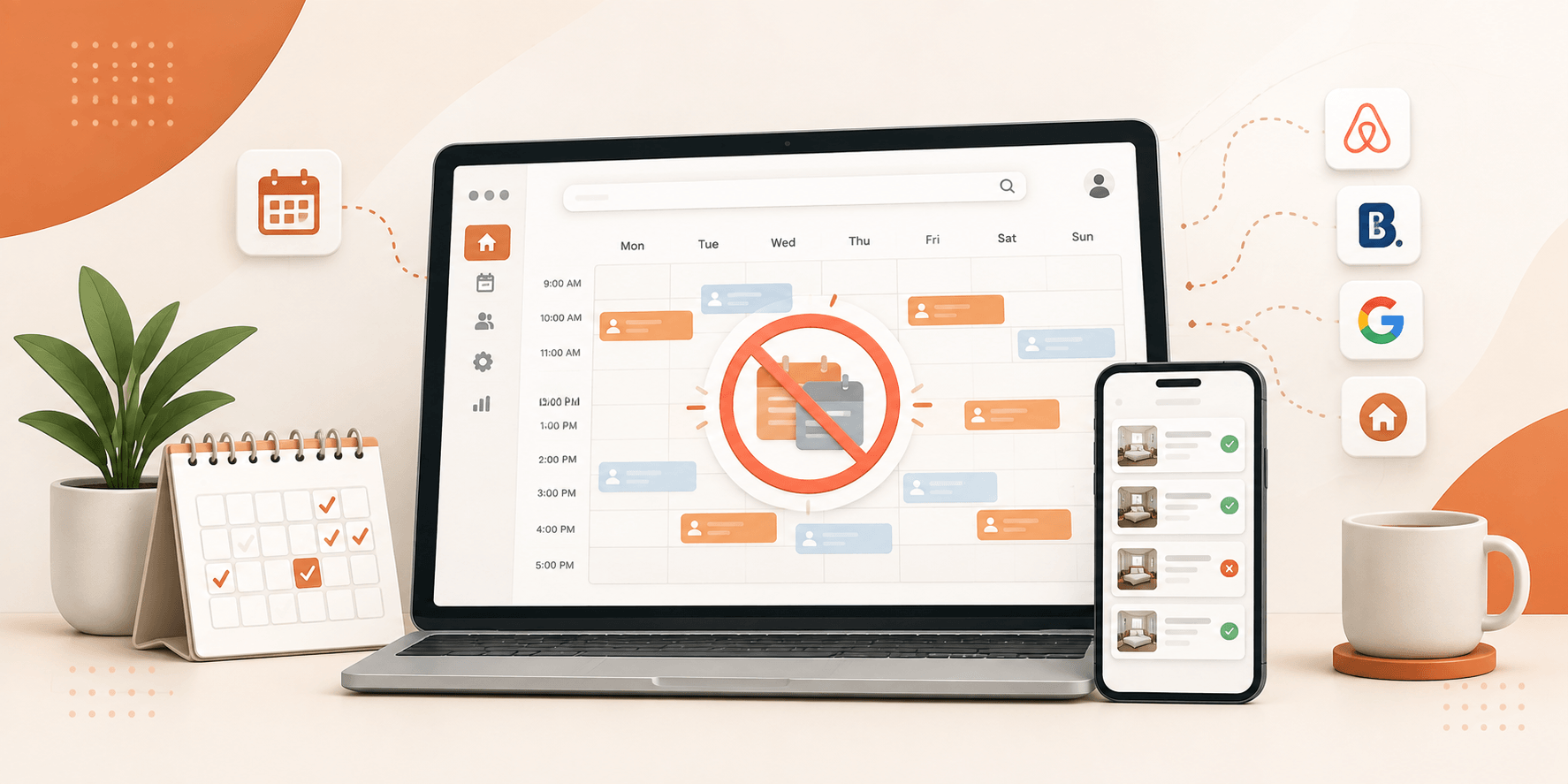
Hosts might not place much focus on this feature. Two-way iCal sync means that when a booking is made via Airbnb, the website’s calendar updates automatically and vice versa. Without this, if a booking comes in from another platform, you have to block the dates manually; if you accidentally miss even a single update, it could lead to a double booking.
Before choosing a setup, check whether it syncs with these:
- Airbnb
- Booking.com
- VRBO (if you list there too)
Secure Payments and Deposits
Guests expect a smooth, trustworthy checkout experience. Your setup should support recognized payment gateways, allow you to collect security deposits, and make refunds simple to process from your admin dashboard rather than requiring a manual workaround every time.
Common Mistakes Hosts Make When Setting Up Their Property Rental Website
- Choosing a general-purpose theme over a rental-specific one. It might look okay at first. But you will hit a wall the moment you need real booking functionality.
- Relying on many stacked plugins. Each additional plugin is another thing that can break, slow down your site, or stop working after an update.
- Ignoring the mobile guest experience. If your booking flow is hard to use on a phone, you are losing reservations before guests even reach checkout.
- Skipping calendar sync. This is the most common cause of double bookings. And double bookings are one of the fastest ways to damage your reputation as a host.
- Underestimating costs. A monthly subscription adds up fast once you calculate what you will actually pay over several years.
One-Time Cost vs. Monthly SaaS: What It Really Costs to Launch
Most SaaS-based marketplace platforms charge ongoing monthly fees before you’ve even taken your first booking, and many still take a percentage of every reservation on top of that. Over a few years, those costs stack up considerably.
A WordPress-based setup works differently. You typically pay once for your theme license, then cover standard hosting and domain costs both of which are relatively low compared to a recurring SaaS bill. There’s no per-booking cut taken from your revenue, and no risk of a platform raising its prices on you overnight.
For hosts thinking long-term, that cost difference adds up to real money staying in your pocket instead of someone else’s.
Step-by-Step: How to Set Up Your Vacation Rental Website
- Pick a theme made for bookings, not just business in general. A theme built for restaurants or law firms won’t have a calendar or a reservation system baked in; you’d spend weeks bolting one on.
- Get your hosting and domain sorted first. Nothing fancy needed here, just a reliable host and a domain name guests will remember.
- Import a demo instead of building from scratch. Most rental themes come with a ready-made layout you can import in one click, then tweak from there way faster than staring at a blank page.
- Set your booking rules. Nightly rate, hourly rate if you offer it, minimum stay length, blackout dates get these locked in before you open bookings, not after.
- Hook up a payment gateway. Stripe or PayPal usually does the job, and make sure deposits are collected automatically so you’re not chasing guests for money later.
- Sync your calendar with Airbnb and Booking.com. This one matters more than people think; skip it, and you risk double-booking a guest who reserved through two different channels.
- Add your actual photos and property details. Skip the stock images. Guests book based on what the space really looks like, so put in the effort here.
- Test the whole booking flow yourself before going live. Book a fake reservation, walk through checkout, check that the confirmation email lands, and catch the glitches before
Ready to Build Your Own Vacation Rental Website?
A complete vacation rental setup doesn’t have to mean juggling five different plugins or handing over a percentage of every booking indefinitely. With the right WordPress theme one built specifically for nightly and hourly bookings, calendar syncing, and secure payments you can launch a site that’s genuinely yours, in a weekend, without writing a single line of code.
If you’re ready to see what that setup looks like in practice, explore Brikk by Utillz and take the first step toward owning your booking business outright.