Your Website Is Working Right Now Is It Working For You?
Think about it. While you’re asleep, in meetings, or on a call with a client your website is out there representing your business. It’s the first thing a prospect sees before they decide whether to reach out or click away.
Table of Contents
ToggleAnd yet, most business owners spend less than an hour choosing the theme running the whole show.
That one rushed decision quietly shapes your load speed, your Google rankings, your credibility, and how many visitors actually turn into paying customers. A theme that looks stunning on a Tuesday afternoon in a browser tab can absolutely kill your conversions in the real world.
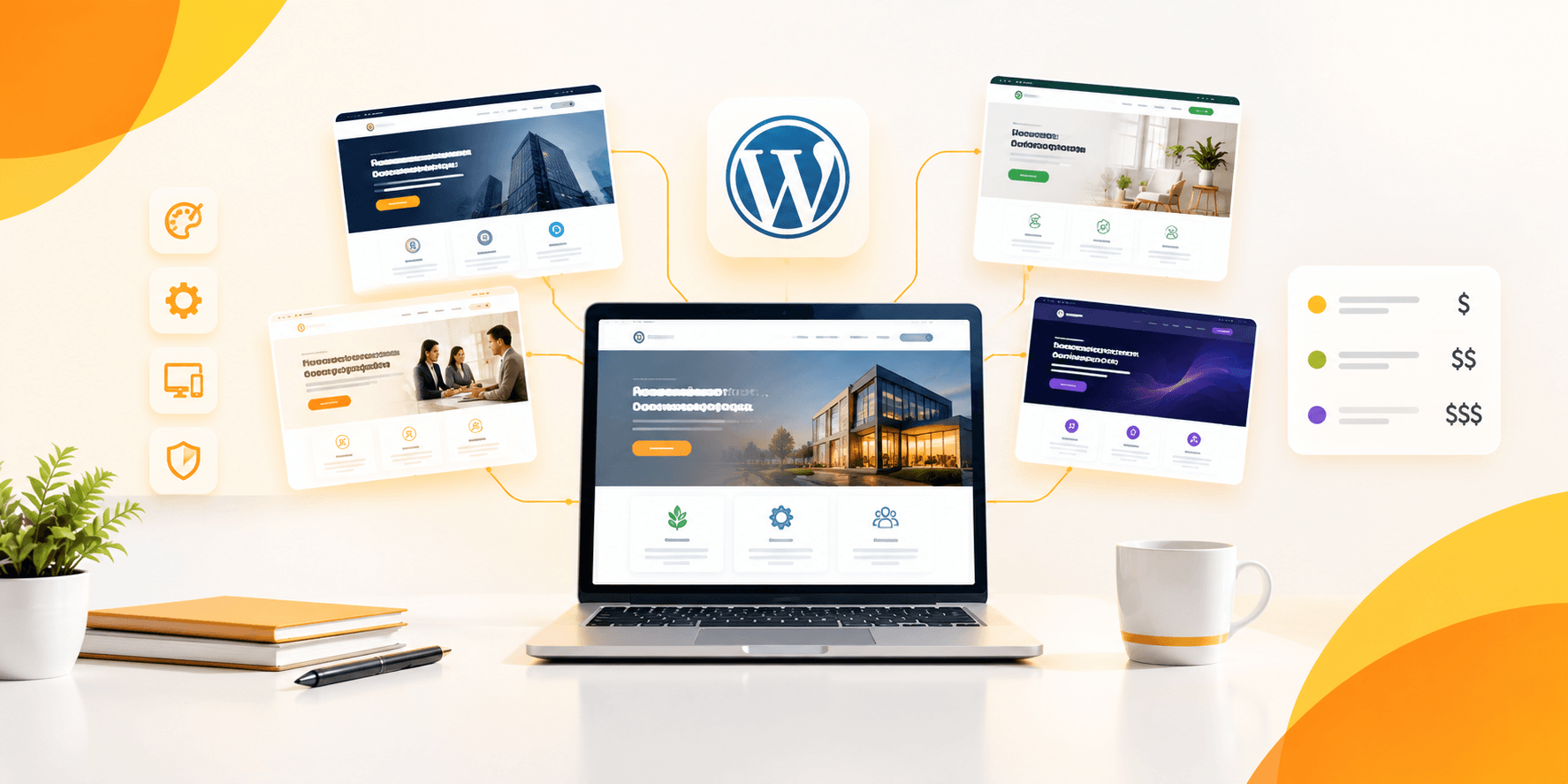
Here’s the truth: picking the right WordPress theme for business isn’t about finding the most beautiful option in the marketplace. It’s about finding the one that’s built to perform where it counts. This guide walks you through every part of that decision, clearly and without the usual fluff.
The Traps Most Business Owners Fall Into (And How to Dodge Them)
Nobody talks about this part enough. Before getting into what makes a great business theme, it’s worth naming the mistakes that lead people to regret their choice because they’re far more common than you’d think:
- Falling for the demo design Demos are built by professionals with premium stock photos and perfectly crafted copy. Your real content will look very different. Imagine your actual pages inside that theme before buying.
- Treating speed as optional A four-second load time doesn’t just frustrate visitors. It pushes your site down Google’s rankings before a single person reads your headline.
- Picking something you’ll outgrow a growing business needs a theme that keeps up. If adding a new service page requires a full redesign, that theme was never built for growth.
- Trusting a developer who’s gone silent Themes without recent updates are security liabilities. Always check the changelog before spending a cent.
- Getting stuck in comparison mode Comparing 40 themes over three weeks isn’t research it’s procrastination. Set your must-haves, test a short list, and commit.
Catching yourself before any of these saves a lot of pain down the line.
What’s Really on the Line When You Choose a Business Theme
Here’s why this decision deserves more than a quick scroll and a gut feeling. The WordPress theme for business you pick today affects your site in ways most people don’t realize until something goes wrong:
- Credibility on the first visit You don’t get a second chance at a first impression. A clean, professional layout signals that your business is legitimate and worth trusting before you’ve said a word.
- Site speed and search rankings Bloated themes drag your pages down and push your bounce rate up. Google ranks faster sites higher. Simple as that.
- Whether visitors take action A theme with smart layout choices naturally guides people toward your contact form, your services, or checkout. A poorly designed one leaves them confused about where to go next.
- How easily you can maintain it Regular theme updates mean better security, fewer plugin conflicts, and a site that stays compatible with the latest WordPress version.
- Your long-term SEO foundation The best WordPress theme for business website performance is coded cleanly, uses the right heading hierarchy, and supports schema markup all of which help search engines understand and rank your content.
Get this right from day one and you’re building on solid ground. Get it wrong and you’re patching cracks for years.
What a Genuinely Business-Ready Theme Looks Like Under the Hood
A good-looking theme and a business-ready theme aren’t always the same thing. Here’s what you’re actually looking for when you dig past the surface design:
A Design That Says “We Mean Business” Without Saying a Word
First impressions happen in milliseconds. Your theme’s layout, font choices, and color decisions either build trust immediately or quietly undermine it. Business-ready design means:
- Layouts that are clean and easy to scan nothing cluttered or competing for attention
- Typography that’s comfortable to read across every screen size
- Color choices that feel intentional and professional rather than default
- White space used purposefully to draw the eye where it matters
The goal isn’t flashy. It’s trustworthy.
Performance That Holds Up When It Counts
The fastest WordPress themes aren’t the ones packed with the most features, they’re the ones that carry only what’s needed and cut everything else. For business use, that means:
- Lean code that doesn’t load unnecessary scripts quietly in the background
- Full compatibility with caching plugins like WP Rocket or W3 Total Cache
- Native lazy loading for images so pages feel fast even with rich visuals
- Real scores above 85 on Google PageSpeed Insights not just in the demo, but with your actual content loaded
Mobile Experience That Doesn’t Cut Corners
Your clients aren’t sitting at a desktop waiting to hear from you. They’re checking their phones between meetings, during lunch, on the commute. A mobile experience that feels like an afterthought is a business opportunity quietly walking out the door.
The best WordPress themes for business are built mobile-first meaning every layout decision starts with the smaller screen, not the other way around.
Pages That Actually Move People Toward Action
Traffic without conversions is just noise. A business theme should do more than show information it should create natural pathways that move visitors toward what matters most:
- CTA sections that are easy to spot and hard to ignore
- Testimonial and social proof layouts that build real confidence
- Service and product showcases that sell without feeling pushy
- Contact and lead capture sections that are simple and completely frictionless
Editing Freedom Without Calling a Developer
The best theme WordPress business owners actually stick with is one they can manage themselves. Look for native compatibility with Elementor or a similar page builder, which means:
- Full drag-and-drop control over every layout and section
- Real-time editing so you see exactly what you’re publishing
- Pre-built page templates you can customize rather than build from nothing
- Zero code required for everyday updates and changes
Plugin Support for the Tools Your Business Actually Runs On
A business site doesn’t run on a theme alone. Make sure whatever you choose plays nicely with:
- WooCommerce for selling products, services, or digital downloads
- Yoast SEO or Rank Math for solid on-page SEO management
- WPForms or Contact Form 7 for capturing leads without friction
- Google Analytics so you actually know what’s working and what isn’t
Conclusion
There’s no single best WordPress theme for business that fits every company, every industry, and every goal. What there is is the right one for you.
Speed, support, mobile performance, and a layout that converts those are the things worth optimizing for. Not the color scheme. Not the number of bundled templates.
Test before you commit. Read what real customers say. Once you’ve found something that ticks the boxes that actually matter, launch. A live site on a solid theme will always beat a perfect site that never goes public.
The right theme doesn’t just make your business look credible it quietly does the selling for you, around the clock.
Stop Settling for a Website That Just Sits There
Your business deserves more than a generic theme that was never built with growth in mind. Explore premium WordPress themes that are fast, flexible, conversion-focused, and backed by developers who genuinely show up when you need them.
One great theme. One real foundation. Start building the website your business actually deserves today.