U.S. coworking locations grew from 7,776 to 8,973 in a single year, a 15% jump, with flexible office inventory climbing 16% to more than 161 million square feet. That kind of growth doesn’t leave much room for phone calls and email back-and-forth. Smart booking and automated occupancy tracking are becoming standard in coworking spaces, and a site still running on manual reservations is already behind.
Table of Contents
ToggleThis guide walks through building a coworking space booking website that actually handles that volume, from picking a theme to setting your own commission structure.
What Is a Coworking Space?
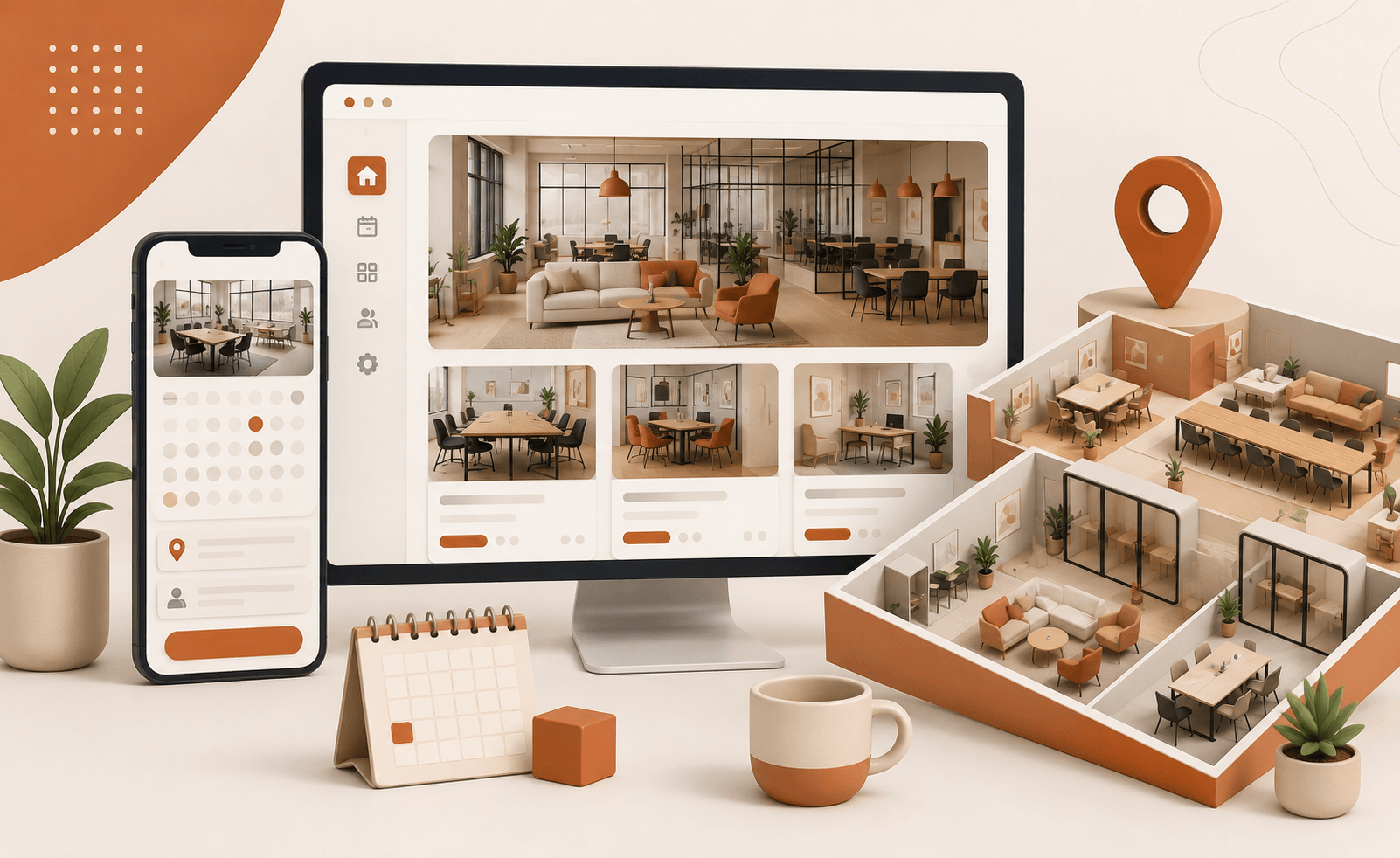
A coworking space is a shared work environment where people rent access to desks, private offices, meeting rooms, or event space usually without signing a long-term lease. A member might grab a single desk for an afternoon, a meeting room for two hours, or a private office for months on end, with pricing that matches what they actually need.
That kind of range is exactly why a standard office-rental booking system won’t cut it here. Someone booking a two-hour meeting room slot has a completely different set of needs than a guest booking a three-night stay, and the platform behind the site has to handle both without forcing either into the wrong format.
Core Features Every Coworking Booking Platform Needs
Flexible Hourly & Time-Slot Booking Logic
A coworking site isn’t the same booking problem as a vacation rental. Nightly stays run on check-in and check-out dates; a desk booking system WordPress setup needs to handle bookings measured in hours on top of that.
Brikk supports both models natively: nightly reservations for anyone also renting rooms by the night, and hourly time-slot bookings for desks, meeting rooms, and studios. That distinction matters because a member booking a desk for a two-hour block needs different calendar logic than a guest booking three nights in a private office.
Multi-Vendor Host Dashboards
If more than one space operator lists through your site, each one needs a way to manage it without you manually updating every listing yourself.
A multi-vendor dashboard lets space providers add their own listings, manage availability, and see their payouts directly, while commission tracking and automated vendor payouts run in the background. That’s what actually lets an hourly coworking rental site scale past a single-location booking page.
2-Way Calendar Synchronization
Double-booking a desk or meeting room is the fastest way to lose a member’s trust. 2-way iCal sync keeps availability locked across every other platform; a space is already listed to block a slot on one, and it blocks everywhere else automatically.
Step-by-Step Guide: Building Your Coworking Site (No Coding Required)
Step 1: Get Web Hosting & a Domain Name: A domain costs somewhere between $10 and $15 a year, nothing dramatic there. Hosting runs a bit more figure $36 to $120 a year for a standard WordPress plan, which covers what a coworking booking site actually needs. Most hosts throw in SSL at no extra charge, so that’s one less thing to budget for.
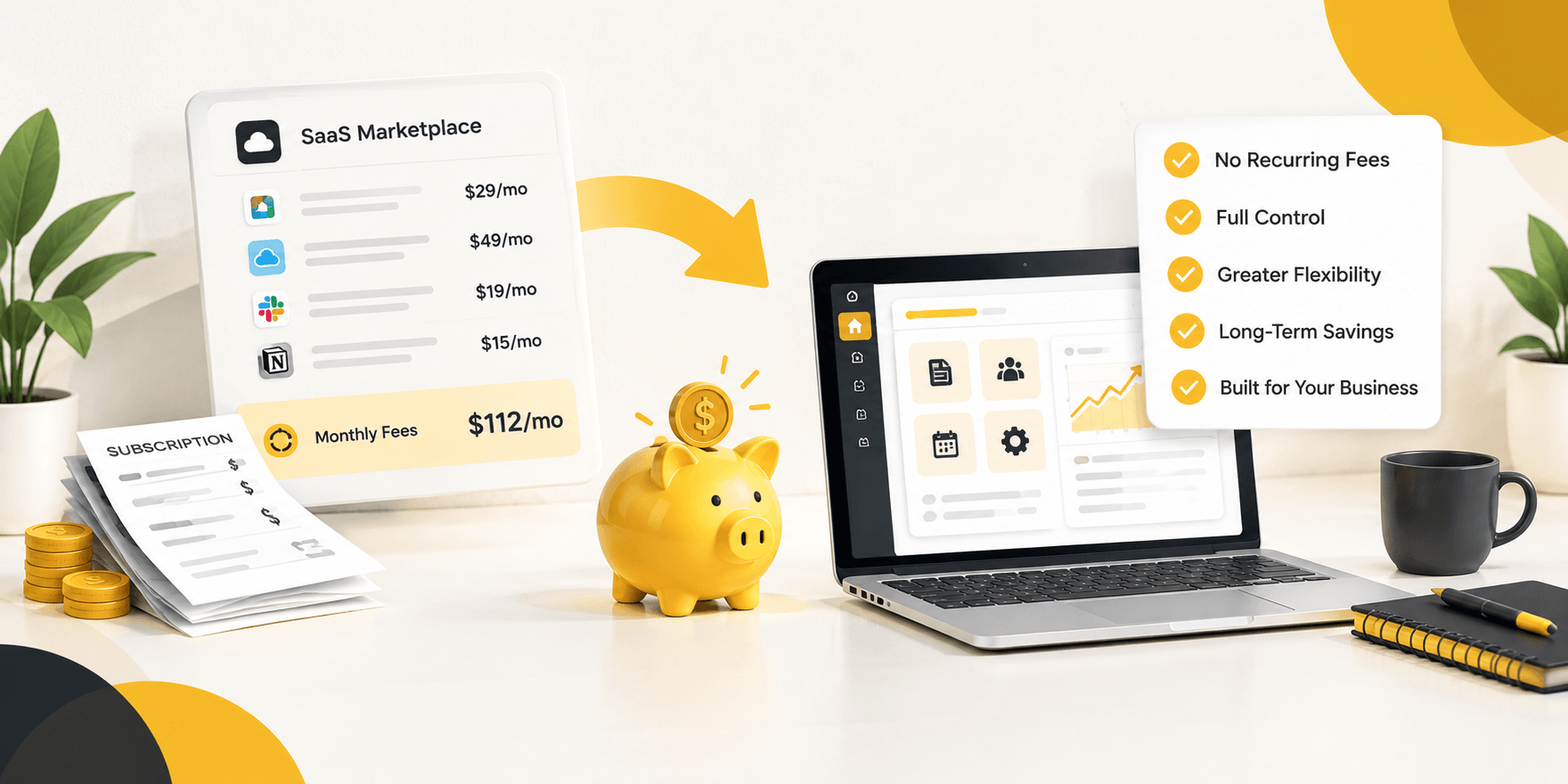
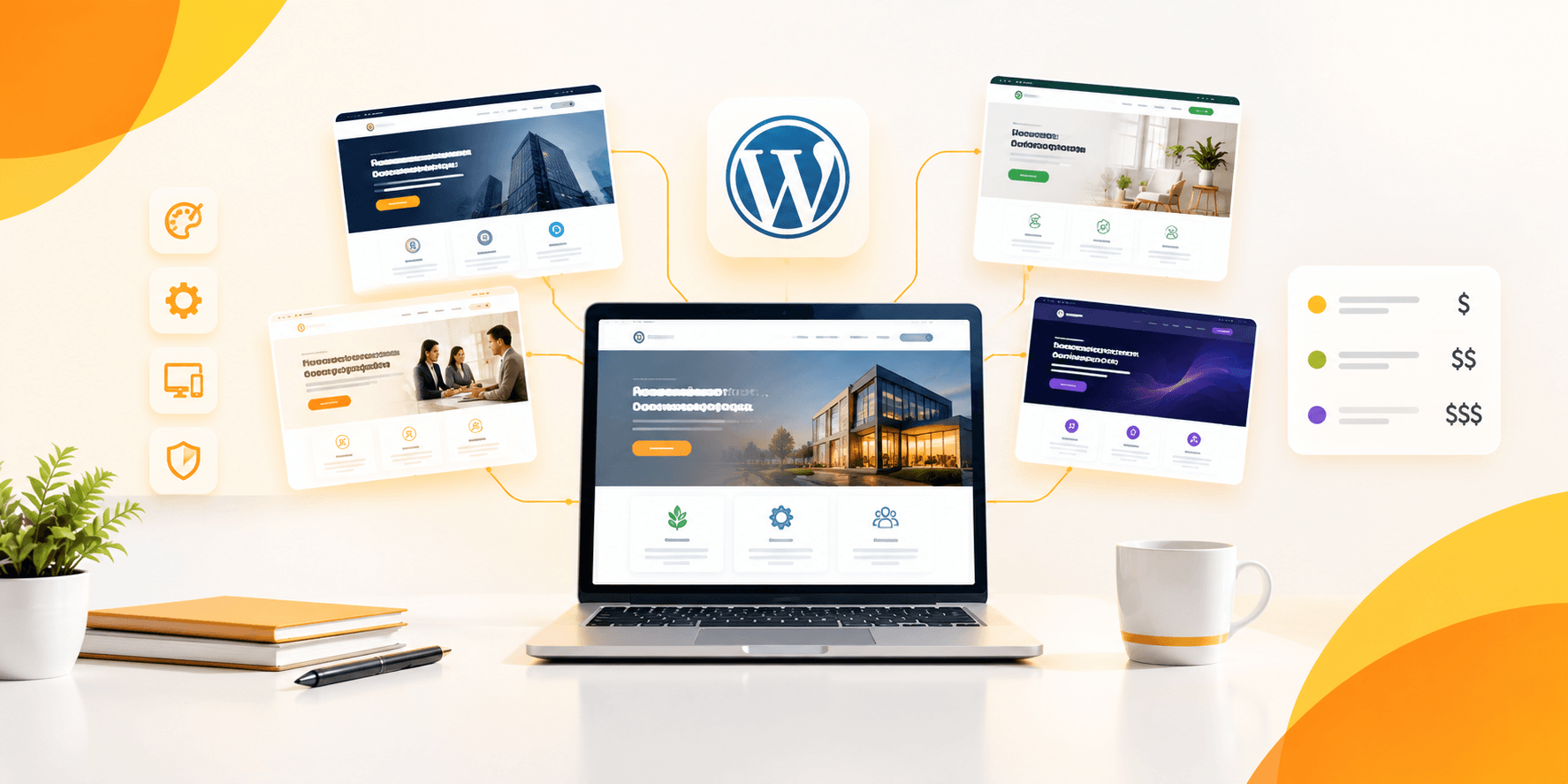
Step 2: Install WordPress & the Brikk Theme: Upload the theme zip file through WordPress’s Appearance → Themes → Add New → Upload Theme screen, then hit activate. That’s the whole install. The theme itself is a $79 one-time purchase no subscription, no monthly charge creeping in later.
Step 3: Run the 1-Click Demo Importer: Building every layout from a blank page takes time nobody has. The built-in demo importer skips that step, pre-loading workspace listing layouts and directory search forms in a couple of minutes flat. Start there, then adjust to fit rather than building blind from scratch.
Step 4: Configure Hourly Rental Rules & the Booking Engine: Set minimum booking hours for desks and rooms, add cleaning fees as an extra charge type, and turn on security deposits wherever they actually make sense private offices, equipment-heavy studios, anything with real stakes attached. None of this needs a separate plugin; it’s already built into the booking engine’s standard pricing options.
Step 5: Customize Layouts Visually Using Elementor: The whole thing runs on a visual drag-and-drop editor, so headers, search forms, color schemes, and CTA buttons come down to pointing and clicking rather than touching code. Set aside an hour or two, maybe three, for a first real pass at matching your brand.
Step 6: Connect Payment Gateways & Host Commissions: Payments run through the theme’s built-in checkout system, which connects to well over 100 supported payment gateways in about half an hour. From there, set whatever commission rate you want to keep on each booking, and vendor payouts split automatically from that point on.
Most sites go live within 24 – 48 hours, start to finish.
3 Proven Monetization Strategies for Workspace Marketplaces
- Transaction Cut (Commission Model): Take a cut of every booking that goes through. Most marketplaces start somewhere in the 10–15% range while they’re still dialing in their own number, though where you actually land depends on your market and what space operators are willing to give up. Commission tracking and automated payouts run natively here, so there’s no separate accounting system to bolt on.
- Featured or Promoted Listings: Let space operators pay a flat fee to pin their listing at the top of city search results. The theme’s listing status system already supports Normal, Featured, and Promoted tiers, which makes this a configuration change rather than something you’d need to build from scratch.
- Monthly Vendor Subscriptions: Charge coworking operators a flat monthly or annual fee for listing access, handled through a paid subscription add-on. Once enough space operators are on the platform, a flat fee like this tends to beat a per-booking cut for everyone involved.
Few marketplaces stick to just one of these three. Pairing a commission with the occasional promoted-listing sale is common once vendor competition is high enough for visibility to be worth paying for.
Conclusion
A coworking booking site isn’t a listings page with a contact form bolted on. It needs real hourly booking logic, a way for multiple space operators to manage their own listings, and calendar sync that actually prevents double-booking. Utillz’s Brikk theme covers all three natively, without a development team or a six-figure build.
Start with the booking engine, get the commission structure right, and the rest design, payments, promotion falls into place around it.
Ready to build your own coworking space booking website?
Set up, run the demo importer, and start listing desks and rooms within the day.