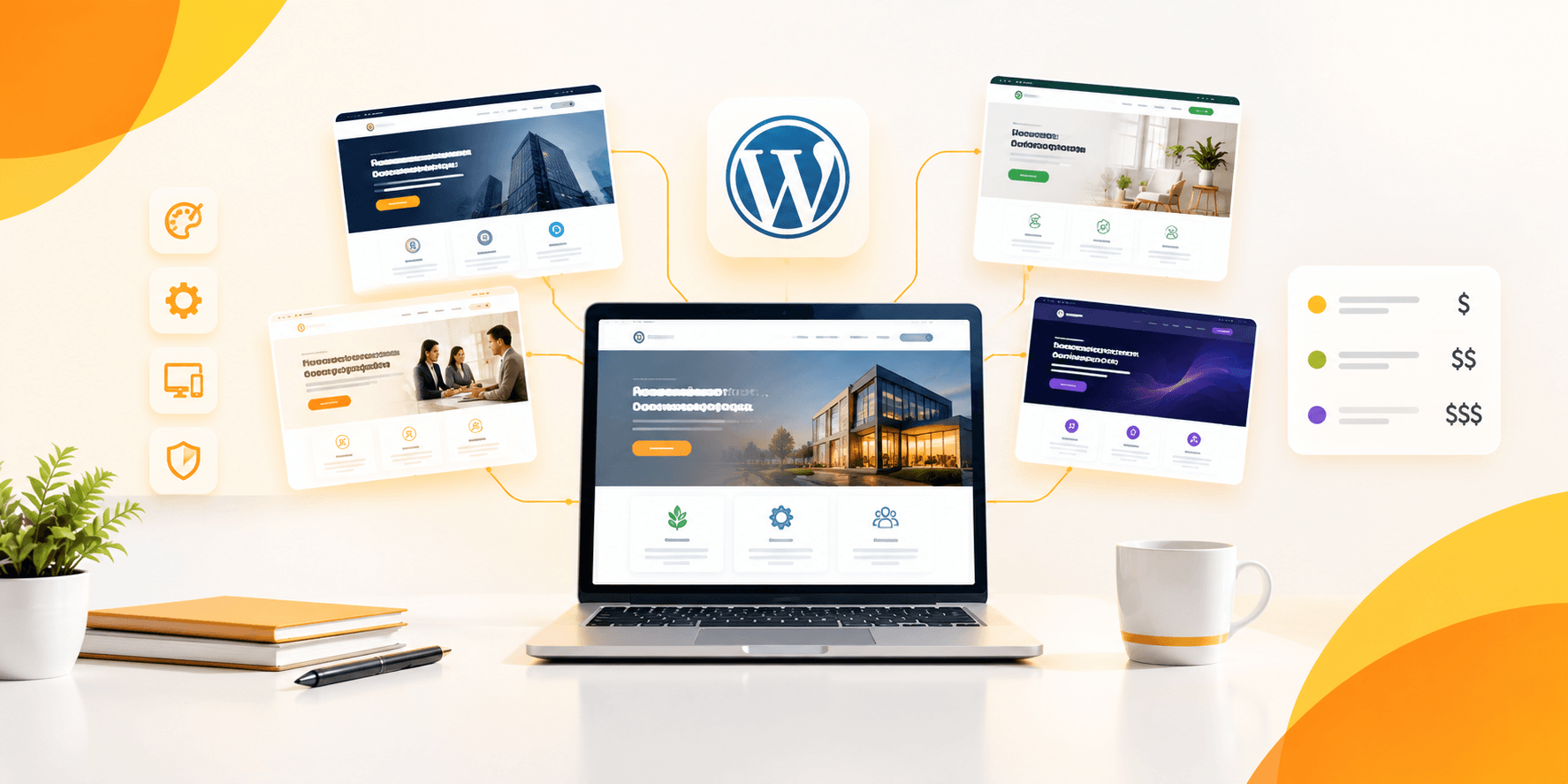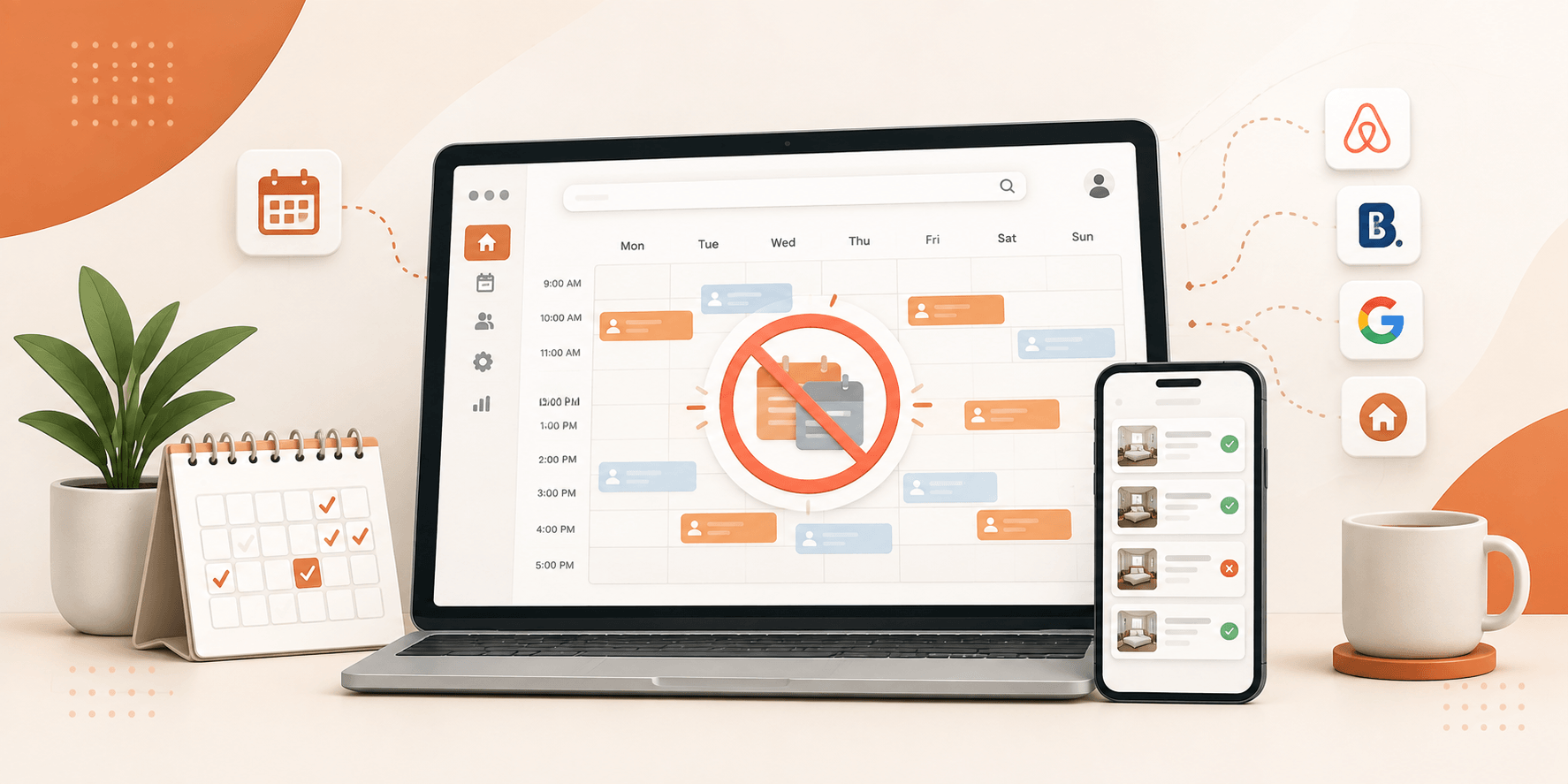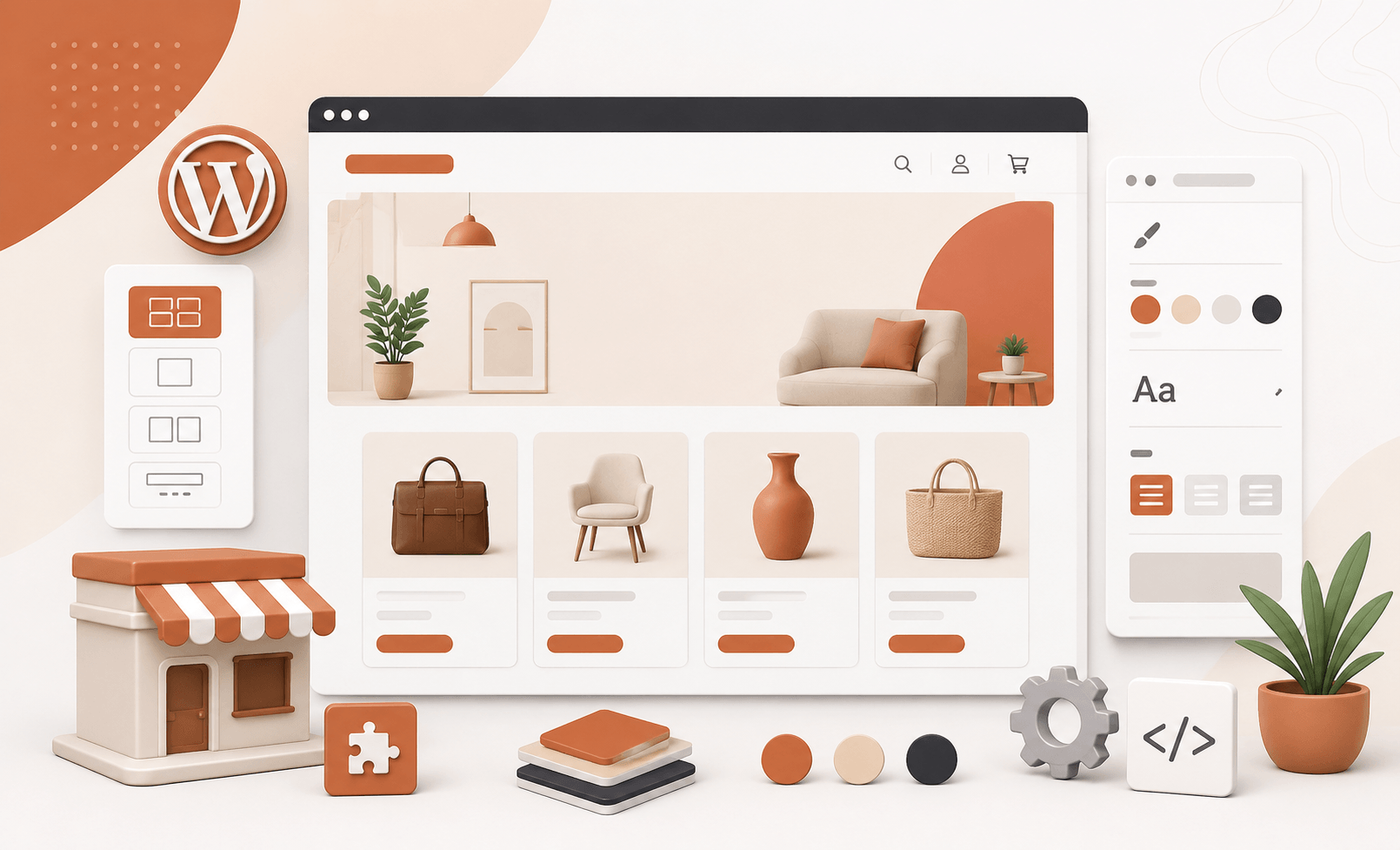
A marketplace should feel like an actual business, not a generic template with your logo pasted on top. Colors, typography, listing structure, search options, booking rules, page layouts all of it shapes how a visitor reads and uses your platform.
Table of Contents
ToggleThe upside is you’re rarely starting from zero. A solid WordPress setup already gives you enough to adapt a marketplace to your niche and build something visitors actually recognize as yours.
This guide walks through what you can change, how to change it, and which mistakes tend to undo the effort.
What Does WordPress Marketplace Customization Mean?
WordPress marketplace customization is about adapting the design, structure, features, and overall experience of a marketplace to fit a specific business or niche, rather than running it on defaults.
That starts with listing types. Different fields, filters, submission processes, and page modules mean a rental marketplace doesn’t have to look or behave anything like a service directory or a booking platform, even on the same underlying theme.
It extends down to individual listing pages too. Modular sections let you arrange galleries, custom fields, taxonomies, text, and embedded content however the listing actually needs it displayed.
None of this is decoration for its own sake. It’s about shaping the marketplace around your business instead of squeezing your business into someone else’s template.
What Can You Customize in a WordPress Marketplace?
A handful of areas make up most of what marketplace website design and customization actually touches.
Branding and visual design: colors, typography, logos, headers, footers, listing cards, and homepage sections all get pulled into your brand identity rather than left at theme defaults.
Listing structure: custom fields cover whatever information actually matters for your niche, and different listing types can carry entirely different fields, filters, and single-page modules.
Listing pages: galleries, text, taxonomy data, repeated content, and custom-field information can all be rearranged into whatever order makes sense for that listing type.
Search and filters: search forms connect to custom listing fields, so people can filter by whatever actually matters to them, not just the defaults a generic theme assumes.
Layouts: the number of listings shown per row, and how listings relate to map areas, can both be adjusted to fit how people browse your marketplace.
Most of these changes fall under no-code WordPress customization a lot can be done through configuration and visual tools alone, though the more advanced requests still call for custom styling or development.
How to Customize Booking and Rental Options
Booking customization matters most for rental and appointment-based marketplaces, since no two businesses run reservations the same way.
Daily, hourly, and appointment-based reservations are all supported, which means a business picks whichever time structure actually matches how it operates, rather than forcing bookings into a format that doesn’t fit.
Several settings can be tuned beyond just the booking type:
- Availability and reservable dates
- Minimum and maximum reservation length
- Seasonal pricing
- Long-term discounts
- Security deposits
- Mandatory fees
- Optional add-ons
- Guest-based pricing
- Service or host fees
- Payment amounts and booking approval options
Daily bookings run on a calendar, where listing owners mark which dates are actually available.
None of these settings should be copied from a template, though. An equipment rental business needs different pricing and availability logic than a business built around appointments or short-term stays, and the configuration should reflect that difference.
Customization Mistakes to Avoid
Customization gives you flexibility, but flexibility isn’t the same thing as improvement more options don’t automatically make a better marketplace.
- Changing everything at once: start with the branding and usability fixes that matter most before layering on extensive changes.
- Ignoring consistency: colors, fonts, buttons, listing cards, and page layouts need to work as one system, not read like pieces bolted together.
- Adding unnecessary fields: ask for information that actually helps vendors manage listings or helps customers decide extra fields just submit harder.
- Overcomplicating search: filters should mirror how people genuinely search for listings, not every option that happens to be available.
- Ignoring mobile layouts: browsing and navigation need to hold up on smaller screens too, especially once listing columns, maps, or layouts start changing.
- Changing booking rules without testing: pricing, availability, deposits, fees, and reservation limits touch real transactions, so the full booking flow needs a test run before launch.
- Skipping performance checks: stacking every available module onto a page without a clear purpose is how customized pages end up cluttered and hard to maintain.
Good customization should leave the marketplace easier to understand, easier to navigate, and more obviously built for the people using it.
A Final Look
Good customization takes more than nailing the visuals branding, listing structure, search, layouts, and booking rules all need to serve the same business goal, not just look good on their own.
Start from the customer journey, not the design: figure out what users need, how vendors list, how customers search, and how bookings work, then build around those answers. Done well, that’s what makes a standard theme feel built for one niche instead of adapted from a template. Utillz’s customization options covering design, listing structures, and booking configurations make that adaptation possible without building a marketplace from zero.
Turn This Guide Into Action
Ready to build a marketplace that actually matches your brand and business model? Explore Utillz and shape your WordPress marketplace around the experience you want people to have.