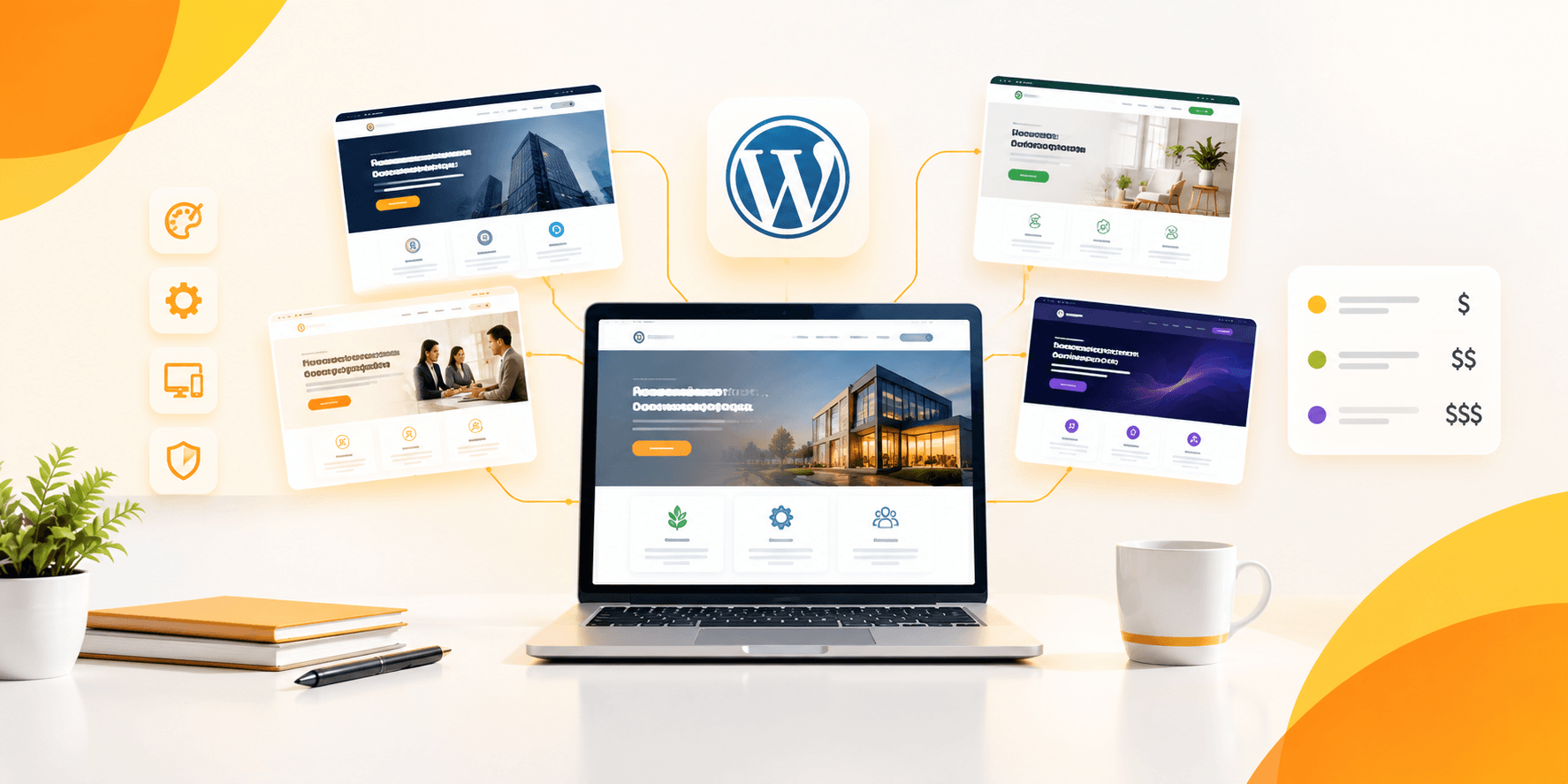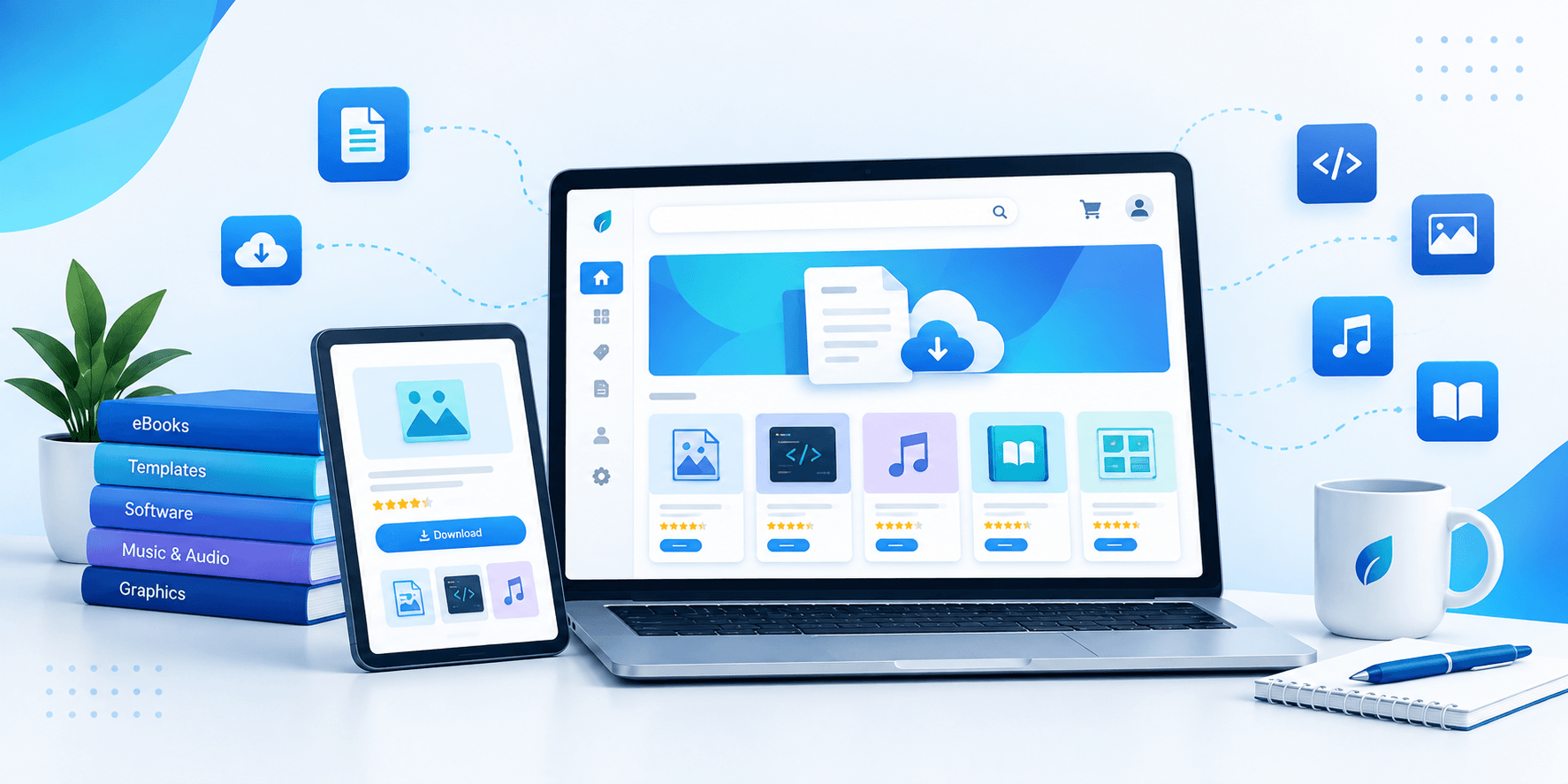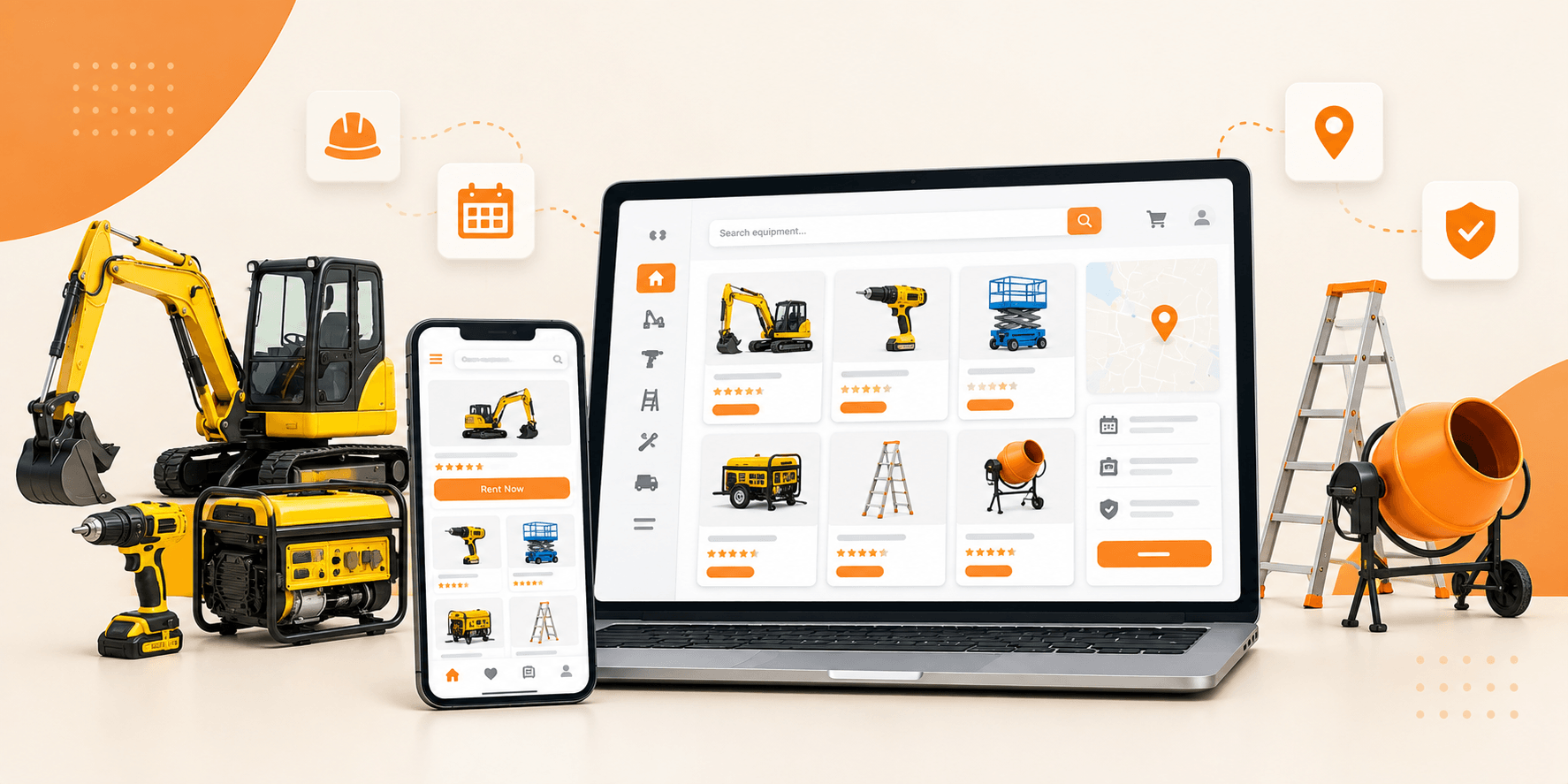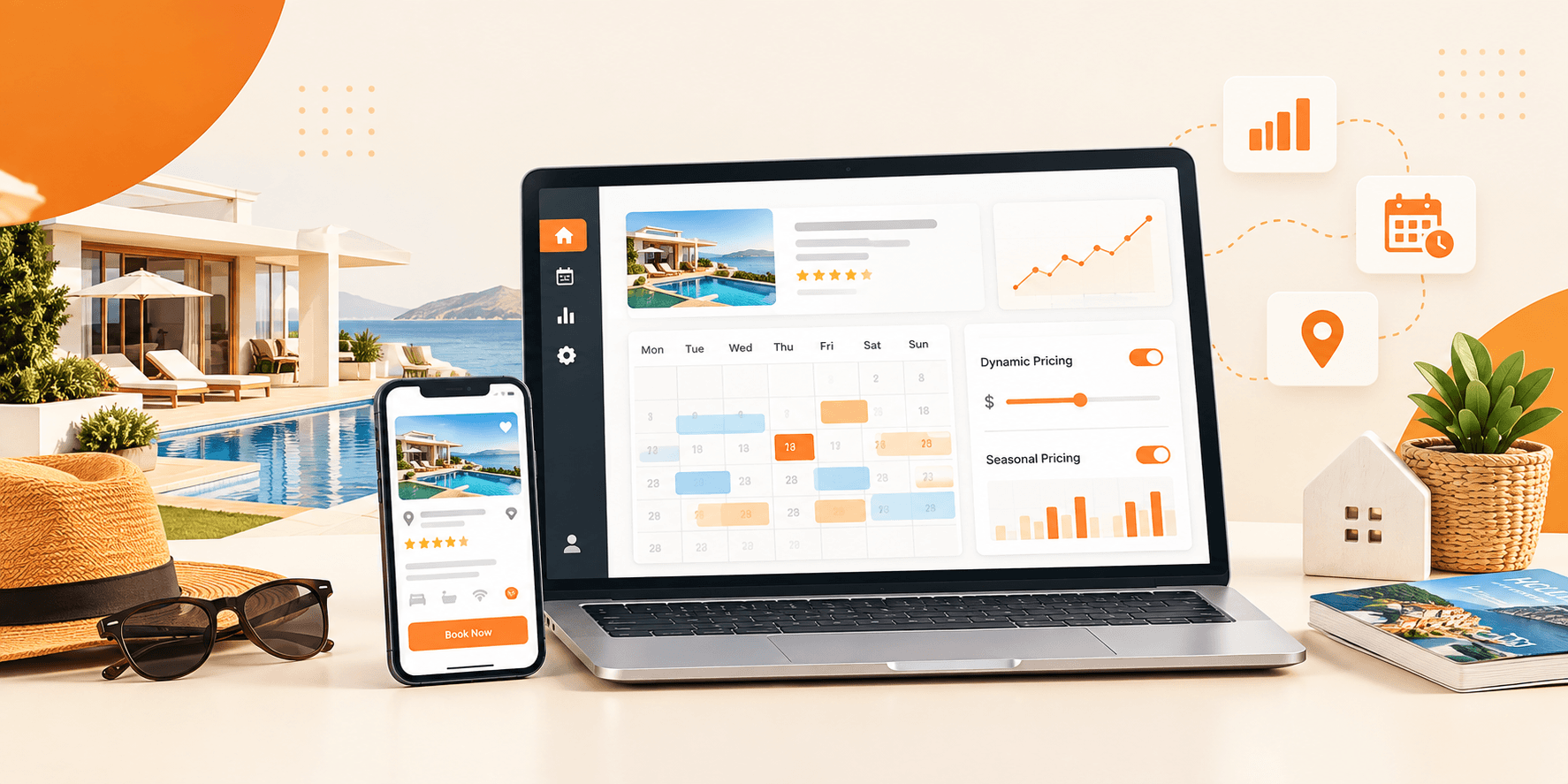

Nobody reads the instructions. Nobody researches the theme. They just pick what looks good, launch, and hope for the best.
Table of Contents
ToggleAnd then they wonder why their website isn’t converting.
Your WordPress theme isn’t just a skin, it’s the foundation your entire site sits on. It affects your speed, your SEO, your user experience, and the first impression every visitor forms about your brand. Get it wrong, and no amount of great content will fully compensate for it.
But here’s the truth: making the right call isn’t as hard as most people think. You just need a clear picture of what matters and what’s just filler. That’s exactly what this guide gives you. Whether you’re launching your first site or rebuilding an existing one, you’ll leave with a sharper eye and a smarter shortlist.
Why Your WordPress Theme Choice Matters More Than You Think
Most people treat picking a theme as if it were decorating a room. Choose what looks nice, move on. But experienced site owners will tell you it’s not a design decision, it’s a business decision.
Here’s why it carries more weight than most people realize:
- Performance: A bloated theme quietly kills your site speed. Slow pages lose visitors before they even read a single word and Google notices.
- SEO: The best WordPress themes are made with organized code. That helps search engines crawl your WordPress pages and rank them properly.
- User Experience: Cluttered layouts drive people away, confusing navigation, and tiny fonts on devices are also a problem. All these things make people leave a website fast.
- Scalability: Your site will grow. Your theme needs to keep up, not hold you back.
- Security: Poorly maintained themes are one of the most common entry points for hackers.
Pick the wrong theme today, and you might be rebuilding your entire site a year from now. Pick the right one, and you’re set up for long-term growth from day one.
What Separates a Good WordPress Theme from a Great One?
There are thousands of WordPress themes out there, and most of them look fine at first glance. But looks aren’t everything. Here’s what actually separates a solid theme from one that’ll give you headaches down the road.
1. Speed and Performance
The fastest WordPress themes all share one thing. They are not loaded down with stuff. When trying to figure out how fast something is, look for the following things:
- Minimal HTTP requests that don’t bog down page loading
- Clean code with no bloated scripts running in the background
- Compatibility with performance plugins like WP Rocket
- Consistently strong scores on GTmetrix and Google PageSpeed
A theme that looks great in a demo can still be really slow on your site when you add things like content, images, and plugins. Always test a theme properly to make sure your site does not get slow.
2. Responsiveness Across All Devices
More than half of your visitors are probably browsing on a phone right now. A WordPress theme that looks stunning on a desktop but breaks on mobile isn’t a finished product, it’s a problem waiting to happen. Before committing to any theme, check it on:
- Smartphones of different screen sizes
- Tablets in both portrait and landscape modes
- Desktop and widescreen monitors
Don’t just glance at it. Actually tap through it like a real user would.
3. Regular Updates and Active Support
A theme is not a one-time purchase, it’s an ongoing relationship with the developer. Technology shifts, WordPress updates, and security vulnerabilities emerge. Before buying, ask yourself:
- When did this theme last receive an update?
- Does the developer respond to support tickets within a reasonable time?
- Is there actual documentation, or just a contact us page?
A theme with no updates in 18 months is a red flag, regardless of how good it looks.
4. Compatibility with Page Builders
The best WordPress premium themes are built to work hand in hand with popular page builders like Elementor. This matters because it gives you full control over your layout without writing a single line of code. You move things around visually, see the result in real time, and publish when you’re happy. That freedom is worth a lot.
5. SEO-Friendly Architecture
Design is what people notice. The code is what really helps with search engine optimization. A good WordPress theme is built with structure, it uses headings like H1, H2, and H3, it includes special markup called schema, and produces clean HTML code that search engines can understand. These things might not be exciting. They make a big difference in how high your pages rank in search results.
Free vs. Premium WordPress Themes: Which Should You Choose?
This debate comes up constantly, and the answer depends on what you’re actually trying to build.
Free Themes
Pros:
- No cost involved great if you’re just experimenting
- Available right inside the WordPress repository
- Decent starting point for simple personal blogs
Cons:
- Limited options when it comes to layout and customization
- Support is minimal or completely absent
- Updates are irregular and sometimes stop altogether
- Advanced features are usually locked behind an upsell
WordPress Premium Themes
Pros:
- Polished, professional designs built for real use cases
- Dedicated support teams who actually respond
- Consistent updates that keep pace with WordPress core
- Built-in features that would otherwise require multiple plugins
- Better attention to performance and optimization
Cons:
- Comes with a cost, either one-time or subscription-based
- The sheer number of options can feel overwhelming at first
The honest verdict? If your website is tied to any kind of business goal whether that’s selling products, attracting clients, or building an audience, WordPress premium themes are worth every penny. The time and frustration you save will far outweigh the upfront cost.
5 Key Questions to Ask Before Choosing a WordPress Theme
Before you open your wallet, run every theme through these five questions. Skipping even one can lead to regret.
- Does it actually match what I’m building? A theme designed for photography portfolios will fight you every step of the way if you’re trying to build a booking marketplace. Match the theme to the purpose.
- How does it behave on mobile? Pull out your phone and open the live demo right now. Is it fast? Is it easy to tap through? Does anything look broken?
- Will it work with the plugins I need? WooCommerce, Elementor, Yoast SEO whatever your stack looks like, confirm compatibility before purchasing.
- Is the developer still actively involved? Dig into the update history, scan through the reviews, and check response times on support forums.
- Is there a live demo I can actually test? Screenshots only tell part of the story. A live demo lets you feel how the theme actually performs.
Top Features to Look for in the Best WordPress Themes in 2026
WordPress themes have come a long way, and the bar in 2026 is genuinely high. A theme that would’ve impressed people three years ago might feel outdated today. Here’s what separates the themes worth your money from the ones that just look good in screenshots:
- Elementor or Gutenberg compatibility if you can’t edit your own pages without calling a developer, the theme is already working against you
- WooCommerce integration even if selling isn’t your focus right now, having the option built in keeps future doors open
- Translation and multilingual support the internet isn’t one language, and your audience probably isn’t either
- One-click demo importer a theme that takes days to set up is a theme that kills momentum before you even start
- Custom widgets and shortcodes small tools that make a big difference when you need content to sit exactly where you want it
- Advanced search and filter options non-negotiable if you’re running any kind of directory, listing, or marketplace site
- Schema markup support this one works quietly in the background but has a real impact on how your pages show up in search results
How to Evaluate a WordPress Theme Before Purchasing
Here’s a rule worth following: never buy a theme on the same day you discover it. Give yourself time to actually put it through its paces. Here’s the process that saves people from expensive regrets:
- Walk through the live demo like a real visitor, don’t just admire the homepage. Click into inner pages, check the blog layout, open a contact page. The homepage is always the most polished part; everything else tells the real story.
- Pull it up on your actual phone, not a browser simulator, your real device. Tap the menu, scroll through a page, try filling out a form. If anything feels awkward or slow, that’s your answer.
- Run a speed test on the demo URL paste it into GTmetrix or Google PageSpeed Insights. Numbers don’t lie the way screenshots do.
- Read the reviews properly, skip the five-star summaries and look for the two and three-star ones. That’s where honest feedback lives. Recurring complaints about broken updates or slow support are red flags worth taking seriously.
- Check how recently it was updated a changelog with consistent, recent updates means a developer who’s still paying attention. A theme last touched 14 months ago is a gamble.
- Actually reading the documentation this sounds boring, but well-written docs are a strong sign the developer cares about the product. Thin or outdated docs usually mean painful setup and no help when things go wrong.
- Ask a pre-sale question, pick something specific about the theme and email the support team. You’re not just testing the answer, you’re testing how fast they respond and how helpful they actually are. That’s exactly what post-purchase support will look like.
Common Mistakes People Make When Choosing a WordPress Theme
Even people who’ve built several WordPress sites fall into these traps. Watch out for them.
- Choosing based on looks alone A stunning theme that performs poorly will frustrate you and your visitors within weeks.
- Ignoring plugin compatibility Some themes clash with key plugins. Always verify before buying.
- Picking a theme that does too much Feature overload leads to code bloat, which leads to slow load times. Choose what fits your needs, not the most impressive feature list.
- Skipping the demo entirely This one is surprisingly common. Never commit without clicking through the actual demo.
- Buying from inactive developers An abandoned theme is a liability. No updates means growing incompatibility and security risk over time.
Conclusion:
Choosing the best WordPress theme isn’t about finding the flashiest option in the marketplace. It’s about finding the one that fits your goals, your audience, your workflow, and your budget.
Take time with the decision. Push past the homepage screenshots and actually test things. Read what real users say. Think six months ahead, not just launch day.
Because the right theme isn’t just something your visitors see it’s something your entire website is built on. Get it right, and everything else becomes a lot easier.
The right theme doesn’t just make your site look good it makes your site work harder for you.
Ready to Launch Your Dream Website?
Stop settling for slow, generic themes that hold your website back. Explore purpose-built WordPress premium themes designed for real-world marketplaces, stores, and directories with lifetime licences, zero monthly fees, and expert support built in.
Your perfect website is one theme away. Start building today.
Frequently Asked Questions (FAQs)