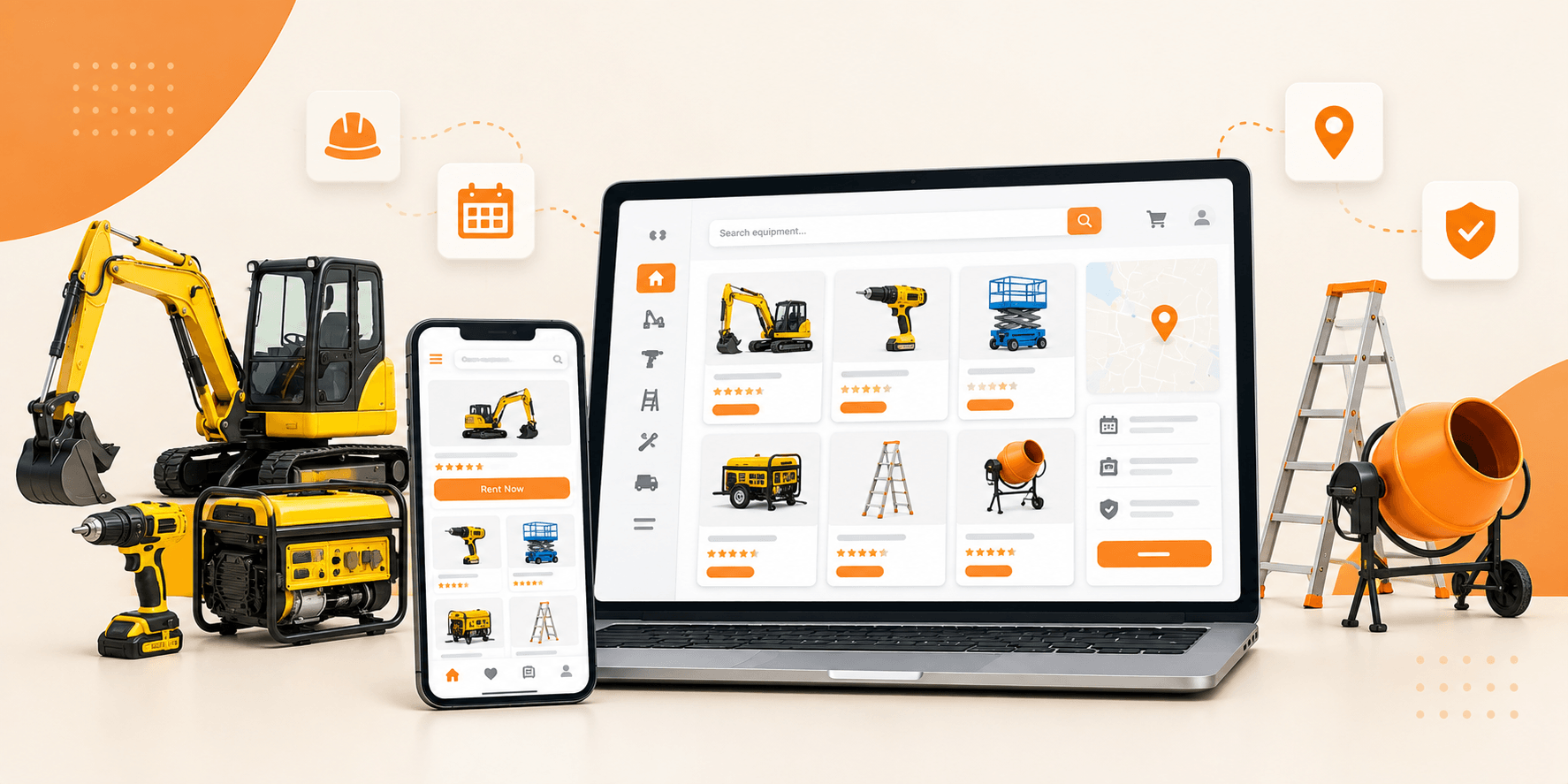
If you rent out equipment, cameras, power tools, party gear, or anything else your customers expect to check availability and book online instead of calling during business hours, you need more than a basic product catalog. A basic product catalog won’t get you there. You need something that ties together listings, a booking calendar, pricing rules, and payments, and if you’re running a marketplace rather than just your own inventory, a way for other vendors to list their own gear too.
Table of Contents
ToggleWordPress can handle all of this, but only if it’s built on a rental-focused setup instead of a generic eCommerce theme. Here’s what that actually involves, step by step.
What Is an Equipment Rental Marketplace?
An equipment rental marketplace is a site where customers reserve equipment for a set period instead of buying it outright.
There are two ways to run one. You can list and rent your own inventory. Or you can open the platform up so other equipment providers list their own gear too. That’s a multi-vendor rental marketplace, where you manage the platform and vendors manage their own listings.
Either way, WordPress lets you shape the site around your specific equipment categories, booking windows, and rental rules instead of forcing everything through a generic “add to cart” flow.
What kind of equipment fits this model?
Depends on your niche. Some marketplaces stick to one category, others mix several:
- Construction and heavy equipment
- Cameras and photography gear
- Event and party equipment
- Sports and recreational gear
- Professional tools
- Machinery and industrial equipment
Each category tends to need its own pricing logic, minimum rental period, and spec sheet, so give customers enough detail on each listing to actually compare their options before they book.
How the whole thing works, in practice
A vendor adds a piece of equipment to the marketplace. A customer browses, picks a rental window, and books it. Once payment clears, the vendor handles the reservation and the marketplace takes its cut.
Underneath that simple flow, the platform is doing real work: checking what’s actually available, calculating the cost for that specific window, and locking in the reservation so nobody else can grab the same slot.
Steps to Build Your Equipment Rental Marketplace
Once you know what you’re renting and roughly how bookings should work, putting the site together comes down to a handful of decisions. Here’s the order that tends to work best.
- Set up WordPress with a rental-ready theme
Start with a standard WordPress install, then bring in a theme built specifically for rental and booking marketplaces rather than a general eCommerce template with hourly, daily, and appointment-based booking built in natively, WooCommerce for payments, and multi-vendor support out of the box. The point is to treat equipment as a bookable item from day one, not bolt booking onto a product page later.
- Build out your listing types
Break your inventory into categories that actually make sense for customers. A DSLR camera, a bounce house, etc. all need different fields, pricing logic, and rental rules. Structuring listings around that up front makes browsing and comparing much easier later.
- Pick a booking model per category
Decide whether each type of equipment rents by the hour, the day, or as a scheduled appointment. All three are supported natively, so you’re not stuck forcing every item into the same pattern (more on choosing between them below).
- Set your pricing and deposits
Add rental rates, any seasonal or long-term pricing, security deposits, and optional add-ons for each listing (details on this further down).
- Turn on payments
Connect WooCommerce so customers can actually pay. There are a few configurations to choose from here, covered later in this guide.
- Open it up to other vendors, if that’s the plan
If you’re building a true marketplace rather than renting only your own gear, this is where other providers start listing their own equipment (also covered in more depth below).
- Test the entire booking flow before launch
Walk through it as a customer would: find equipment, check a real availability window, see the price, complete the booking, get confirmation. Then walk through it as a vendor: add a listing, manage an incoming booking, see the payout. Fix anything that doesn’t feel obvious before you open the doors.
How Long Should Customers Be Able to Book For?
This comes down to what you’re renting. A studio might get booked for two hours; a generator might get booked for two weeks. Your booking system needs to flex to match that, not the other way around.
Brikk handles this with three booking models: hourly, where customers pick a specific time range good for cameras, tools, or studio space; daily, a date range or single day good for larger equipment and multi-day rentals; and appointment-based, a scheduled slot for anything tied to a specific service window. You’re not locked into one model site-wide, either. Photography gear can rent by the hour while construction equipment rents by the week, all on the same platform.
That flexibility matters more than it might seem. Forcing hourly gear into a daily-only booking system (or the other way around) is one of the more common reasons rental sites lose bookings to a competitor with a better fit.
Managing Availability Without Double-Booking Anything
Picture this: a customer books a camera for Friday afternoon. If someone else can still book that same camera for the same window, you’ve got a problem: a cancelled reservation, an annoyed customer, or worse, two people showing up for the same gear.
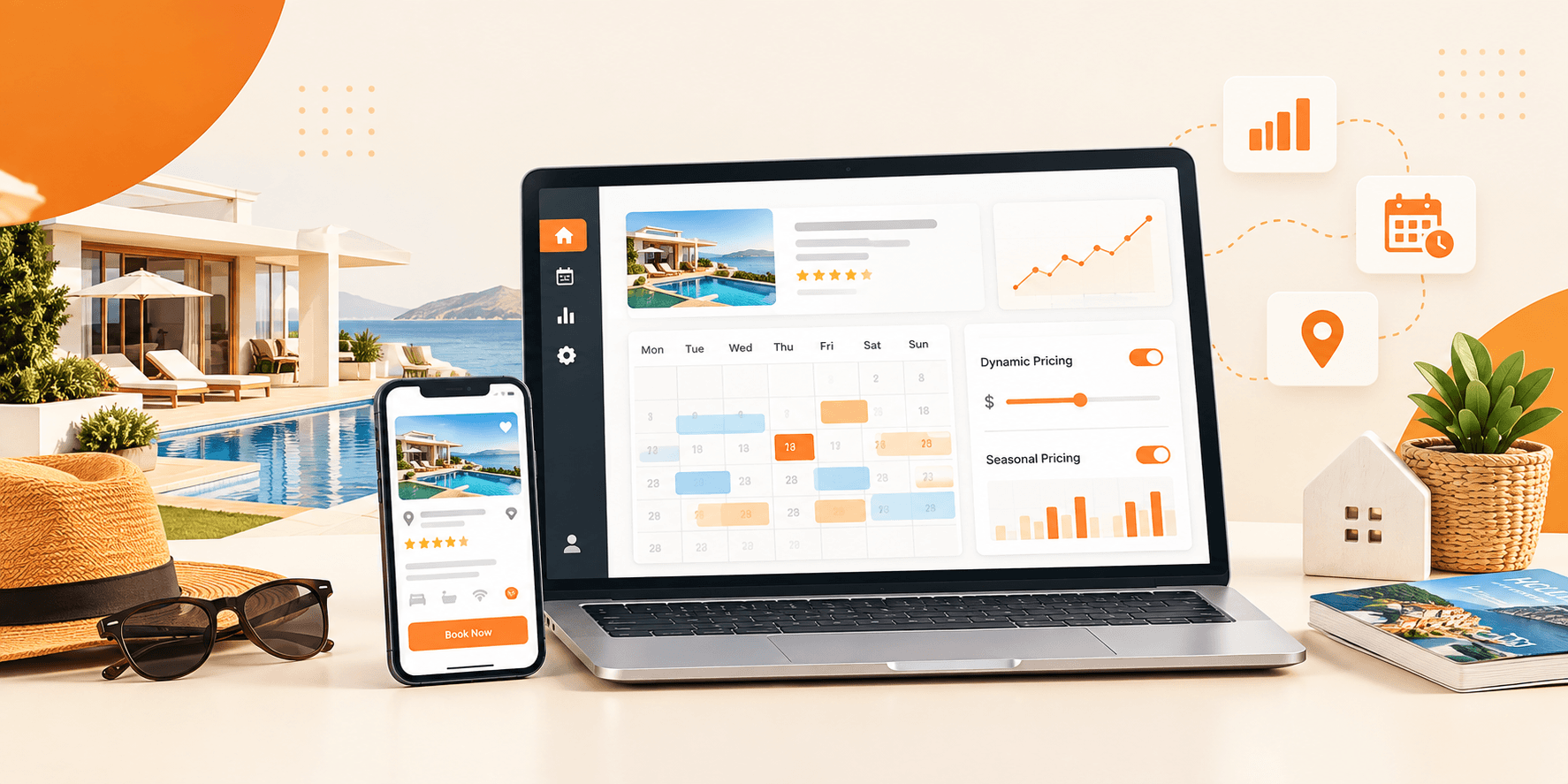
This is really a calendar problem. The booking calendar handles it directly, and for hourly bookings specifically, it locks a time slot the moment a reservation is approved so it can’t be booked again.
You’ve also got some flexibility in how bookings get confirmed. Some rental businesses want everything auto-approved for speed; others want to review each request before it locks in. Which one fits depends more on how hands-on you want to be than on the platform itself.
Setting prices and security deposits
Equipment rental often involves more than a basic rental rate.
- Hourly or daily base rates
- Seasonal pricing
- Long-term or bulk discounts
- Security deposits
- Mandatory fees (cleaning, insurance, etc.)
- Optional add-ons
The pricing setup covers all of these per listing, so a $50 camera rental with a $200 deposit and a $10 case add-on can sit right next to a flat-rate tool rental with no deposit at all same platform, with different rules for each.
Getting paid
Payments run through WooCommerce, and there are a few different setups to choose from depending on how you want to handle money: full payment at booking, a percentage upfront with the rest due later, deposit-only (charge the security deposit now, rent separately), or a flat service-fee model.
Which one makes sense depends on your business. High-value equipment usually benefits from an upfront deposit, while lower-risk items can just take full payment at booking.
Letting other vendors in
A marketplace scales a lot faster when you’re not the one who has to own every piece of equipment. With multi-vendor support turned on, other providers list their own inventory, customers get more to choose from, and you collect a commission on each booking instead of buying and maintaining a warehouse of gear yourself.
The vendor side of this is handled with separate vendor dashboards, commission tracking, and earnings reporting, so you’re managing the platform rather than micromanaging every transaction.
Wrapping Up
An equipment rental marketplace needs more than a page of products with an “Add to Cart” button. It needs booking logic that actually understands availability, pricing that flexes per item, and if you’re going the marketplace route, a way for other vendors to plug in without you rebuilding anything.
What you rent, how long people typically need it, and whether you’re renting your own gear or hosting other vendors will shape most of these decisions. Brikk is built to handle that range without forcing you into one rigid setup.
Your Equipment Rental Marketplace Ready to go
This setup gives you the booking, pricing, deposit, and multi-vendor tools to get a rental marketplace live without hiring a developer. See the theme