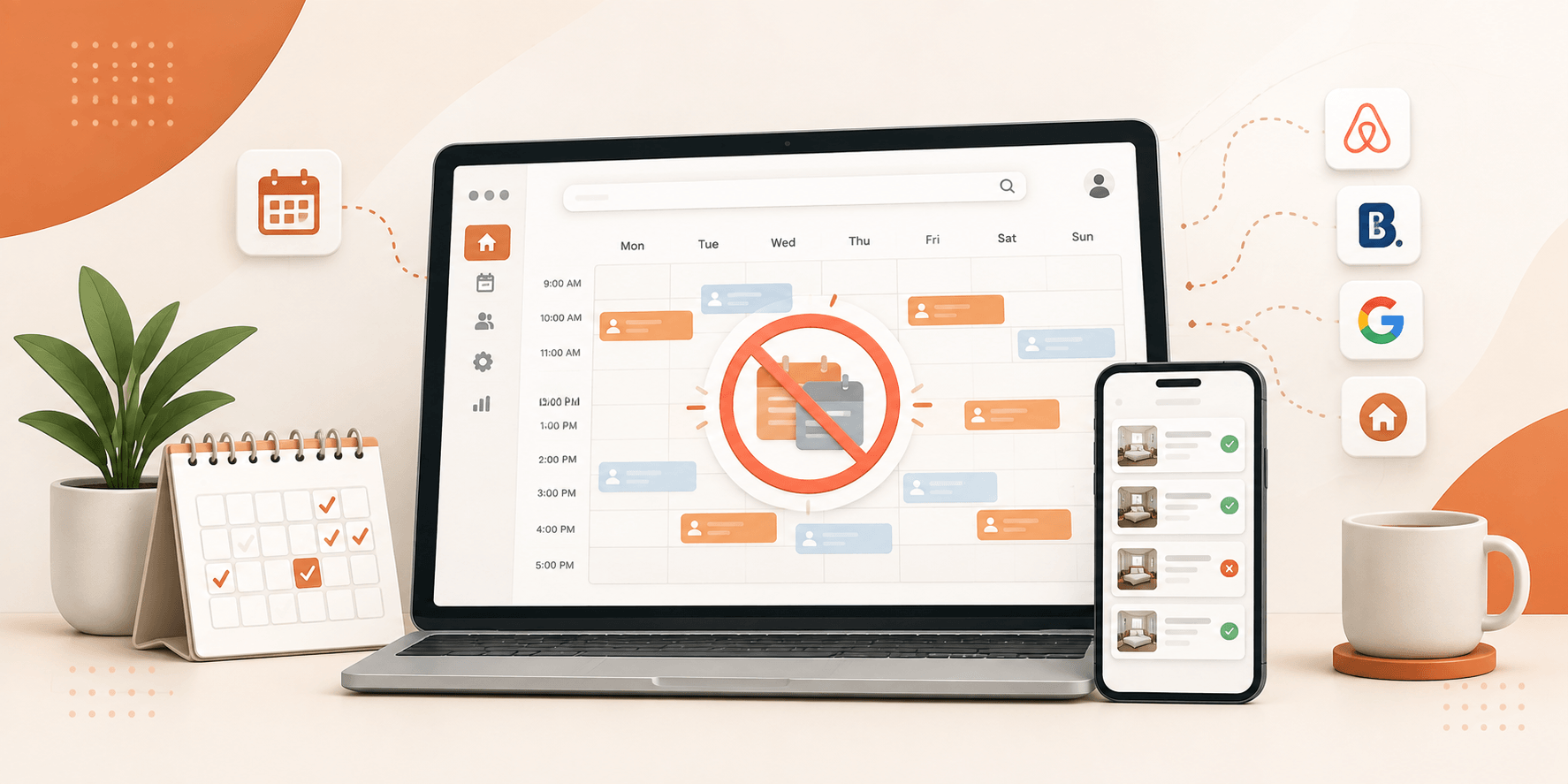
Two guests. One property. Same dates. If you’ve ever opened your booking dashboard to that particular nightmare, you already know how fast a good week turns into a bad one. Someone has to be turned away, a refund has to go out, and you’re left hoping the guest you disappointed doesn’t leave a review that follows you around for months.
Table of Contents
ToggleHere’s the part that actually matters, though: double bookings are rarely bad luck. They’re a symptom, a sign that somewhere between your calendars, your tools, and your process, a gap opened up long enough for two guests to slip through it. Once you know exactly where that gap tends to form, closing it stops being complicated.
This guide covers what a double booking actually is, what it costs you when it happens, the handful of causes behind almost every double booking vacation rental hosts run into, and what actually works to avoid double bookings for good including proper vacation rental calendar sync whether you’re running one listing or juggling multi-platform vacation rental booking across a dozen properties.
What Does Double Booking Actually Mean?
A double booking happens when two different guests end up with confirmed reservations for the same property on the same or overlapping dates. Each guest genuinely believes the place is theirs. But only one of them can actually stay.
It might sound like a simple mix-up and every once in a while, it is. More often, though, the real cause is timing. A guest books your property on one platform, and for a stretch of time afterward, every other platform still shows those same dates as available simply because the calendars haven’t caught up with each other yet.
The Real Cost of Getting It Wrong
Before getting into causes and fixes, it’s worth being honest about what’s actually on the line. A double booking rarely stays a one-time inconvenience it tends to ripple outward.
- You’ll likely have to cancel on or relocate a guest, often with barely any notice exactly the kind of experience that ends up in a bad review.
- The platform charges you for it. Airbnb takes $50 out of your next payout if you cancel a week or more before check-in, or $100 if it’s within 7 days. Vrbo can charge up to 50% of the total booking. Booking.com usually makes you cover the cost of relocating the guest, plus any price difference for their new stay.
- Your status can take a hit too. Airbnb requires a cancellation rate under 1% to keep Superhost status on a small portfolio; one double booking alone can push you over that limit. Vrbo has a similar rule tied to Premier Host status.
- The effects don’t disappear right away. A drop in search ranking or reputation doesn’t bounce back the moment you’ve sorted things out it can keep quietly costing you bookings for weeks or months afterward.
None of this means double bookings are tragic every time. It just means prevention is worth taking seriously, because the cost of getting it wrong compounds well past the original cancellation.
Common Causes of Double Booking
Double bookings don’t usually come out of nowhere. They tend to follow a short list of repeat offenders:
Sync lag between platforms.
A guest books on one channel, but another channel hasn’t caught up yet, so it still shows the same dates as available. Basic iCal sync can lag by anywhere from 30 minutes to a few hours, a limitation of the iCal format itself, not necessarily user error, which is exactly why the real-time calendar sync vs iCal debate keeps coming up among hosts managing more than one property.
Manual entry gaps.
A phone booking, a walk-in guest, or a reservation confirmed by email doesn’t get logged into the main calendar right away, leaving a window every other platform doesn’t know about.
Unapproved or unlogged owner stays.
When a property owner wants to use their own place, those dates need to be blocked across every connected channel through one central system. If that block only happens informally with a text message, a verbal heads-up every other platform keeps accepting bookings until someone catches the conflict.
Inaccurate availability during maintenance.
If a property is being cleaned, repaired, or otherwise temporarily unavailable and that isn’t reflected everywhere, a guest can still book dates that were never really open.
Broken or outdated calendar links.
An expired iCal URL, or one that never got updated after switching tools, quietly stops sending accurate availability without any obvious warning sign.
At least a quarter of hosts run into a double booking within their first year, according to data cited across the industry, which says less about carelessness and more about how easily these small gaps can catch even careful hosts off guard.
How to Actually Prevent Double Bookings
If your priority is to prevent double bookings that Airbnb, Vrbo, and Booking.com all penalize, closing the specific gaps above comes down to a few consistent habits:
- Sync your calendars in both directions, not just one. Many hosts export availability from one platform without importing it back, leaving half the loop wide open.
- Log manual and owner bookings the same way you log guest bookings. No verbal agreements, no side text messages put every reservation into the same central calendar immediately.
- Check your sync regularly, especially during high-demand periods, when bookings come in fast enough that even a short lag becomes risky.
- Consider real-time sync over basic iCal if you’re managing multiple properties. A basic iCal sync vacation rental setup works fine for a single listing with light booking volume, but the lag becomes a real liability the more properties and platforms you add.
This is exactly the gap Brikk was built to close. Its two-way iCal sync connects directly with Airbnb, Booking.com, and VRBO, so a booking made on any one platform automatically blocks those same dates everywhere else without you manually checking four different calendars every time a reservation comes in.
None of this eliminates risk completely. But consistent habits, paired with the right sync setup, dramatically reduce the odds.
If One Still Slips Through
Even with good habits in place, a double booking can still happen. When it does, a few things make the difference between a bad review and a recovered relationship:
- Confirm the conflict is real before doing anything else.
- Check whether there’s any way to honor both bookings a similar unit, an adjusted date, anything that avoids a cancellation entirely.
- If a cancellation is unavoidable, contact the affected guest as early as possible with a clear explanation and a real alternative.
- Follow the platform’s timeline for resolving it Booking.com, for example, recommends resolving cases within 30 minutes if the guest arrives within 24 hours.
- Stay calm and professional throughout. How the situation is handled tends to matter more to the guest than the mistake itself.
The Takeaway
Double bookings aren’t really about bad hosting. They’re about small windows of time where your calendars, your team, or your process haven’t caught up with each other yet. Once you know where those windows tend to open sync delays, unlogged owner stays, manual entry gaps you can build habits and tools that close them before they cost you a booking.
A booking-focused WordPress theme like Brikk by Utillz was built with exactly this problem in mind, syncing every connected platform automatically so those windows stay closed without you having to watch them manually.
Ready to Stop Double-Checking Four Calendars?
If a double booking has already cost you a booking, a refund, or a review you didn’t deserve, it might be time to stop patching the problem manually. See how built-in two-way calendar sync can help you host with fewer surprises, no matter how many platforms you’re listed on.