Multi-Vendor Digital Marketplace: Let Other Creators Sell Through Your Site
Table of Contents
ToggleThere’s something genuinely appealing about the idea of building your own Etsy, Gumroad, or Creative Market a place where other creators bring their work, list it, sell it, and you earn a little something every time a sale happens. You’re not running a one-person shop anymore. You’re running the storefront everyone else sells from, collecting your share while someone else does the actual creating.
Here’s the catch, though. Most people picture this and immediately think it means stitching together three or four different plugins: one to handle vendor accounts, another for payouts, another for commissions, maybe a fourth just for dashboards and crossing their fingers that all of them play nice together. Spoiler: they usually don’t. What you end up with is a marketplace that feels held together with tape, not something built to last.
So that’s what this guide is really about what a proper multi-vendor digital marketplace actually needs to work, and how a purpose-built WordPress theme can handle all of it natively, without you ever having to touch that plugin pile-up in the first place.
What Is a Multi-Vendor Digital Marketplace?
A multi-vendor digital marketplace is a website where more than one seller lists and sells products, rather than a single store owner selling everything themselves. Think stock photography hubs, template marketplaces, software directories, or course platforms where dozens (or hundreds) of creators each run their own mini-storefront under one roof.
The site owner isn’t just hosting content they’re operating the platform, setting the rules, taking a cut, and keeping the whole thing running smoothly for both sides: the vendors selling and the customers buying.
Core Features a Multi-Vendor Setup Actually Needs
Not every WordPress theme can pull this off. Slap a vendor plugin onto a regular online store, and you’ll feel the difference pretty quickly. Here’s what actually separates a real multi-vendor marketplace WordPress setup from that kind of patched-together version.
Vendor registration and public profiles
Sellers need a place that’s genuinely theirs a profile where buyers can see their products, check their ratings, and browse their sales history before deciding to trust them with a purchase.
Individual seller dashboards
Nobody wants to email you every time they need to update a listing. Vendors should be able to manage their own products, keep an eye on how they’re performing, and message buyers directly, all without you handing over admin access to your site.
Commission rate control
As the one running the show, you need the flexibility to set commission rates however makes sense for your marketplace sometimes by vendor, sometimes by category so pricing can shift as things grow instead of staying locked in from day one.
Secure, built-in payouts
Vendors want to get paid, plain and simple. That usually means PayPal or a bank card, and it shouldn’t require you manually send money every time someone makes a sale.
Marketplace-wide oversight
At the end of the day, you’re still the one steering the ship which means seeing overall revenue, deciding what gets approved or turned away, and knowing what’s actually selling across the board.
How to Let Others Sell on Your Website
Turning a one-person store into an actual marketplace isn’t as complicated as it sounds. It really comes down to a handful of moving pieces, each one building on the last.
- Start with the right theme: Don’t try to force a regular store theme into doing something it wasn’t built for. You want native vendor support from day one, not a workaround stitched together after the fact.
- Let creators sign themselves up: Vendors need their own account separate from a regular shopper’s login so they can register, get approved, and start listing without you creating each profile by hand.
- Decide what you’re taking off the top: Before anyone starts selling, figure out your commission. Maybe it’s a flat percentage across the board, or it varies by category or by vendor. Either way, set it early so there’s no confusion later.
- Give vendors their own space to work in: A front-end dashboard means sellers can upload their own products, watch their own sales roll in, and manage their listings all without pinging you every time they want to make a change.
- Keep a gate on what goes live: Reviewing and approving new submissions before they go public helps keep quality consistent, especially once you’ve got more than a handful of vendors on board.
- Make sure people actually get paid. This one’s non-negotiable: vendors need a reliable payout method, usually PayPal or a bank card, on a schedule they can count on.
Get these six pieces working together, and your site stops being a one-person shop. It becomes a real marketplace one where new sellers can join and start earning without you touching a line of code every time someone new signs up.
How Heilz Handles Multi-Vendor Marketplaces
This is where a native, purpose-built theme earns its keep: multi-vendor functionality comes standard, not bolted on afterward.
On the vendor side, sellers get a full front-end control panel no WordPress admin access required. They can add and manage their own products, track performance for each listing (views, downloads, revenue), receive messages from buyers, upload different file versions, and get paid out via bank card or PayPal, all without leaving the front end.
On the operator side, you get equally direct control: see how much revenue the marketplace is generating, manage the listings of every vendor, approve or decline product submissions, set commission rates by vendor or by category, and review analytics on views, downloads, and product performance all from one dashboard.
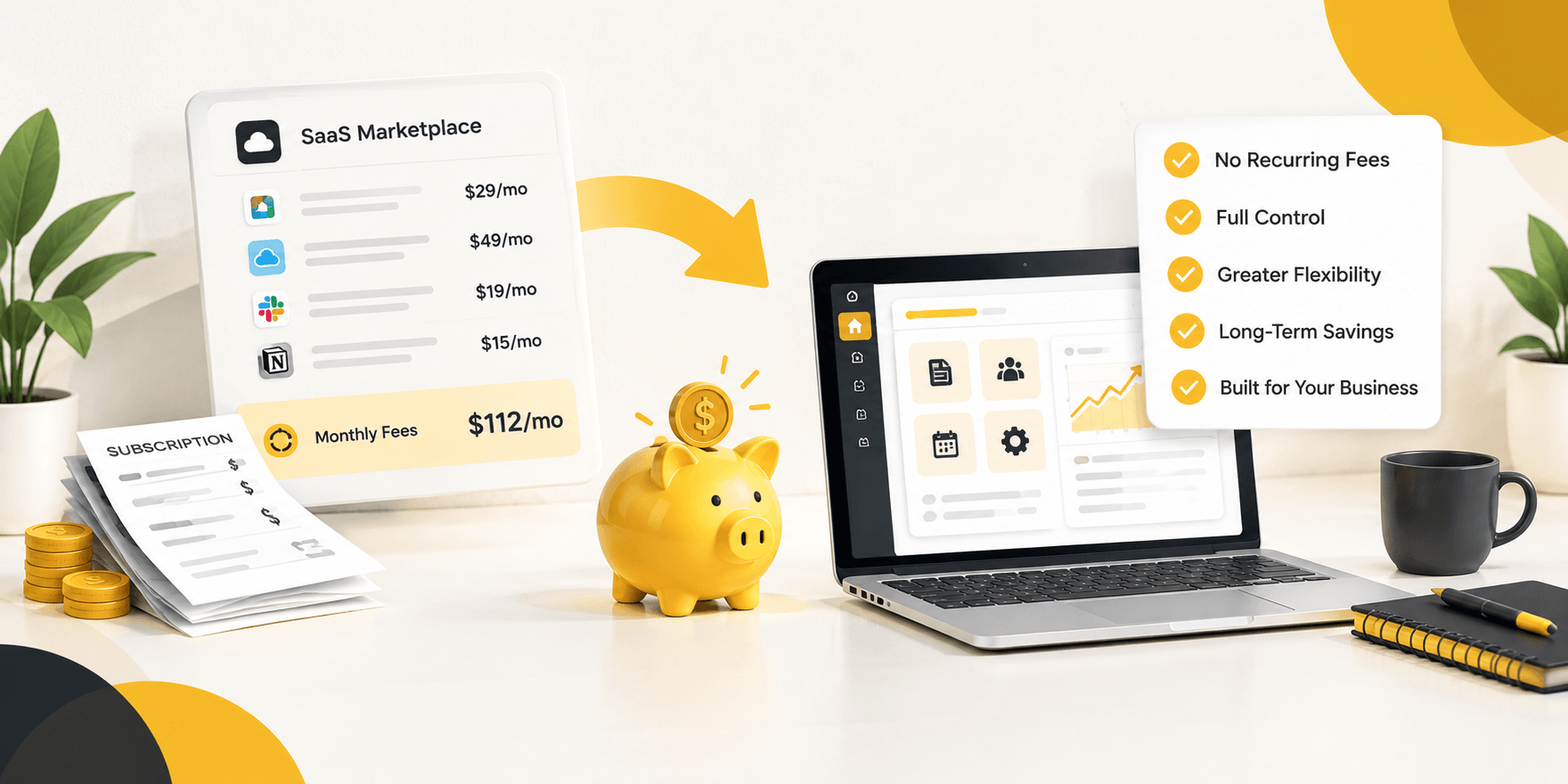
The whole thing runs on WooCommerce, which means you also get access to WooCommerce’s ecosystem of payment gateways, reporting tools, and add-ons. And unlike a lot of marketplace software that charges a percentage of every sale, this kind of theme is sold as a one-time $79 license with no ongoing fee on your income.
What You Can Actually Build
Because the framework is modular, this kind of theme adapts to a wide range of digital marketplace types, including:
- Stock photography and video marketplaces, where photographers and videographers upload and license their work
- Template and theme marketplaces (WordPress themes, design templates, presets) for designers and developers
- Software and plugin directories where independent developers distribute their tools
- eBook and digital publishing platforms for authors and small publishers
- Audio and music marketplaces for producers, sound designers, and musicians
Whatever the format, the same underlying vendor and commission system applies you’re not rebuilding the marketplace logic from scratch for every new product type you decide to support. As your marketplace grows into new categories, the same dashboards, payout system, and commission structure carry over.
Ready to Build Your Own Marketplace?
Running a multi-vendor digital marketplace doesn’t have to mean managing a fragile stack of plugins or handing a chunk of every sale to someone else’s platform. With built-in vendor dashboards, commission controls, and secure payouts, the right theme gives you the tools to let other creators sell through your site while you keep 100% of your own share, for a one-time $79 license.
Explore Heilz by Utillz to see how close you already are to launching your own version of Etsy, Gumroad, or Creative Market under your own name.