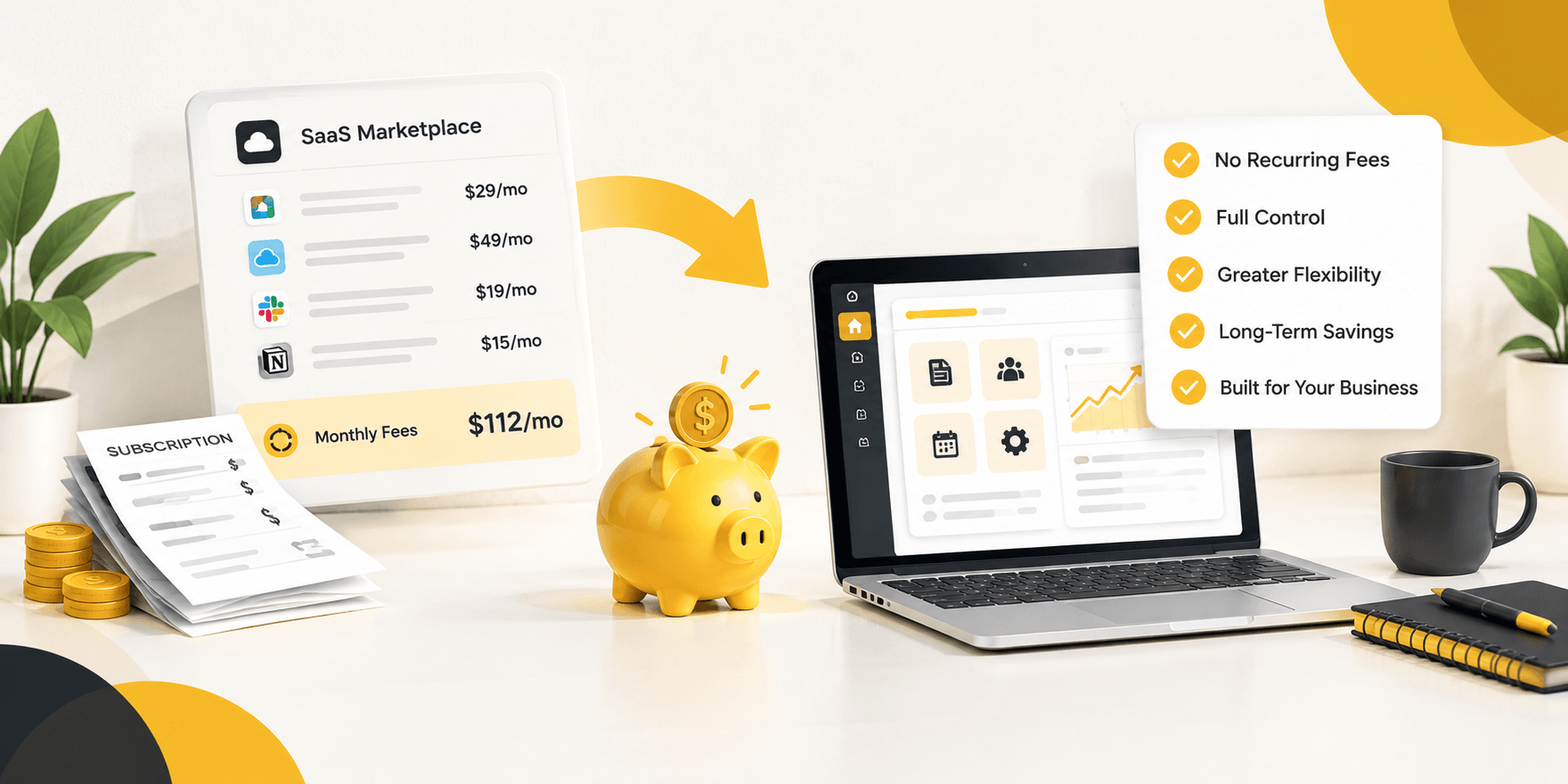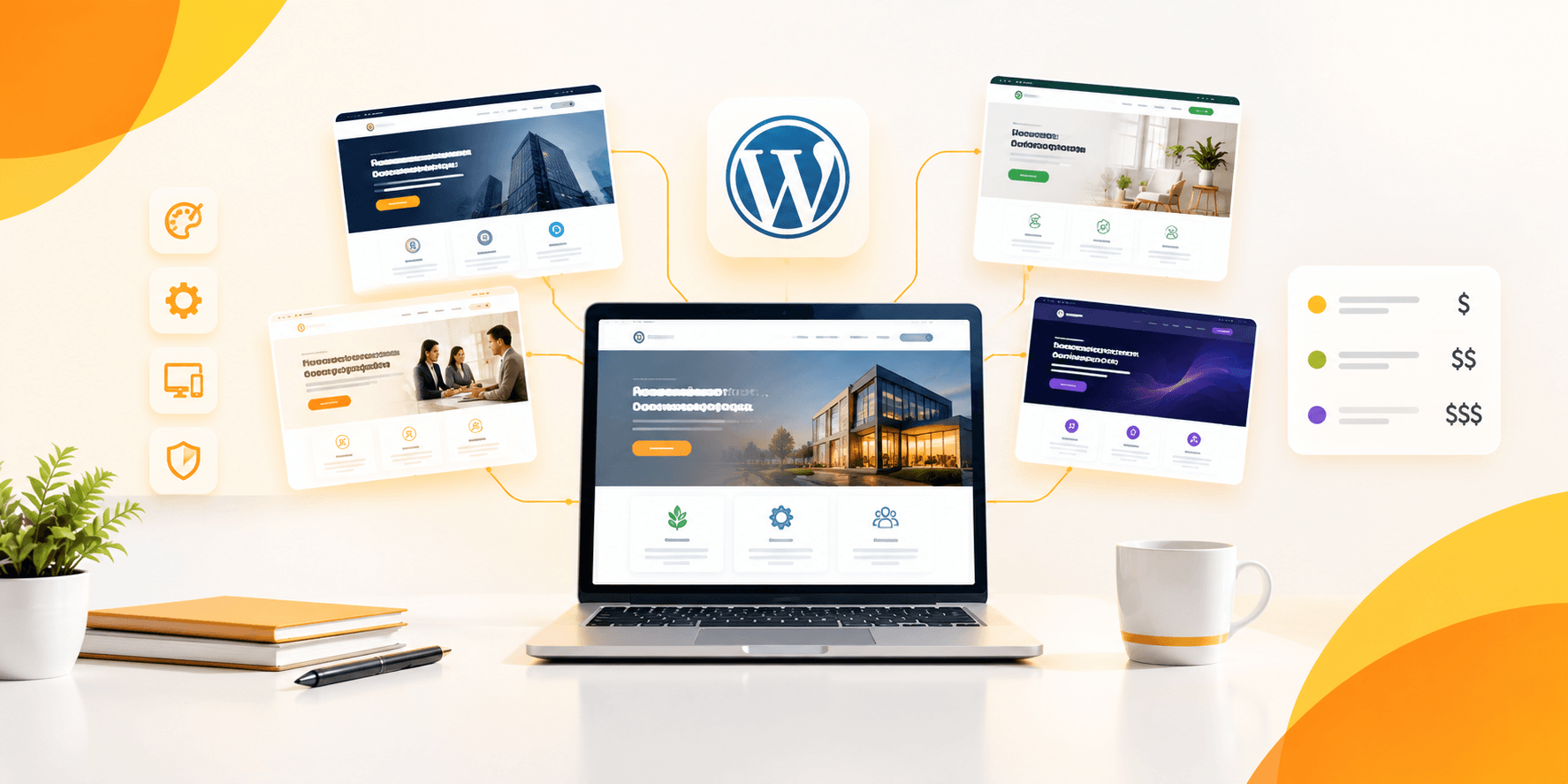
The majority of WordPress theme speed tests bench a blank installation with a demo page and no functionality. As soon as you add an actual requirement that it needs on your site: booking calendar, multi-vendor dashboard or WooCommerce checkout, that perfect score begins to spin out of control. The test that really counts is what will happen to the fastest WordPress theme when it’s under load, not sitting on a sandbox server.
Table of Contents
ToggleWhat Actually Makes a WordPress Theme Fast
What is theme speed, in other words? Themes speed is the page weight (KB) of a theme’s CSS, JavaScript, and DOM elements before any plugin has been installed; the number of HTTP requests; and the Core Web Vitals score, such as Largest Contentful Paint (LCP).
Weight on the page is the best measure, as the score can vary but the file size cannot. GeneratePress was the smallest page size at 45 KB and the quickest page load time of the themes tested, with Astra following closely, loading at 1.1 seconds with a 96 PageSpeed score. Those numbers are incredible, but, until you add a page builder on top of them.
It’s the difference that most “fastest theme” lists never close. Elementor, when added to GeneratePress adds another 180KB of CSS to the page, while Divi alone is 310KB. If one theme is better than the other at the bare install, it may not be so after they’re both doing the same heavy duty. When it comes to speed, it’s a moving target and most comparison posts measure standing still.
How a Real Theme Speed Test Should Work
What is a good speed benchmark for WordPress? A fair test will fire each theme with identical host settings, import the features that the site actually uses (not just a blank demo), and measure PageSpeed, GTmetrix and DOM size in the actual test state, not the out-of-the-box state.
This is the four-step process to run before dedicating any premium WordPress theme:
Create a fresh staging site on the hosting plan that you really use that works for a theme author’s demo site that doesn’t carry over to your shared hosting package or VPS.
Add the theme and necessary functional plugins for your site to use: a booking calendar, a multi-vendor plugin such as Dokan, WooCommerce or a page builder. This is the step virtually every “fastest theme” listicle elides.
Run all three of the plugins: PageSpeed Insights, GTmetrix and a DOM element count Google’s suggested target is under 1,500 total DOM elements, and themes such as Divi and Avada easily push that limit, even before the pages are built using the page builder.
Compare the delta, not just the final score: It is not just about the final score; one that drops from 96 to 70 with functionality has a much higher “plugin tax” than one that drops from 90 to 85
It’s the fourth step that makes the difference between a valuable benchmark and marketing fluff. Most of the premium WordPress themes are tested when they are not filled with any content. Nearly none are tested as the job that you actually purchase them for.
Why “Fastest Theme” Lists Mislead Marketplace Builders
In case you are creating a blog, the bare-install metric is more of an accurate one – you do not have a lot of plugins. For a platform like a rental marketplace, booking platform or multi-vendor digital store, the bare-install number is virtually irrelevant as you will never be running this theme bare.
This is the actual expense comparison for any site that is functional, not a content blog:
| Build Type | Lightweight Theme (bare) | Lightweight Theme + Required Plugins | Brikk / Heilz (native) |
|---|---|---|---|
| Rental/booking marketplace | 90–96 PageSpeed | 65–75 after booking + iCal plugins | 90+ with booking built in |
| Multi-vendor digital store | 90–96 PageSpeed | 60–70 after Dokan + WooCommerce stack | 90+ with vendor dashboards built in |
| Simple blog or portfolio | 90–96 PageSpeed | 85–92, minimal plugin load | Not the target use case |
A generic theme isn’t slow, it’s slow when you add all of the functionality that a marketplace really requires. That’s plugin tax: each booking plugin, each multi-vendor add-on and each iCal sync tool adds its own CSS, JS, and database queries on top of a theme that was designed to handle none of them. The functionality is built into the native booking engine and Heilz’s multi-vendor dashboards, so its functionality avoids being added on later, which’s why both are 90+ on Google PageSpeed Insights with no booking or vendor plugin added.
Common Mistakes That Quietly Slow Down a “Fast” Theme
A true light-weight theme also suffers from selections unrelated to the theme’s file.
- Testing on a demo site, NOT on the site where it is going to be live. Theme authors may load a demo in an iframe or a marketing plugin, which can have an effect on your results and a test on your own server provides a more accurate picture.
- Stacking overlapping plugins. Two plugins for caching which both have CDN integration are not desirable because they are loading twice, which is redundant.
- Ignoring DOM size. Even a low PageSpeed score (under 1,500 DOM elements) can mask a bloated DOM, which can cause a slow initial load time, but make it difficult to interact with the site.
- Not optimizing images (even if it is a theme). Even the quickest theme in the world can take some time to load behind this homepage full of uncompressed PNGs.
- Selecting a theme as a result of the appearance, not the construction. Heavy demo with lightweight core, remains a heavy site when imported.
Conclusion
The fastest WordPress Theme on paper, does not necessarily mean the fastest WordPress Theme on your actual site. If you’re looking for a bare install benchmark, you’re rewarded for minimal coding, but once you add on booking, multi-vendor and WooCommerce functionality, that ranking can change all the way around. But what matters isn’t that the theme is “the lightest empty” but that it remains quick when it is in use doing what I paid for it to do.
This is where the plugin tax for marketplace and directory builders makes the difference. Need to view the side-by-side figures for 10 top choices? For the full list of the quickest WordPress themes, see our breakdown of the fastest WordPress themes for 2026. For those just creating a booking platform or a digital store, check out Brikk’s booking engine and Heilz’s multi-vendor dashboards are already there: they come loaded to the gunwales.