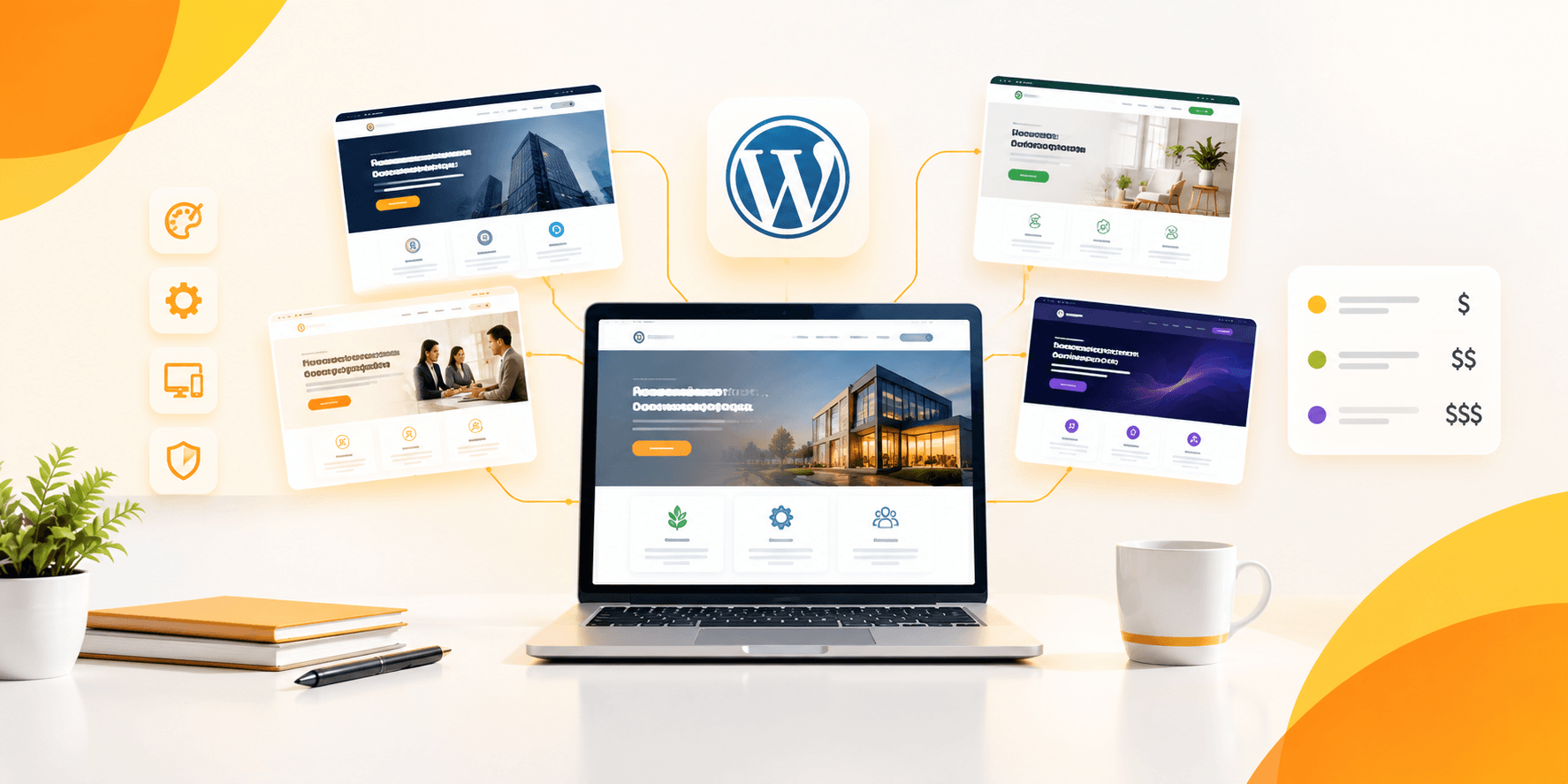
There are 11,000 WordPress themes in ThemeForest alone, and the great majority of these address problems that you don’t really need addressed. When you pay for a premium WordPress theme it makes sense if you’re replacing an expensive plugin stack, developer or SaaS subscription it doesn’t make sense if it replaces the default colours of a free theme. In this guide, we will explain what premium WordPress themes are worth in 2026, and what they are overcharging you for just design.
Table of Contents
ToggleWhat makes a WordPress Theme “Worth Buying” in 2026?
A better WordPress theme is worth the cost if it includes features you would otherwise need to pay for separately, such as booking systems, multi-vendor dashboards, advanced WooCommerce functionality, or PageBuilder performance, and you buy them once and pay for a year of subscriptions.
People shopping at a theme park compare not just the price, but what the price gets especially since most theme shoppers do. It looks close on paper, but the $49 theme and the $79 theme are different. That’s when you start adding things at the end to each of them, and the gap grows considerably. A theme that is native to booking, supports multiple vendors, and integrates WooCommerce saves 3 or 4 plugin purchases (and the associated database bloat, security surface and update conflicts each one adds).
The other factor is licensing. Many “premium” themes are actually subscription products that are billed as a one-time fee, but still include core features with an annual renewal. Unlike SaaS marketplace builders like Brikk and Heilz who cost $299 per month plus a percentage of each booking, they have a flat $79 one-time license fee and no transaction cuts or renewal fee.
How to Evaluate a Premium Theme Before You Buy
What are the ways to ensure that a good WordPress theme is premium? Perform a real-world test on a site running the theme, and tally up how many “premium” features are available, but need an extra plugin, then verify the theme’s update schedule (on the changelog) and compare that cost to 12 months of the plugin stack it replaces.
Before buying, use this four step evaluation:
Test the live demo on PageSpeed Insights and GTmetrix Don’t check out the marketing page’s speed claims, test the live demo with PageSpeed Insights and GTmetrix. A theme demo runs on the developer’s optimized server, and will always appear to be faster than running it on your server.
Write down all of the features that are labeled with “Pro” or “Add-on Required” Themes that require additional purchases for gating access to a bookable or multi-vendor or advanced WooCommerce features are not one-time-fee products, they are subscription products with some kind of teaser price.
For updates in the past 12 months, look at the changelog. As long as there is nothing updated since early 2025, it is a risk of security and compatibility no matter how good it looks today!
Take a realistic look at your TCO. If you were thinking of subscribing to a SaaS, add the theme price to all plugins you would need to have the same features as a competitor with that SaaS, and compare the costs of each against the costs of a single annual SaaS subscription. That fourth step is the one that breaks down most of the time in themed comparisons, as people only compare sticker prices.
Top WordPress themes to purchase in 2026.
Here’s where the money really is, categorized by each theme’s functionality.
1. Utillz Brikk and Heilz
Ideal for: Rental platforms, booking sites, directories, and online product catalogues.
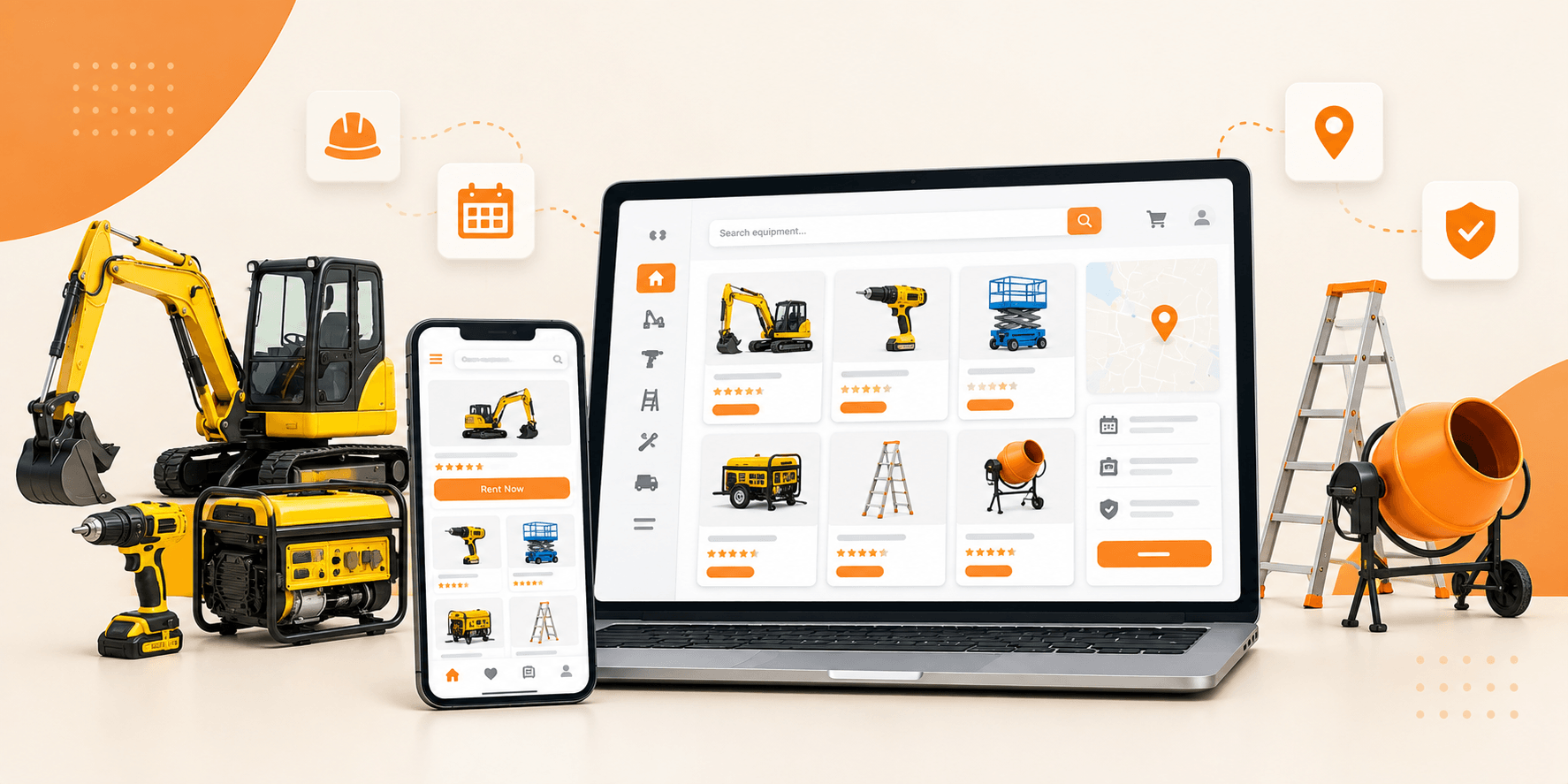
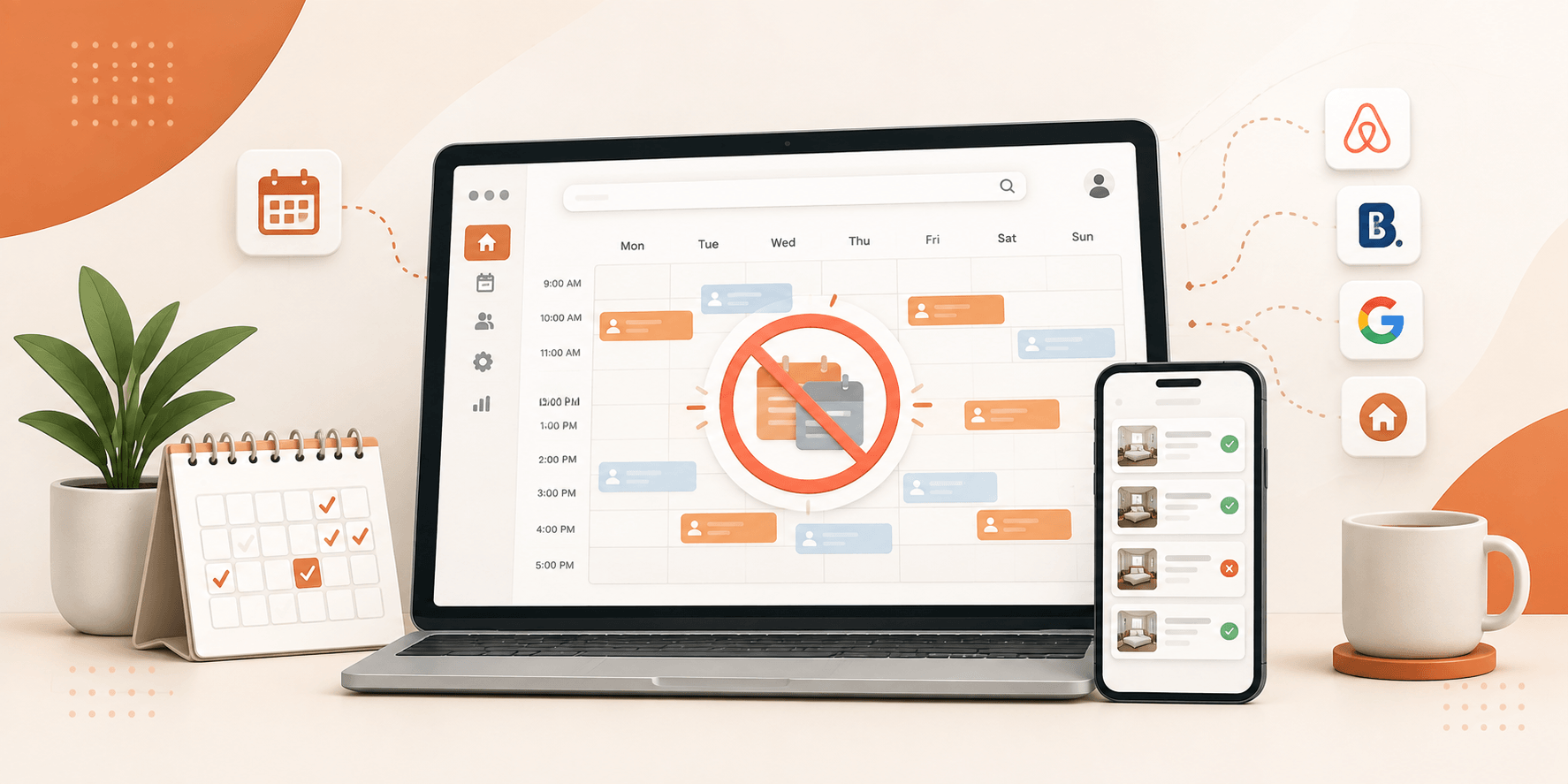
Utillz offers two templates, which are purpose built rather than one general template. Brikk’s rental and booking marketplace supports all models of booking and rental, including cover, nightly, hourly and appointment, natively and includes 2-way iCal sync with Airbnb, Booking.com, and VRBO, meaning no separate booking plugin needed.
Multi-vendor digital download features, such as download plans with WooCommerce and vendor dashboards, are baked into Heilz’s multi-vendor digital download tools for processing eBook, stock photography, audio and software sales.
Key highlights:
- $79 license fee for each theme no monthly charges or transaction cut
- Multi-vendor dashboards that are native (most competitors use a different plugin, Dokan)
- No need for a separate page builder license, use Elementor’s drag and drop building system to produce pages.
- The booking and vendor features are enabled by default, and have 90+ Google PageSpeed scores enabled, not just on a blank install.
A good use case is when you are constructing a platform with transactions whether it’s a marketplace, a booking site, or a digital storefront and you don’t want to end up with a multitude of plugins working together.
2. Astra
Not recommended for: Business sites and file sharing.
Astra’s free packs feature lots of features that are seen in a lot of premium themes and its paid plans include starter templates and advanced customization options without compromising on the lightweight core.
Key highlights:
- Core theme is less than 50KB.
- Works with Elementor, Beaver Builder, and Gutenberg.
- The premium plans begin at approximately $49 per year.
Worth it with: Your website is mainly content, not transactions Astra is known for its speed and flexibility, not commerce or booking logic.
3. Kadence
Best suited for: WooCommerce stores and small business locations
Kadence comes pre-styled with the WooCommerce and a header/footer builder, reducing the number of plugins needed for simple business sites.
Key highlights:
- A built-in header and footer builder.
- Smart floating cart for WooCommerce stores
- Pro tier is priced at approximately $79 a year.
Is useful when: you have a simple storefront or service site, and you do not need additional plugins to style WooCommerce.
4. Flatsome
Appropriate for: Product first eCommerce and fashion/lifestyle brands
The reason Flatsome has been a best seller of ThemeForest for years is its built-in UX Builder and conversion-focused product layouts.
Key highlights:
- No need to purchase a separate page builder license with Built-in UX Builder!
- One-time $79 license
- Product layouts based on buyers behaviour not just looks.
Useful for: when you’re selling tangible items and don’t need to do booking or multi-vendor functionality.
5. Divi
Ideal for: Designers wanting complete control on all page types
Divi’s visual builder enables you to create any template from the start, such as the header, footer, single post, archive, and more without coding anything; but this comes with a higher page weight than lightweight alternatives.
Key highlights:
- Comprehensive Visual Builder for all template types
- Massive layout pack library included
- One time purchase with lifetime access from Elegant Themes.
Use Case: If flexibly designed page is more important to you than page weight and you’re willing to do your own optimization for speed, then it’s worth it.
6. Listeo
Suitable for: Niche directory and listing websites
AI-powered search is an actual feature that sets a listing site apart from others, and Listeo manages the rest of the aspects of a listing site well.
Key highlights:
- AI natural language search for listings
- Support in multiple languages and locations.
- One-time $79 license
Worth it if: Your project is not a transactional marketplace, but instead a content style directory there still require additional plugins to enable booking support.
Premium Theme Comparison Table
| Theme | Best For | License Type | Native Booking | Native Multi-Vendor |
| Utillz (Brikk/Heilz) | Marketplaces, bookings, digital stores | $79 one-time | Yes | Yes |
| Astra | Blogs, business sites | Free / $49 yr | No | No |
| Kadence | Small business, WooCommerce | Free / $79 yr | No | No |
| Flatsome | Product eCommerce | $79 one-time | No | No |
| Divi | Visual design flexibility | Lifetime one-time | No | No |
| Listeo | Directory listings | $79 one-time | Partial | Partial |
Mistakes That Make a “Premium” Theme a Bad Purchase
Expensive doesn’t always mean quality. When packing for a trip, be mindful of these:
- Purchasing on the basis of the demo, not the build. Professionally formatted with stock photos that you don’t own. See what the theme will look like with your content before purchasing.
- Bypassing “Pro” feature gates. If you must go to another website to book, multi-vendor or advanced WooCommerce tools, the actual price is more expensive than what you’re quoted.
- Skipping the changelog. Its a security risk, whatever it looks great at launch.
- You can assume premium automatically for much faster. The code quality, NOT the price determine page weight, so do not conclude that a premium theme is better than the free one just because it is.Don’t assume a premium theme is better than the free one because of page weight, but go over our WordPress speed test breakdown to see that code quality is the main factor.
- Overlooking support quality. One theme which has six months of support and no community forum can leave you in the lurch when it breaks after that time.
Conclusion
What’s shared by the best WordPress themes to buy in 2026 is that they replace something costly, rather than something ugly. Astra, Kadence and Flatsome are worth the price of the content site and simple store. Brikk and Heilz take away the plugin stack altogether instead of just part of it, for any transactional site, whether it be a rental marketplace, a booking platform, or a multi-vendor digital store.
Do a real evaluation before purchasing a theme: Evaluate the theme’s demo’s actual speed, and write down what you need to pay for if you choose to go “Pro” and how much that will cost compared to the plugins it would replace.