Airbnb changed its fee structure in 2026. Hosts now absorb a single 15.5% service fee instead of splitting the cost with guests, as the platform used to work. That change pushes a lot of hosts and would-be marketplace owners toward the same question: why not run your own platform and set your own rate?
Table of Contents
ToggleBuilding an Airbnb clone WordPress site answers that question directly, and you don’t need a development team to pull it off. This guide walks through the exact steps to launch a working Airbnb clone website, from picking a theme to accepting your first booking.
What “Airbnb Clone WordPress” Actually Means
An Airbnb clone doesn’t mean rebuilding Airbnb’s app from scratch. It means using a WordPress theme that already handles listings, bookings, calendars, and payments, then customizing it to match your brand.
Compare the two paths:
- Custom native app development: typically runs $15,000 on the low end, climbing past $500,000 for a complex platform, with industry averages landing around $171,000.
- No-code WordPress theme: a one-time theme purchase plus hosting, usually under $100 to start.
That gap is exactly why most people building an Airbnb clone website skip custom development entirely and reach for a WordPress rental marketplace theme instead. These themes typically bundle a booking calendar, payment processing, host and guest dashboards, and listing management into one package the same core pieces an Airbnb clone actually needs, pre-built rather than coded from scratch. This guide walks through each of those pieces step by step.
Step 1: Pick Your Foundation–Hosting, Domain, and Theme
Every WordPress site needs three basics before anything else happens.
- Register a domain. Standard domains cost $10 to $20 per year through most registrars.
- Choose hosting. Shared hosting starts around $2 to $10 per month; managed WordPress hosting runs $20 to $100+ per month if you want better performance and support.
- Install a rental theme. Utillz’s vacation rental WordPress theme is a $79 one-time purchase with no monthly fees, built on a visual drag-and-drop editor and compatible with a standard WordPress checkout system.
Put those three together and you’ve got a working vacation rental website builder stack nothing else is required to get a site live.
Step 2: Turn On Real Booking Logic
A contact form isn’t a booking system. This step is what actually makes the site function like Airbnb.
The theme includes three native booking models, and you can use any combination of them:
- Nightly booking: guests pick check-in and check-out dates, just like on Airbnb.
- Hourly booking: guests reserve a specific block of time rather than an entire night.
- Appointment booking: guests reserve a fixed slot from the times you make available.
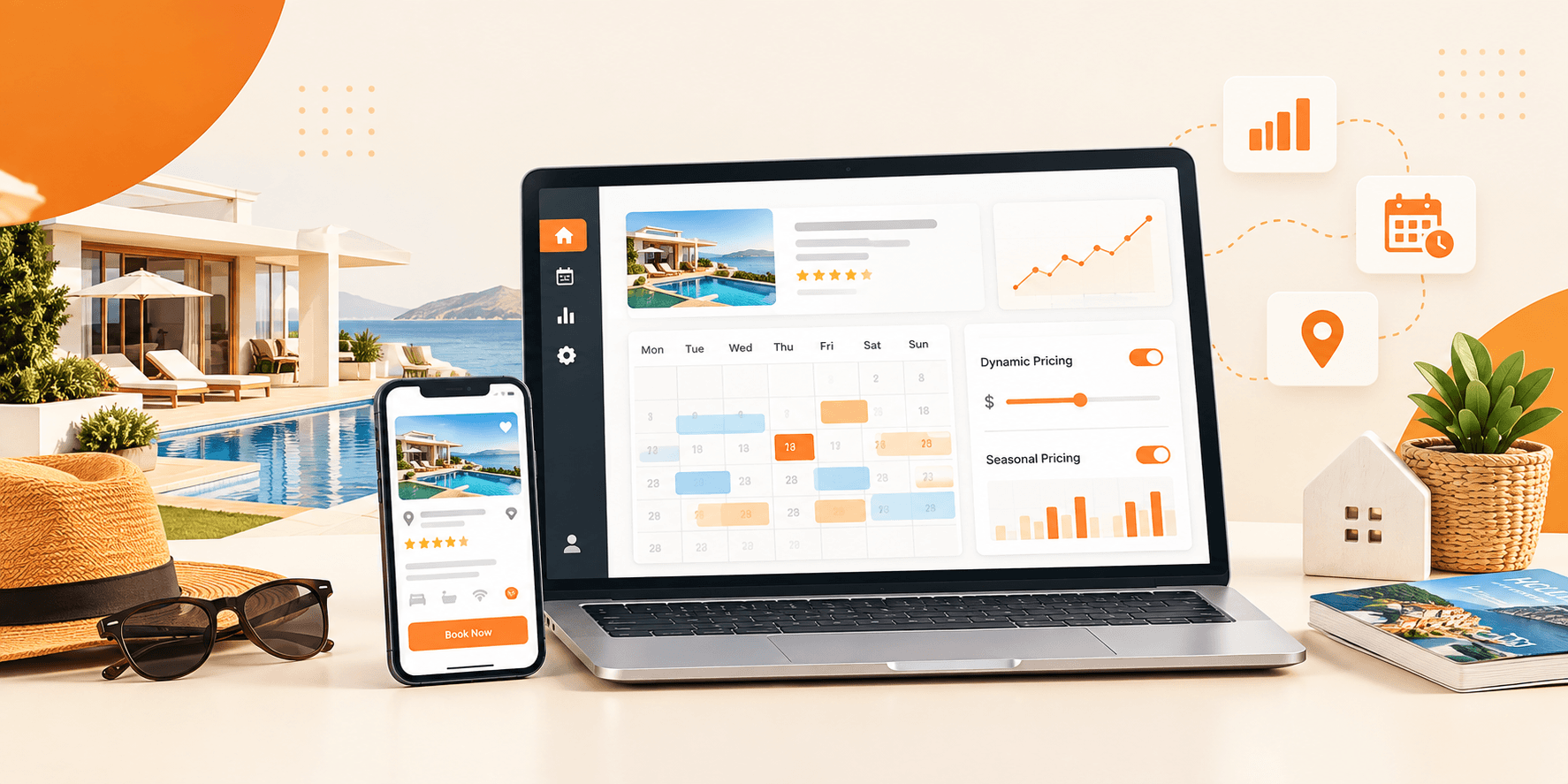
For a straightforward Airbnb-style clone, nightly bookings are what you’ll rely on most. It comes with availability calendars, seasonal pricing controls, and security deposit settings built in real vacation rental management functionality, not a plugin bolted on as an afterthought.
Step 3: Sync Calendars So You Never Double-Book
If you already list a property elsewhere, double bookings become the biggest risk of adding a second platform.
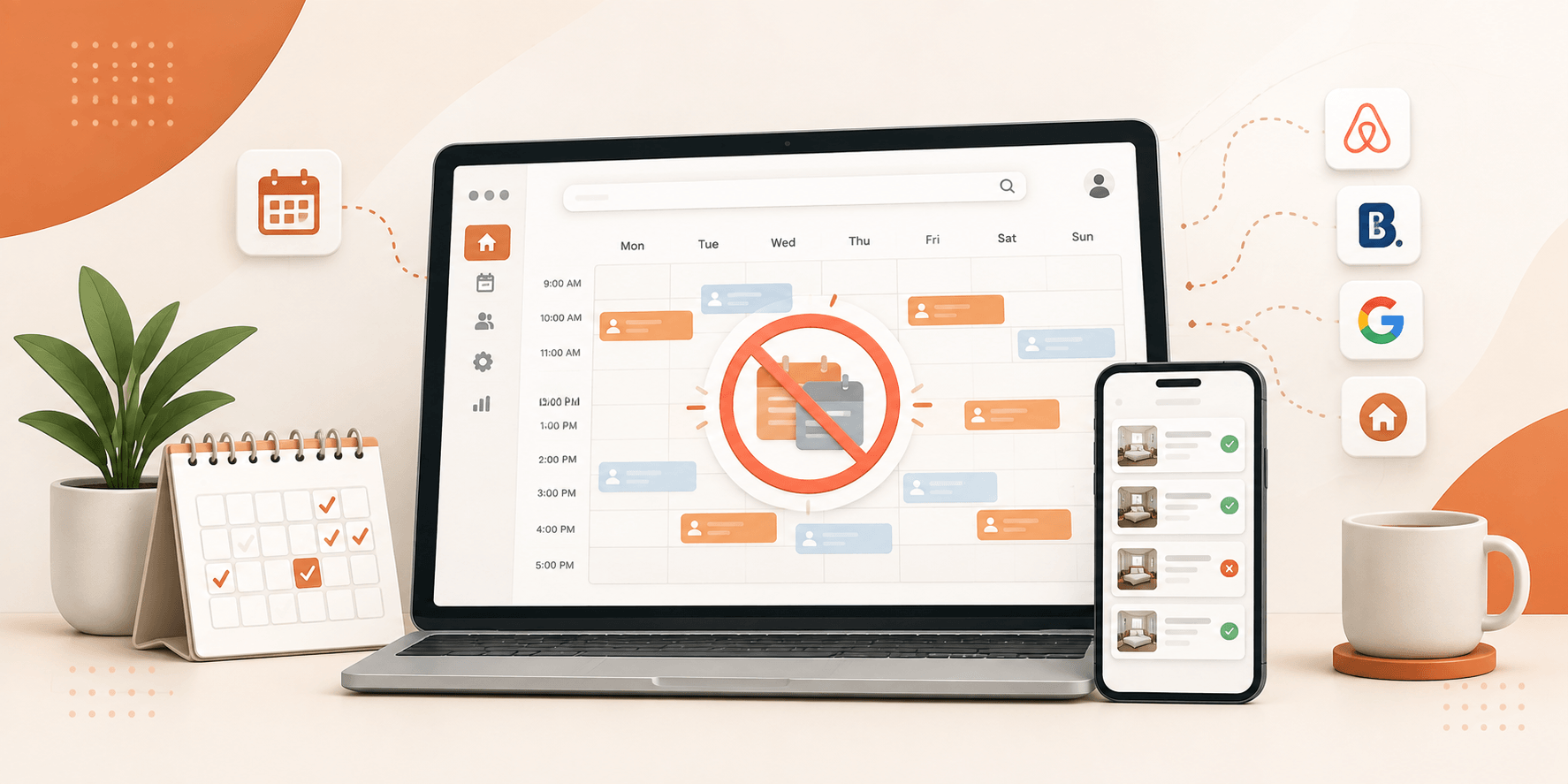
This setup handles that with 2-way iCal sync to your existing listing calendars. Block a date on one platform, and it blocks automatically on your own site. Accept a booking on your site, and the other platform sees it too. This one feature turns a standalone site into genuine vacation rental software, not just a pretty listing page.
Step 4: Set Up Payments and Decide Your Own Commission
A built-in checkout system handles the payment side, using one of the most widely adopted e-commerce plugins available for WordPress. Connect a payment gateway, and guests pay directly through your site.
This is where the fee comparison from the intro pays off. The built-in multi-vendor dashboard and commission tracking let you set your own cut, not Airbnb’s fixed 15.5%. If you’re running the platform yourself, or opening it up to other hosts, you decide the split.
Step 5: Design Listing Pages Without Touching Code
A drag-and-drop editor powers the design here, so listing pages, search forms, and filters all get built by dragging elements into place, not writing code.
Spend real time here. A clean listing page clear photos, visible pricing, an obvious “Book Now” button is what turns a browsing visitor into a booking.
Step 6: Launch and Keep It Running
Before going live, run through a short checklist:
- Test a full booking end-to-end, from search to confirmation.
- Confirm calendar sync pulls correctly from every platform you already list on.
- Check the site on an actual phone, not just a resized browser window.
- Verify payment gateway settings with a small test transaction.
Once it’s live, ongoing costs stay predictable: domain renewal (10–20/year) and hosting (2–100+/month, depending on the plan). That’s the entire recurring cost of running your own vacation rental website.
The Real Cost Comparison: Theme vs. Custom Build
Laid out side by side, the choice is fairly stark.
No-code theme route:
- Upfront cost: $79 theme plus hosting
- Time to launch: days
- Coding required: none
Custom native build:
- Upfront cost: $15,000 to $500,000+, averaging around $171,000
- Time to launch: months
- Coding required: a full development team
For anyone who wants to build an Airbnb clone without code, the theme route isn’t the compromise option. It’s the practical one.
Your Airbnb Clone Doesn’t Need a Development Team
Airbnb’s move to a 15.5% host-only fee gave a lot of hosts a reason to look elsewhere. A WordPress-based Airbnb clone gives you the same booking mechanics dates, calendars, payments, commissions without Airbnb’s cut or a six-figure development bill. Pick a theme, connect your domain, and you can have a working booking platform live within days.