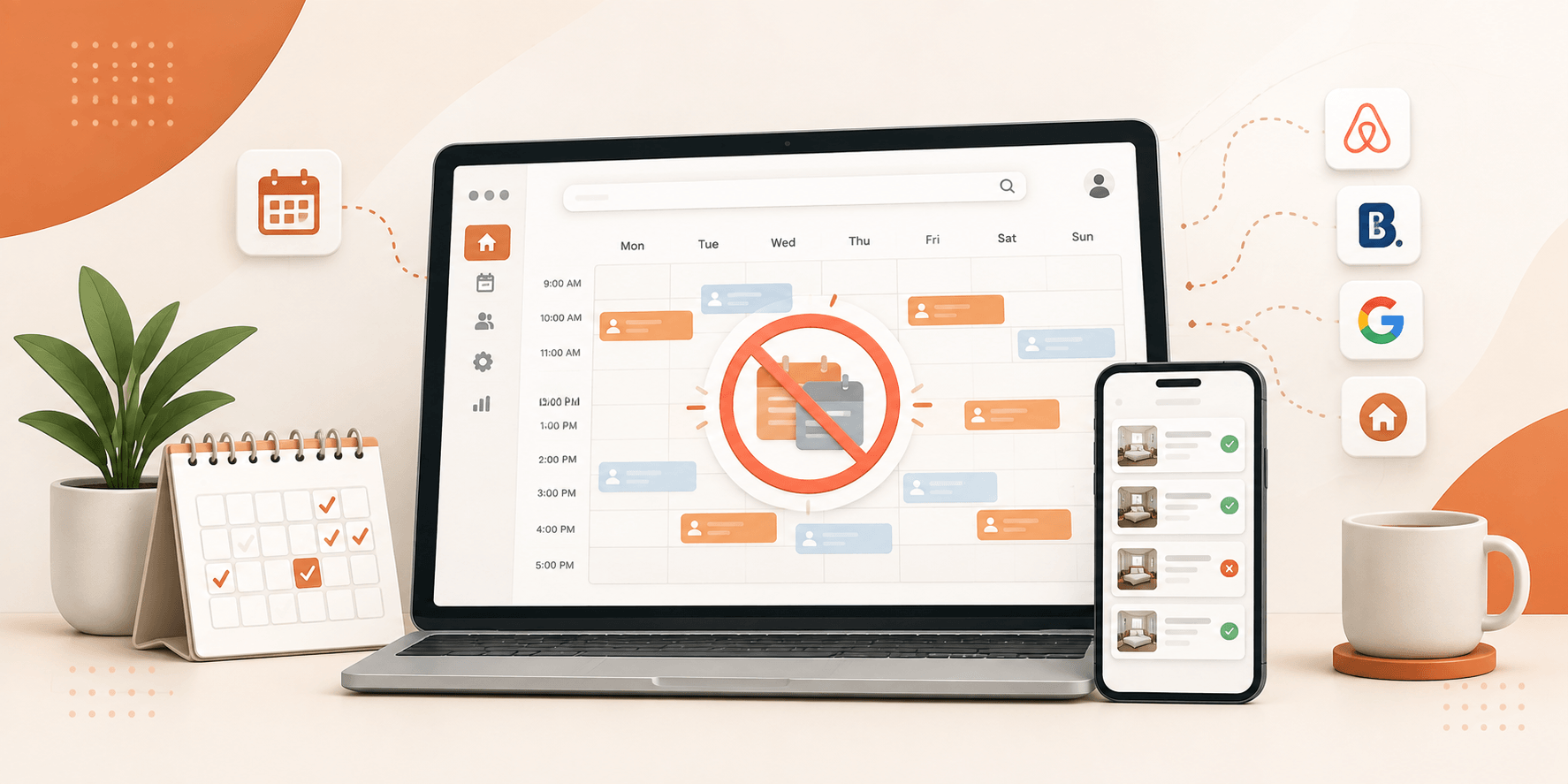
A few years ago, building a vacation rental platform from scratch was a serious undertaking. You needed a development team, a solid runway of time, and a budget that most early-stage entrepreneurs simply did not have. The barrier was real, and it kept many good ideas on the shelf.
Table of Contents
ToggleThings look very different now. WordPress, paired with a purpose-built Airbnb clone WordPress theme, lets you put together a fully operational rental marketplace without writing a single line of code. We are talking about a platform with booking calendars, host dashboards, payment processing, and iCal sync, built over a weekend, not over several months.
This guide breaks down the entire process. Whether you are starting from zero or switching away from an overpriced SaaS tool, you will walk away with a clear picture of what it takes to launch.
Why WordPress Makes Sense for a Rental Marketplace
WordPress powers over 40% of the internet, and for good reason. It is flexible, well-supported, and built to handle far more than basic blogs and portfolio sites. For a rental marketplace specifically, it brings a few advantages that are hard to match:
- You own the entire platform, your data, your rules, no third party pulling the strings
- There are no monthly fees tied to your revenue or booking volume
- The plugin ecosystem covers almost every feature a marketplace needs: maps, payments, calendars, reviews
- Every booking keeps 100% of the transaction value, no platform cut
- You can evolve the site as the business grows without being locked into a vendor’s roadmap
The combination of low upfront cost and long-term flexibility is what draws marketplace builders to WordPress again and again.
Choosing the Right Airbnb Clone WordPress Theme
Here is where most people make their first mistake: they pick a generic WordPress theme and try to bolt on rental features afterward. It never works cleanly. You need a WordPress rental marketplace theme designed from the ground up for booking and listing management.
Themes like Utillz’s Brikk are built specifically for rental and booking marketplaces, handling everything from front-end listing submission to iCal sync out of the box. That kind of purpose-built foundation saves you weeks of configuration compared to adapting a general-purpose theme.
These are the features that actually matter when you are evaluating your options:
Front-End Listing Submission
People who list things on your site should be able to add and manage their listings from the part of the site. They should not need to go into the WordPress admin area. A good form for adding listings should let people upload photos, set prices, write descriptions, show when things are available, and add details. If the theme makes people go to the backend to do these things, that is a problem for people who are not good with technology. Hosts like to be able to do things from the front end of the site so hosts can manage their listings without any hassle.
A Booking Engine That Actually Works
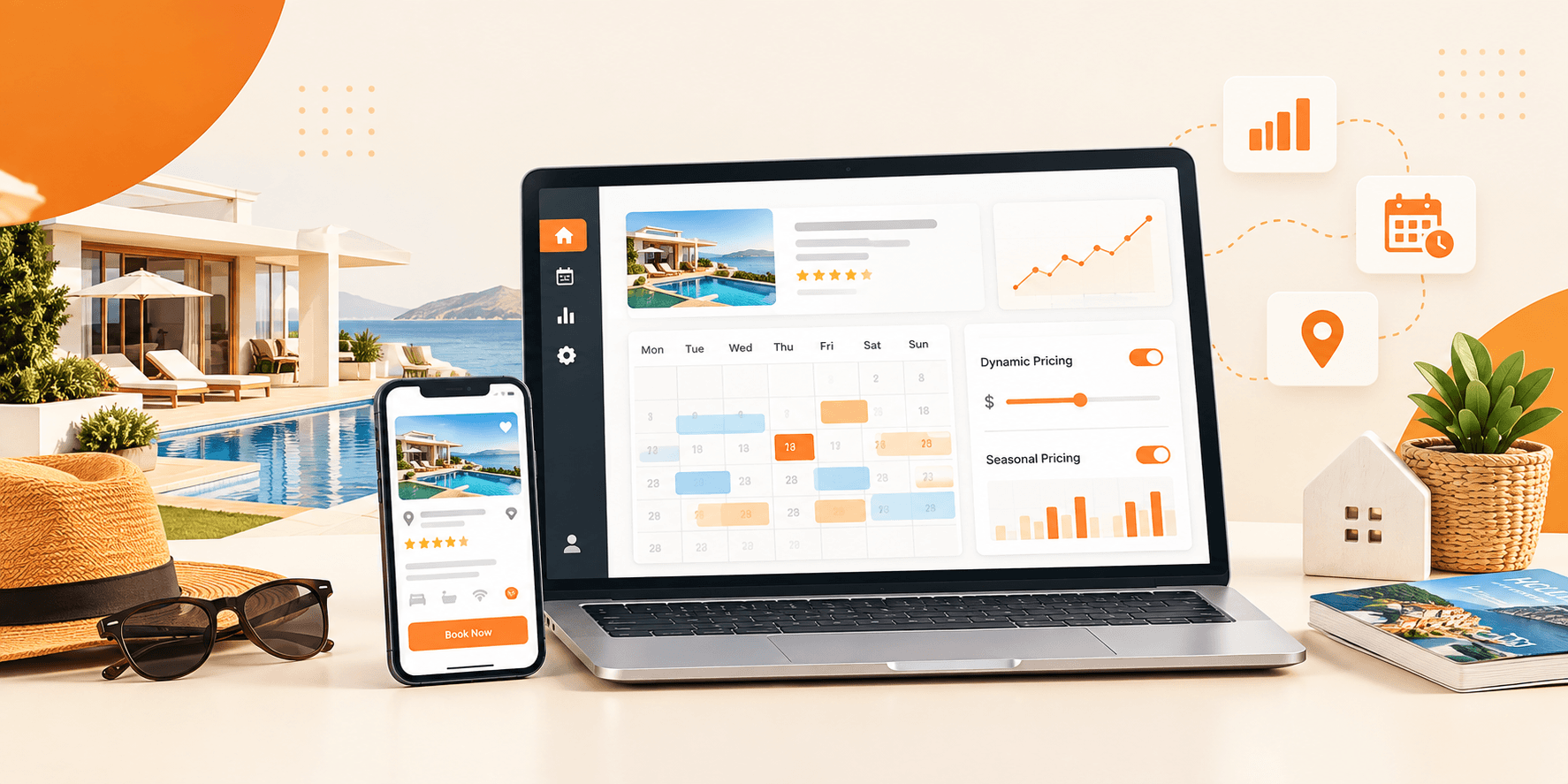
This is part of your platform. The booking system needs to handle date-based availability. It also has to calculate prices, including prices that change with the season and extra fees. Managing reservations should be simple and easy to understand.
iCal Calendar Sync
Any host who already lists on Airbnb or VRBO will ask about this away. A WordPress directory theme with iCal sync helps hosts import and export calendar feeds. This way their availability stays accurate across every platform they use, like Airbnb and VRBO. Without it hosts face bookings, which can be a big headache to fix. It can also make them lose trust in the system fast.
Search That Filters the Way Guests Think
A search bar is not enough for people who are looking for a place to stay. People want to be able to filter the search results by the date they are checking in. The date they are checking out, how much they want to pay, where the place is, how many people are going to stay, and what kind of things the place has. The better the filtering system is, the faster people can find the listings they really want to book.
Reliable Payment Integration
Your theme should work with Stripe or PayPal from the start. This is important because guests want to pay securely and hosts want to get the money they earn without a lot of trouble. So make sure the payment process deposits, full payments, and refunds before you choose a theme.
Building the Platform: A Step-by-Step Walkthrough
Once you have selected your theme, the build process is more straightforward than most people expect. Here is how it goes:
- Get Your Hosting in Order: Pick a managed WordPress host: SiteGround, Kinsta, or WP Engine. They offer plans at different prices. Look for fast server speeds, reliable uptime, and a one-click WordPress installer. Get WordPress running. Then point your domain before you do anything else.
- Install Your Theme: ThemeForest is the most reliable source for premium rental themes. Utillz, for example, is a Top 1% ThemeForest seller with over 10 years of WordPress experience and 9,500+ marketplaces already live. Download your chosen theme, upload the zip file through Appearance > Themes > Add New > Upload Theme, and activate it along with any required plugins.
- Run the Demo Importer: When you get a theme, it usually comes with demo content that you can add to your site with just one click. You should do this away. This gives you a website that actually works with pages and sample listings, and the layout is already set up. This makes it much easier to make changes to your site because you are not starting from nothing. You have something to work with, which is really helpful. Good themes make this process much faster.
- Build Out Your Listing Fields: When people book a place, they want to know what kind of property it is, how many bedrooms it has, what things they can use, what the rules of the house are, and how to get in. To make this easy for them you should set up some fields on your listing that fit the kind of places you are renting out. This way, people can search for what they want.
- Configure Your Booking Rules: Head into the booking settings and work through the details — nightly vs. weekly pricing, minimum and maximum stay requirements, seasonal rate adjustments, and whether hosts can accept bookings instantly or need to approve them first. Get these settings right before you open the platform to real users.
- Turn On iCal Sync: Enable iCal import and export within the booking settings. Once it is active, hosts can paste a calendar feed URL from Airbnb, VRBO, or Booking.com directly into their listing. The calendar updates automatically, so your platform always reflects accurate availability.
- Connect Your Payment Gateway: Go to the payment settings and enter your Stripe or PayPal API credentials. Run a test transaction end-to-end, create a test listing, make a test booking, and confirm the payment processes and the payout flows correctly before you go live.
- Set Up Email Notifications: Map out every step that people take when they book something and set up emails to go out for each one. This includes when someone asks to book, you say yes or no, when someone cancels, when the person in charge says okay, when money is paid, and when it is almost time to arrive. Both the people who are staying and the people who own the place need to know what is going on at every step. The good thing is that emails can be sent automatically.
- Do the SEO Groundwork: Install Yoast SEO or Rank Math and start optimizing your listing pages. Use location-specific keywords in titles and meta descriptions. Make sure the site loads quickly on mobile — a slow site loses both rankings and bookings. Google Search Console is worth connecting from day one, so you can track how the site performs.
- Test Before You Launch: Spend a day properly testing the platform. Create multiple listings with different configurations, run bookings through the full flow, verify that iCal syncs correctly, and view the site on multiple devices and browsers. Fix whatever feels off. A clean launch experience builds early trust with both hosts and guests.
What Your Platform Needs Ready on Day One
Guests and hosts arrive with expectations shaped by Airbnb and other established platforms. You do not need to match every feature on day one, but you do need the essentials covered:
- Date-based search with real availability filters
- A host dashboard where owners can manage listings, bookings, and earnings in one place
- A guest account area showing booking history, upcoming stays, and saved properties
- A verified review system — trust signals matter enormously on rental platforms
- A fully responsive design — a lot of browsing and booking happens on mobile
- Map view on listings so guests can understand exactly where a property sits
- iCal sync for any host who is already active on other rental platforms
Conclusion:
Building an Airbnb clone on WordPress is like a tough job at first, but it becomes a lot easier when you have a good theme and a clear idea of what you want to do. The technology is not the problem. It is choosing the foundation and setting it up carefully that makes a difference between platforms that work well and those that do not work at all.
Once your platform is live, you will have something that belongs to you. You do not have to pay anything monthly to keep it running, and that gives you complete freedom to grow in whatever direction the market takes you. That is a very different position to be in compared to renting your business from a SaaS provider month after month.
Ready to Stop Renting Your Platform and Start Owning It?
If you are serious about building a rental marketplace that works for your business, not against it, start with a WordPress theme built specifically for the job. Look for one with a proven booking system, front-end listing management, iCal sync, and a support team that actually responds. Set it up once, launch it properly, and own every part of what you build.