

Most people who want to build a rental property website start with one question: what should I rent out? Cabins? Desks? Cars? Pick wrong, and you spend months on a site nobody needs. Pick right, and you give a specific group of people exactly what they were searching for.
Table of Contents
ToggleThe good news is that WordPress handles all of these. You don’t need a custom platform or a developer on retainer. You need the right theme, a clear idea of who you serve, and a booking setup that fits how your customers actually rent.
This guide walks through five types of rental websites worth building, shows how to set one up, and breaks down what it costs. Some of these rent out property, and some rent out equipment, vehicles, or services. The setup works the same way for all of them.
What is the best property rental?
There isn’t one winner. The best property rental website is the one built for a clear audience that already searches for what you offer. A site for lake cabins beats a site for “all accommodation” because visitors know right away they’re in the right place.
Ask three questions before you choose a type. Who will rent? Who will list? And how do customers book, by the night, by the hour, or by appointment? The answers point you to the right model. Here are five that work.
Coworking rental website
Freelancers, small teams, and remote workers book desks, private offices, and meeting rooms, often for a few hours at a time. That makes hourly booking the natural fit. A visitor picks a room, picks a time range, and pays.
Your listings need the details workers care about: seats, internet, opening hours, and price per hour or day. Add extras like projector hire or printing as add-ons. A multi-vendor rental website works well here too, because several workspace owners in one city can list under your brand.
Vacation rental website
This is the classic. Travelers search by dates and guest numbers, then compare cottages, cabins, and beach houses. If you want a vacation rental website WordPress setup that earns during peak weeks, look for a theme with seasonal pricing, security deposits, and calendar sync.
Calendar sync matters more than it sounds. Hosts who also list on Airbnb or Booking.com need those dates blocked on your site, or double bookings follow. A short-term rental website lives or dies on that detail, so test the sync before launch.
Equipment rental website
Cameras, power tools, party gear, and sports equipment all rent well, because people need them once and don’t want to buy. Customers usually book by the day or by the hour.
Equipment owners worry about damage, so choose a setup that supports security deposits. Listings should show condition, what’s included, and pickup details. You can run this on the same site as property rentals by giving each category its own listing type with its own rules.
Vehicle rental website
Cars, vans, bikes, and scooters give you a steady audience in tourist towns and student cities. Customers book by the day, so date-based reservations and a clear price per day matter most.
List the details drivers ask about first: model, seats, transmission, fuel type, and mileage rules. Add optional extras, such as a child seat or a second driver, as paid add-ons.
Service directory
A service directory lists local professionals, such as cleaners, tutors, photographers, or tradespeople. It’s not a rental in the strict sense, but it uses the same building blocks: listings, search filters, owner submissions, and bookings. Visitors browse, compare reviews, and book a time slot.
This model suits you if you’d rather connect people than manage inventory. Providers create their own profiles, you approve them, and you earn through listing plans or fees.
How to set up a rental website?
You can build a basic version in a weekend. Follow these steps in order.
- Get hosting and a domain. Pick WordPress hosting that can handle growing image libraries and bookings. Choose a domain that names your niche.
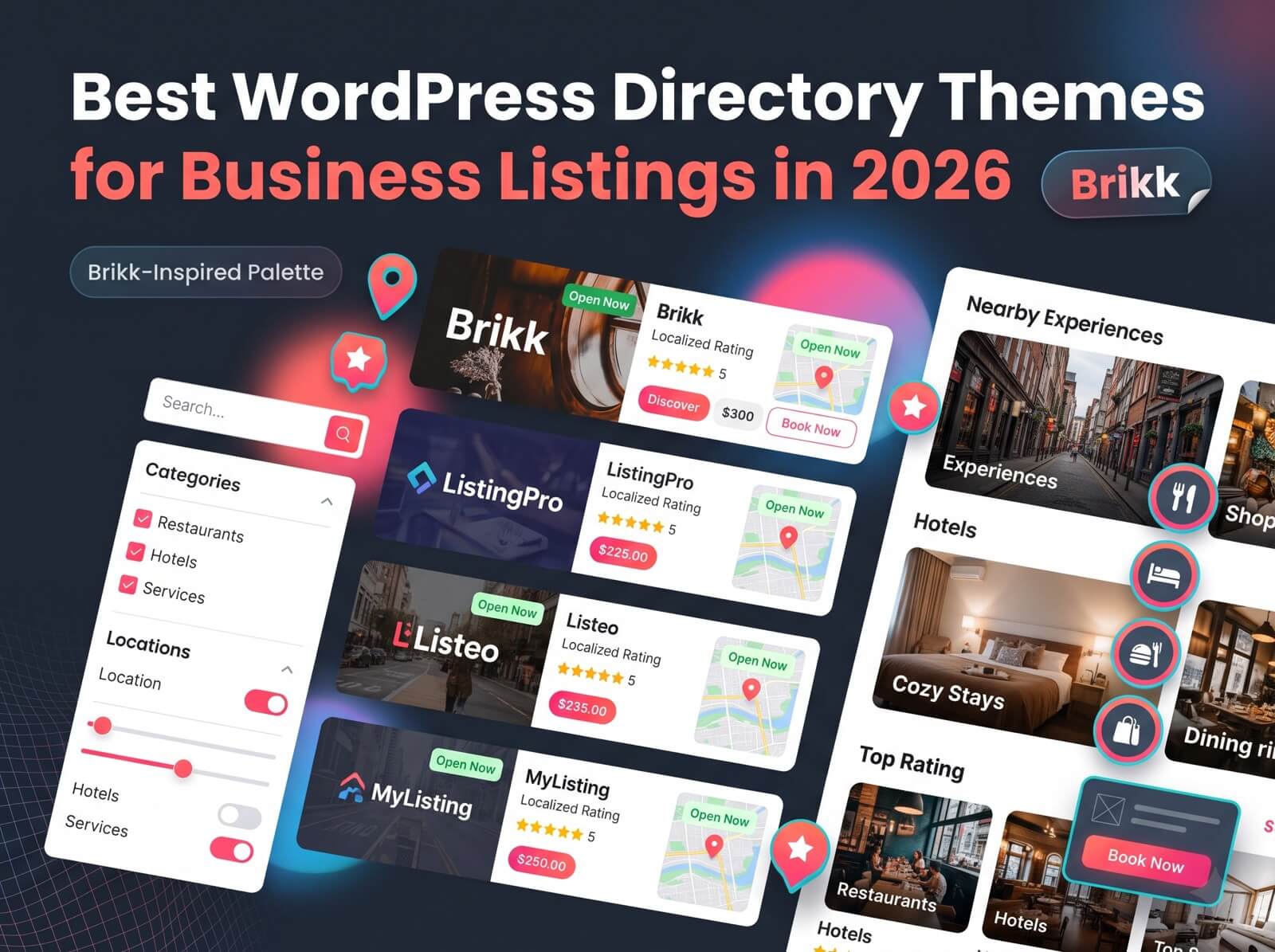
- Install WordPress and your theme. Brikk asks for Elementor and WooCommerce as core plugins. The free version of Elementor covers every layout on its demo sites.
- Create your listing types. Add one for each thing you rent, such as “Cabin” or “Camera”. Each type gets its own fields, filters, and booking rules.
- Choose the booking type. Daily booking suits cabins and cars, hourly booking suits desks and equipment, and appointment booking suits services.
- Create the booking product. The booking action needs a linked WooCommerce product of the type “Listing Booking”. If you skip it, bookings fail with a “Booking product is missing” error.
- Build your search form. Add the filters visitors expect: location, dates, price, and category.
- Turn on submissions. Let owners add listings from the front end, and decide whether you approve each one before it goes live.
- Test as a guest and as an owner. Search, pick dates, pay, and check the confirmation. Then add a listing from an owner account and approve it.
How Brikk Helps You Make a Website for a Rental Property
Your setup depends on one decision: is this your own property, or a marketplace for other people’s? The theme covers both, so you don’t have to switch tools when your plans grow.
If you rent out your own property, keep it simple. Create one listing type with the fields your guests need, such as sleeps, bedrooms, and amenities. Turn on daily booking, add your nightly rate, and use seasonal pricing for peak weeks. Set a security deposit if you want one. Then build a few pages in Elementor: home, the property, booking info, policies, and contact.
If you want a WordPress rental marketplace, you add the owner side. Owners submit listings from the front end of your site, and you decide whether to approve each one before it goes live. Each owner gets a dashboard where they manage listings, see bookings, and read messages. You earn through a service fee, a host fee, or paid listing plans.
Either way, think about the visitor first. They want to see photos, know the price, check dates, and book without friction. Put those four things where nobody has to hunt for them. An apartment rental website WordPress build follows the same logic. You swap nightly rates for details like monthly rent and lease terms in the listing fields.
Cost of building a rental property website with Brikk?
The theme costs $79 as a one-time purchase on ThemeForest. That includes 6 months of support, which you can extend to 12 at checkout. There’s no monthly fee for the theme.
Here’s the rest of the bill:
- Hosting and a domain. These are your main ongoing costs, and prices vary by provider.
- Elementor. The free version is enough for the layouts in the demos.
- WooCommerce. It’s free, and your payment gateway charges its usual processing fees.
- WooCommerce Subscriptions. You only need this premium plugin if you want recurring listing plans, such as a monthly fee for owners.
ThemeForest also sells a Regular and an Extended License, and which one you need depends on whether the end users of your site pay. Check the license terms on the theme page before you launch a paid marketplace.
Conclusion
The best way to build a rental property website is to start narrow. Pick one audience, one rental type, and one booking method, then add more once the first one works. Cabins, desks, cameras, cars, and local services all follow the same path: clear listings, easy search, simple booking, and a dashboard that saves you time.
WordPress gives you the flexibility to start small and grow into a marketplace later. Choose the model that fits your customers, and the rest of the site follows.
Ready to build yours? Explore Brikk to see its listing types, booking tools, and owner dashboard, and test them against your own rental idea.