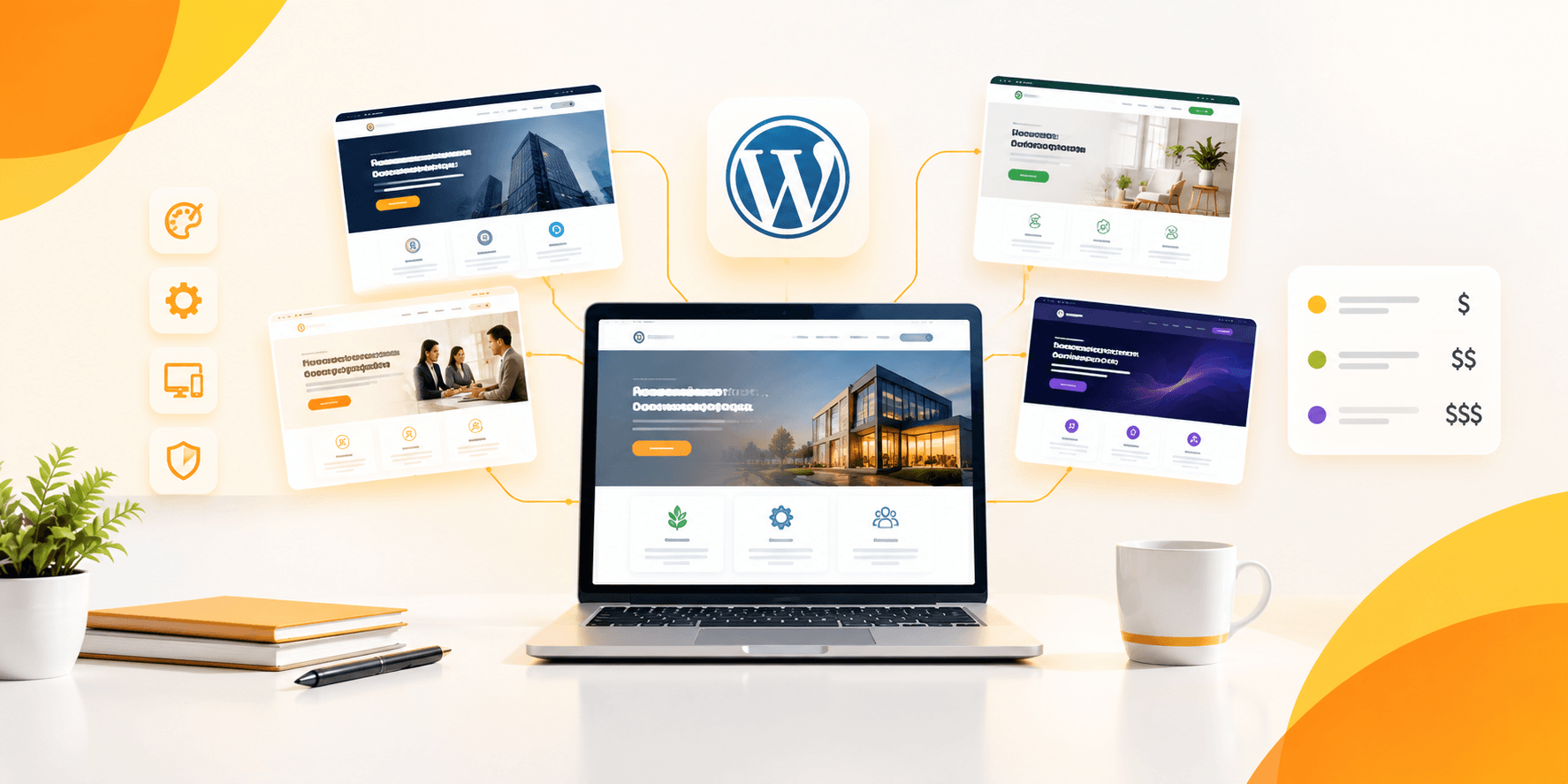


In this tutorial, you will learn how to customize your WordPress theme without coding. You will use tools designed for beginners. Now in the past, creating a website meant either learning coding yourself or asking someone who is able. Nowadays that is simply not true. WordPress themes and tools have made it possible to create, customize, and launch a professional-level website. You can do this without writing a single line of code.
Table of Contents
ToggleIf you have themes like Brikk (for directories) or Heilz (for digital marketplaces) from Utillz, you have already made progress. Priced at just $79 each. These themes are all about empowering you-non-techie-to take complete control over your site using the simple on-screen, drag-and-drop tools.
Your new site is a listing platform. It is also a directory. Alternatively, it a marketplace for digital products. This guide will teach you step-by-step one of the many ways to customize your WordPress site without coding skills.
No-Code WordPress Theme Customization with Brikk and Heilz
There seems to be an ever-closer merging connection between developers and creators. Increasingly, individuals such as entrepreneurs, small business owners, and creativists look for ways to “fast-track” their work onto the Internet. They do not want to wait for a developer each time they need to change a font size. They also don’t want to wait to move a button.
If you are considered among the above people, you want speed and flexibility with regard to changes on your site. Hence, tools like Elementor (a drag-and-drop page builder) as well as themes like Brikk and Heilz find their place here. These tools were made for people just like you. You know what you want your website to resemble. However, you prefer to avoid writing code.
Getting Started With WordPress Theme Customization (No Coding Needed)
Before you can start customizing, get some of the following basics in place:
- A live WordPress installation (hosted or local).
- Installation and activation of a premium theme like Brikk or Heilz.
- Install the Elementor page builder plugin (free or Pro version depending on your needs).
Both Brikk and Heilz are designed to maximize visual page editing in real time. This is achieved using the Elementor Frontend Editor.
This allow you to customize your WordPress theme without coding by simply dragging and dropping elements.
Set Up Your WordPress Theme Fast With One-Click Demo Import
If you are not a pure beginner, use the One-Click Demo Import. It comes with both Brikk and Heilz. This imports a fully functional pre-built website design, with layouts, placeholder content, and sample images.
Why does this matter?
Because it gives you a structure. Instead of staring into a blank white page, you work on a finished model. You are able to modify and customize this model according to your brand. This is like moving into a furnished apartment and redecorating it room by room.
How to Customize WordPress Theme Without Coding (Step-by-Step)
1. Visual Tools to Edit WordPress Themes Without Code
Brikk and Heilz are fully compatible with Elementor. Therefore, your site pages can be edited with a live visual editor. Just click on any text, image, button, or layout block, and change it right there on the page.
Want to change your headline? Just click and type.
Want to replace an image? Click, upload, and you’re done.
You just drag and drop new elements like testimonials, pricing tables, and contact forms into your live site. There is no need for extra plugins or skill in HTML!
2. Use the WordPress Theme Customizer to Control Site-Wide Design
To modify the general aspects of your WordPress site, such as colors, typography, logo, and layout settings, use the Customizer. This is a live preview panel where you can:
- Upload your logo and favicon
- Make modifications on your themes’ primary and secondary colors
- Set font families and sizes
Your site’s layout width and sidebar positions are set.
These changes take effect through the entire site. They do not apply to just a single page. This makes it easy to keep maintaining the same brand style.
3. Create and Customize Listing Pages With Brikk – No Coding Needed
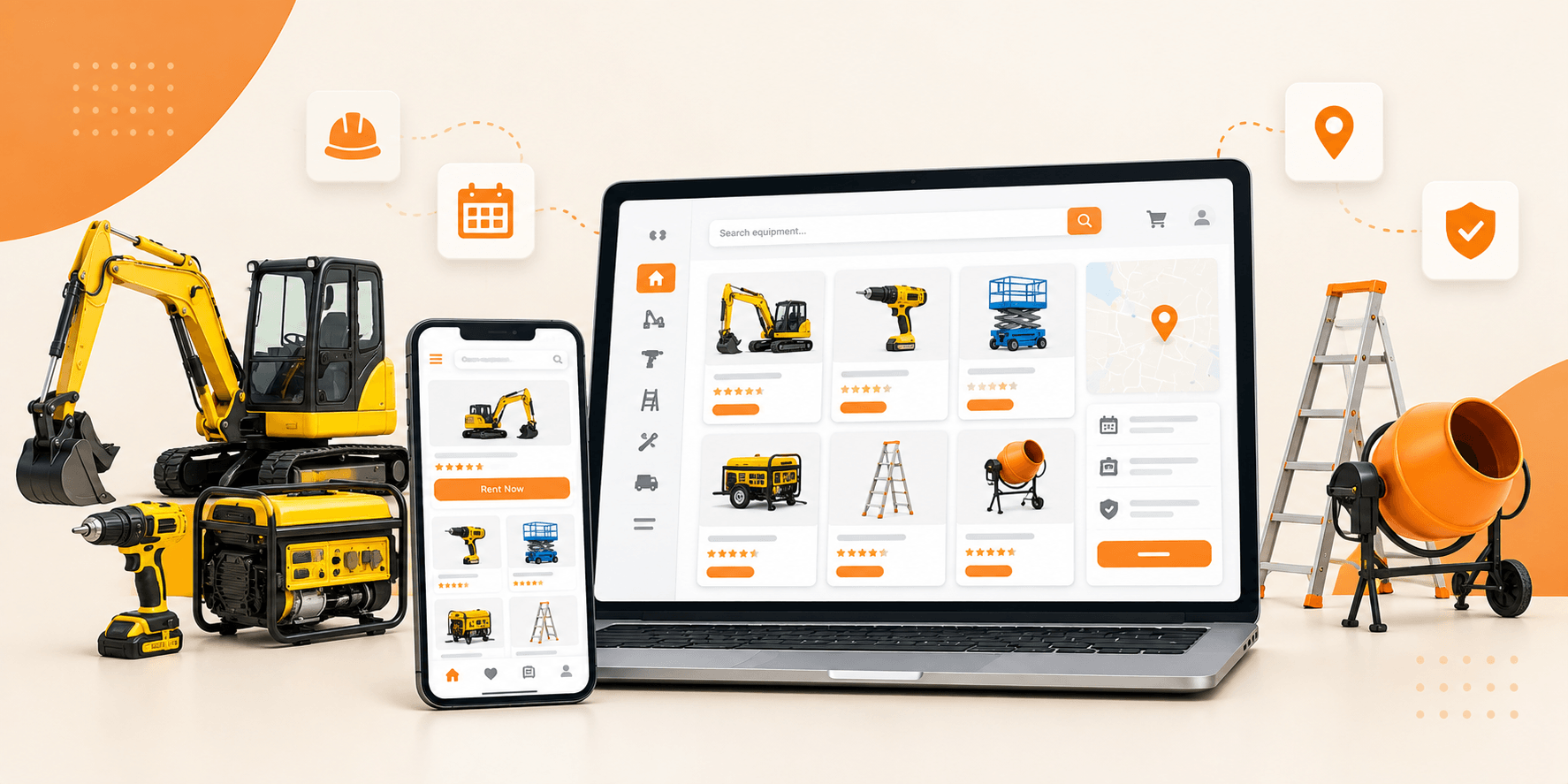
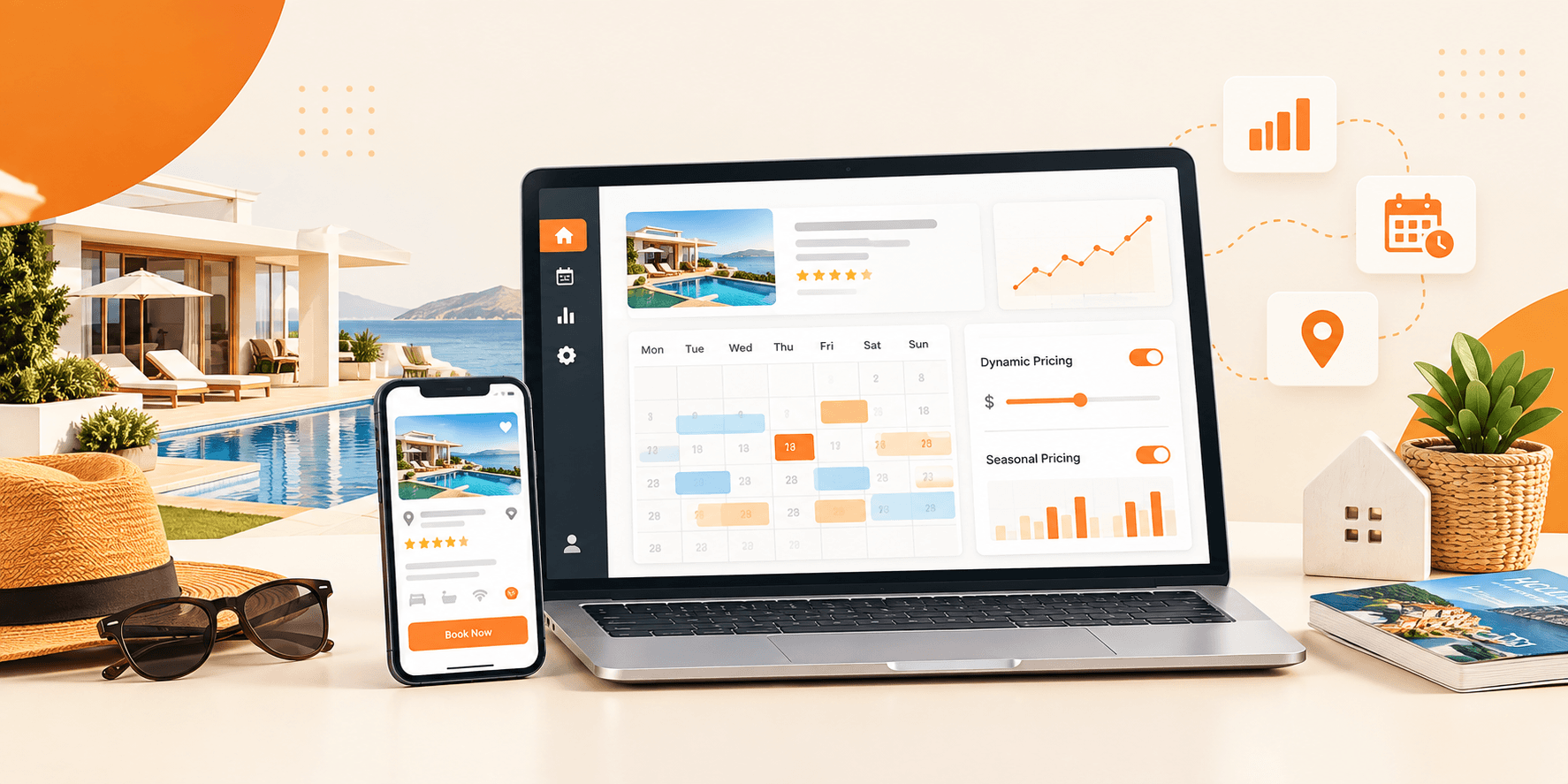
If you’re planning to create a listing website with Brikk, it would probably be for real estate. It could also be a job board or a service directory. You do not need to make certain configurations in code. The plugin provides listing types and fields that you can easily customize right on the dashboard.
Would you like to create a new type of listing, like Workspaces or Tours? You can create a duplicate of an existing one, rename it, and modify custom fields in the simple, intuitive interface.
Need to change the information that appears on the cards or listings detail pages? You can edit these visually with Elementor templates, dragging and dropping fields exactly where you want them.
4. Launch a No-Code Digital Marketplace With Heilz Theme
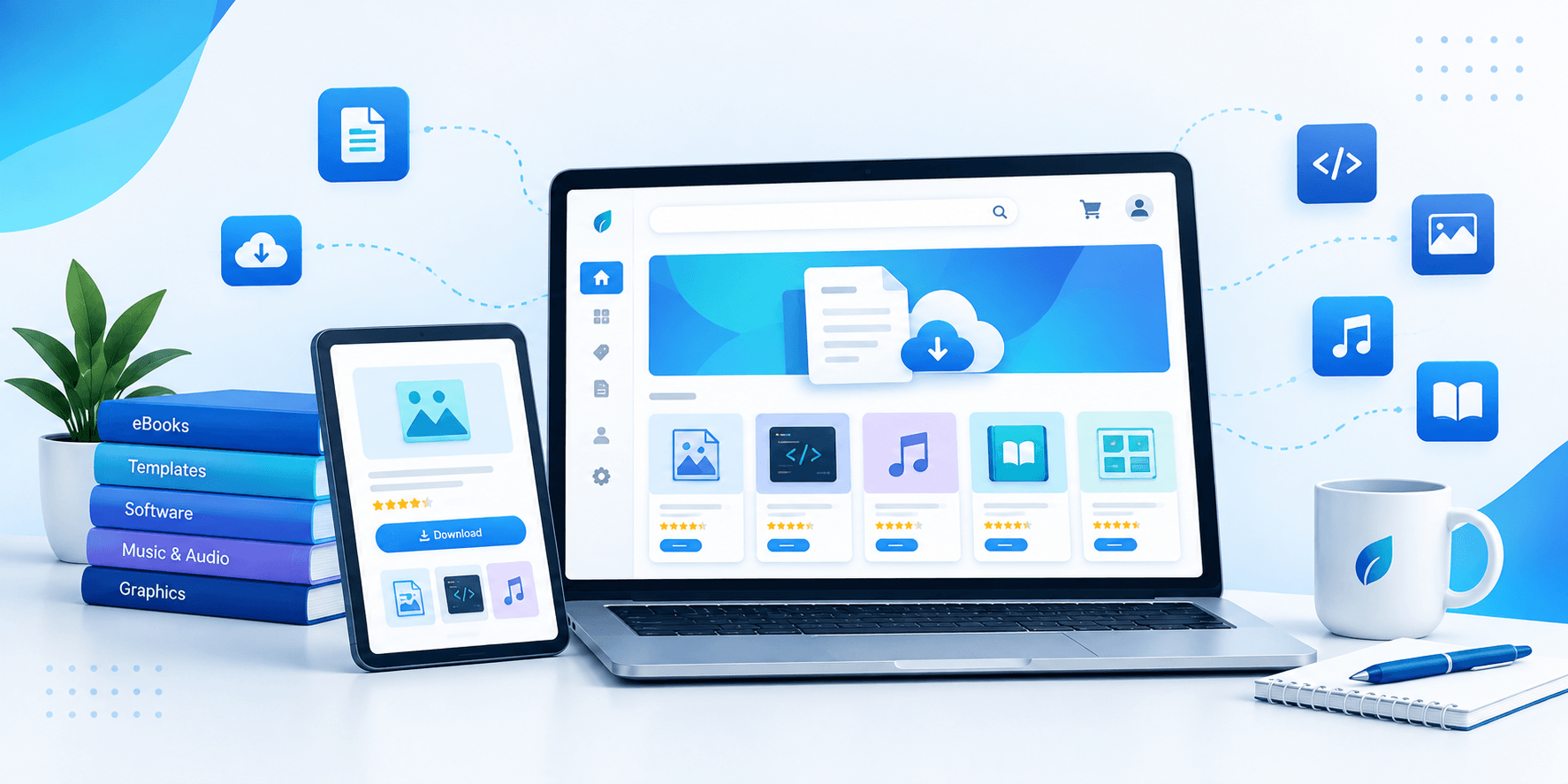
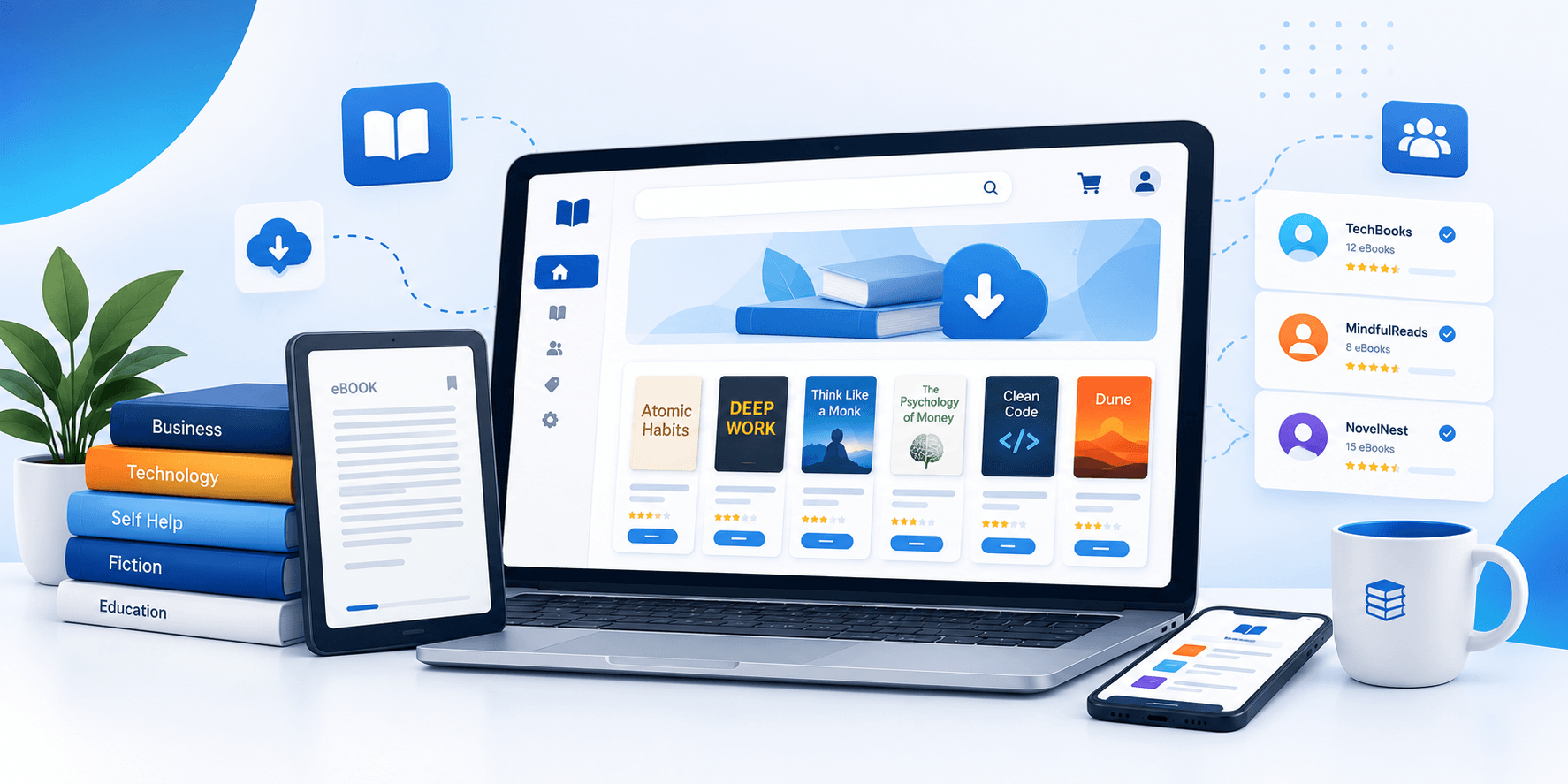
Heilz is optimized for all digital marketplaces. For only $79, it comes seamlessly integrated with WooCommerce. By instantiating this extension, you can start selling immediately.
On a no-code basis, you can
Time needed: 1 hour
On a no-code basis, you can
- Create new varieties of digital products such as stock pictures, plugins, and templates.
- Set pricing, upload files, and manage product pages.
- Customize the product listing page and single product template through Elementor.
- Configure vendor registration and dashboards using intuitive tools.
You can set commissions. You can enable sellers to submit withdrawal requests. You can create a branded experience for each seller. All of this is possible without any technical hassles.
Going Beyond Aesthetics: Functional Customizations
You might think customization merely involves changing the way a site looks; however, with Brikk and Heilz, it’s beyond that. You can customize the functionalities on your site. You can also set which activities users are able to perform. All this is done through graphical settings panels.
Some examples
- Restrict content to logged-in users.
- Setup subscription plans, or pay-per-listing.
- Create frontend submission forms matching your site’s design.
- Add location-based search and filtering-no plugins required.
All done through dashboard toggles, dropdowns, and wizards-no need for a developer.
Tips to Make Your Customization Journey Smoother
Adhere to a theme that is compatible with a visual builder. Brikk and Heilz have been optimized for use with Elementor—do not mix tools that could conflict.
Maintain uniformity in customization. Use Elementor’s Global Styles settings or the Theme Customizer to avoid changing fonts and colors from page to page.
Preview before publishing. With Elementor, you can check how your site looks on mobile and tablet before making any changes live.
Back up before major edits. Although this doesn’t really touch code, always back up your site before any significant layout changes or template imports.
Make use of theme documentation. Utillz has loads of great documentation and support for both Brikk and Heilz—make use of it!
Final Thoughts: You’re in Control Now
It’s awesome for everyone to know how to customize your WordPress theme without coding. Themes like Brikk and Heilz from Utillz let you do this easily. They eliminate the need for a developer every time there’s a change. Everything about the look, feel, layout, and functionality of your site is under your control. Intuitive tools are available for the likes of you.
Whether you are launching a niche directory or a digital marketplace, you have what it takes. With Brikk and Heilz available at just $79 get started today on something beautiful, strong, and uniquely yours.
No code. No compromises. Purely results.
Frequently Asked Questions (FAQs)
A customizable WordPress theme is better modified by non-coders through a visual page builder like Elementor, coupled with a flexible theme supporting no-code design, such as Brikk or Heilz. These allow the user to change layouts, colors, fonts, or content via drag-and-drop interfaces, with not a single line of code.
Yes, one of the othermost beginner friendly tools used to customize the WordPress themes are Elementor. It has a visual interface that permits users to design pages exactly as they want without technical knowledge. Both Brikk and Heilz are fully compatible with Elementor, thus being great starting points.
Engagingly, WordPress includes a built-in Customizer that allows for the selection of global styles such as typography, colors, and spacing. Likewise, themes such as Brikk and Heilz offer additional control panels that enhance customization capabilities, so you don’t have to touch a single line of code.
For minor alterations, not many extra plugins are needed. Most customizations can be handled by Elementor. However, depending on your objectives (e.g., forms, SEO tools, or booking), you may want to install a few trusted plugins. Brikk and Heilz already provide many essential features within.
If you customize your theme properly, this should never be an issue. Child themes and Elementor provide an answer to this problem by keeping all customizations. Brikk and Heilz are engineered with best practices in mind, which means your edits will stay intact regardless of updates.
Both Brikk and Heilz are premium WordPress themes priced at $79. This one-time payment gives you access to all features, demo content, and ongoing support.